Zipic Blog
Tips, tutorials, and insights on image compression for Mac
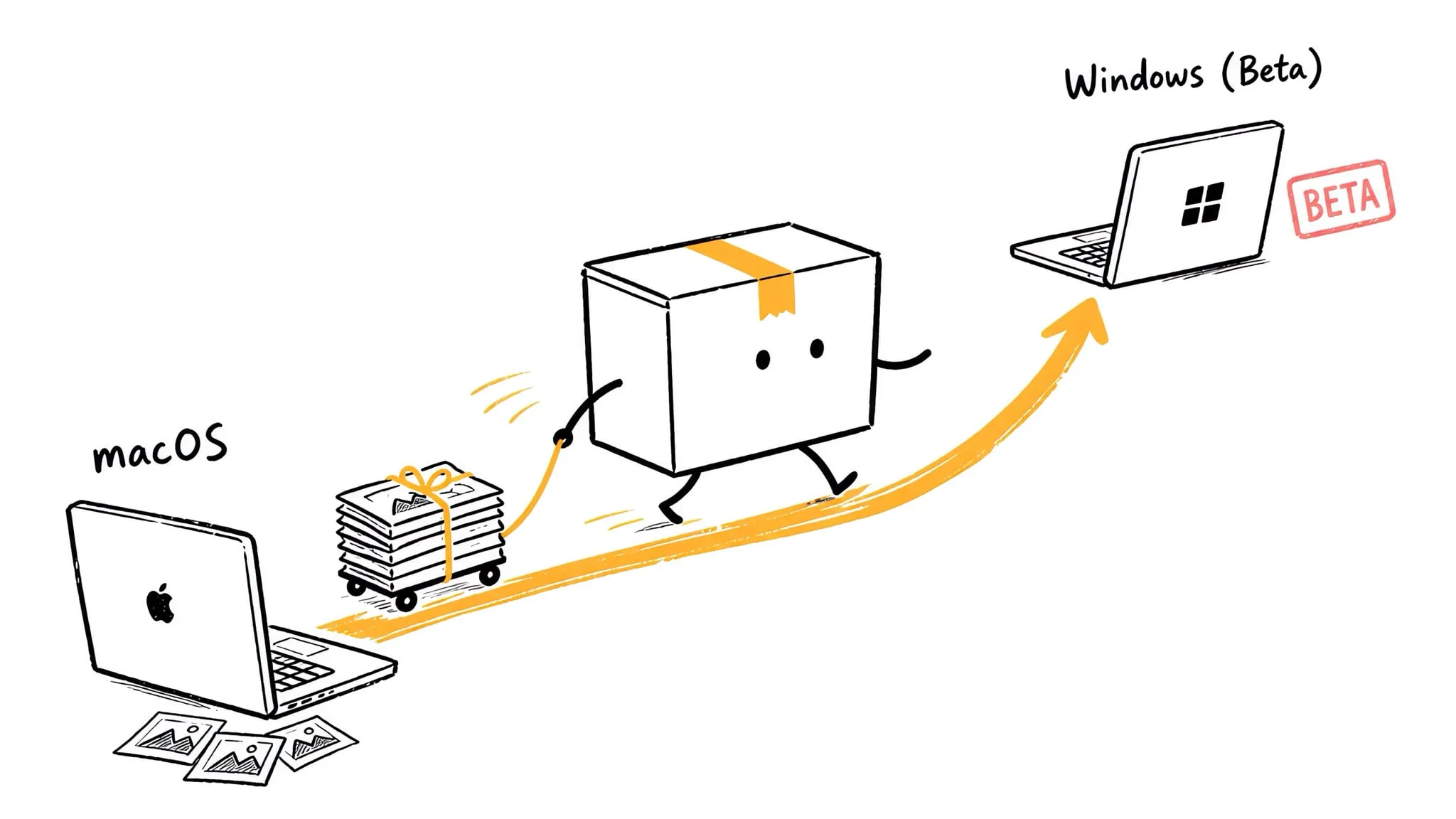
Zipic for Windows — Native Image Compression in Public Beta
Zipic comes to Windows: public beta on the Microsoft Store, Windows 10+, every existing macOS feature on board, and one license that activates both platforms.
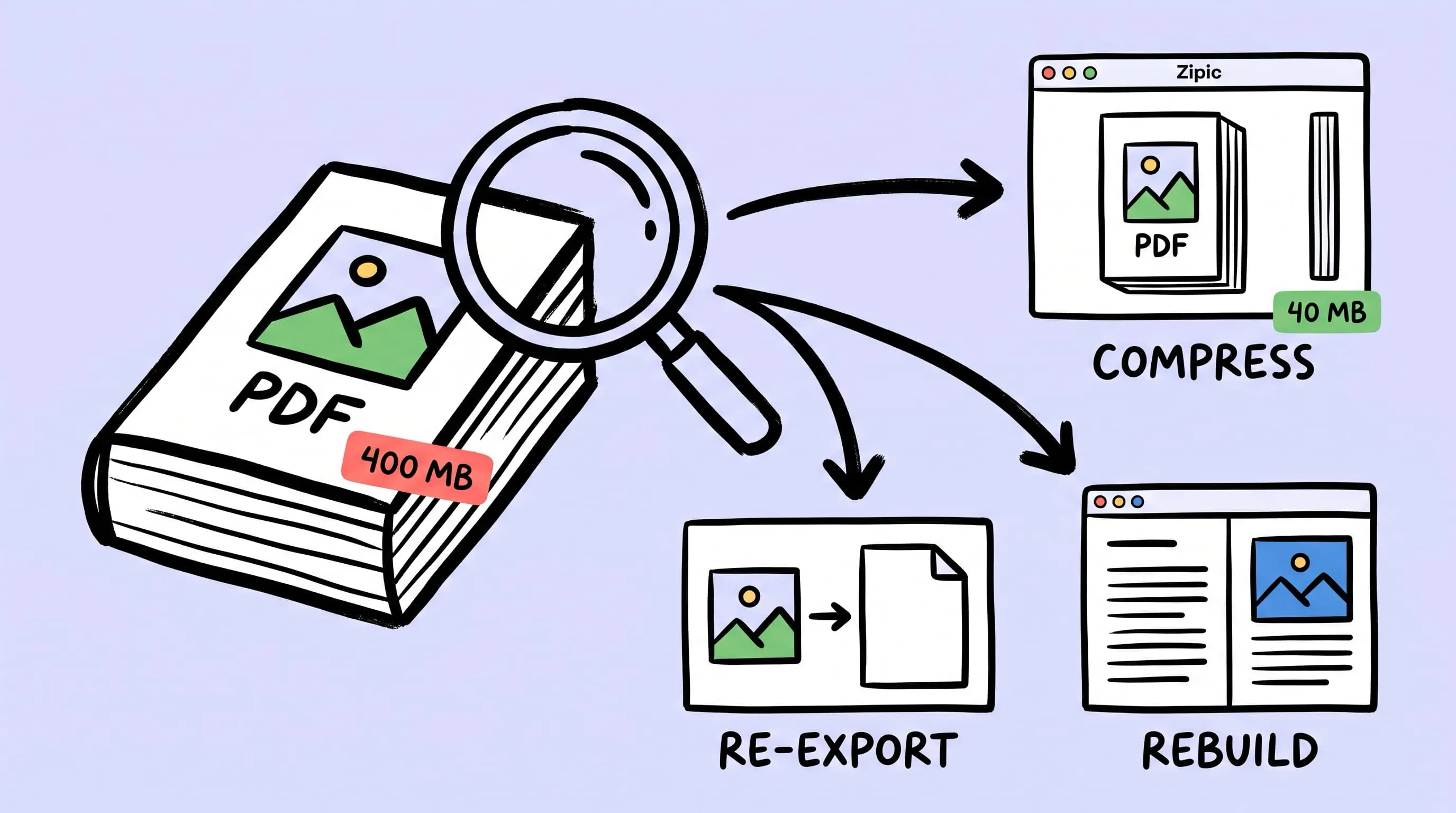
Compress a PDF Without Losing Quality: Diagnose It First
Learn how to compress a PDF without losing quality by diagnosing oversized images, export settings, and layout problems before choosing a compression level.
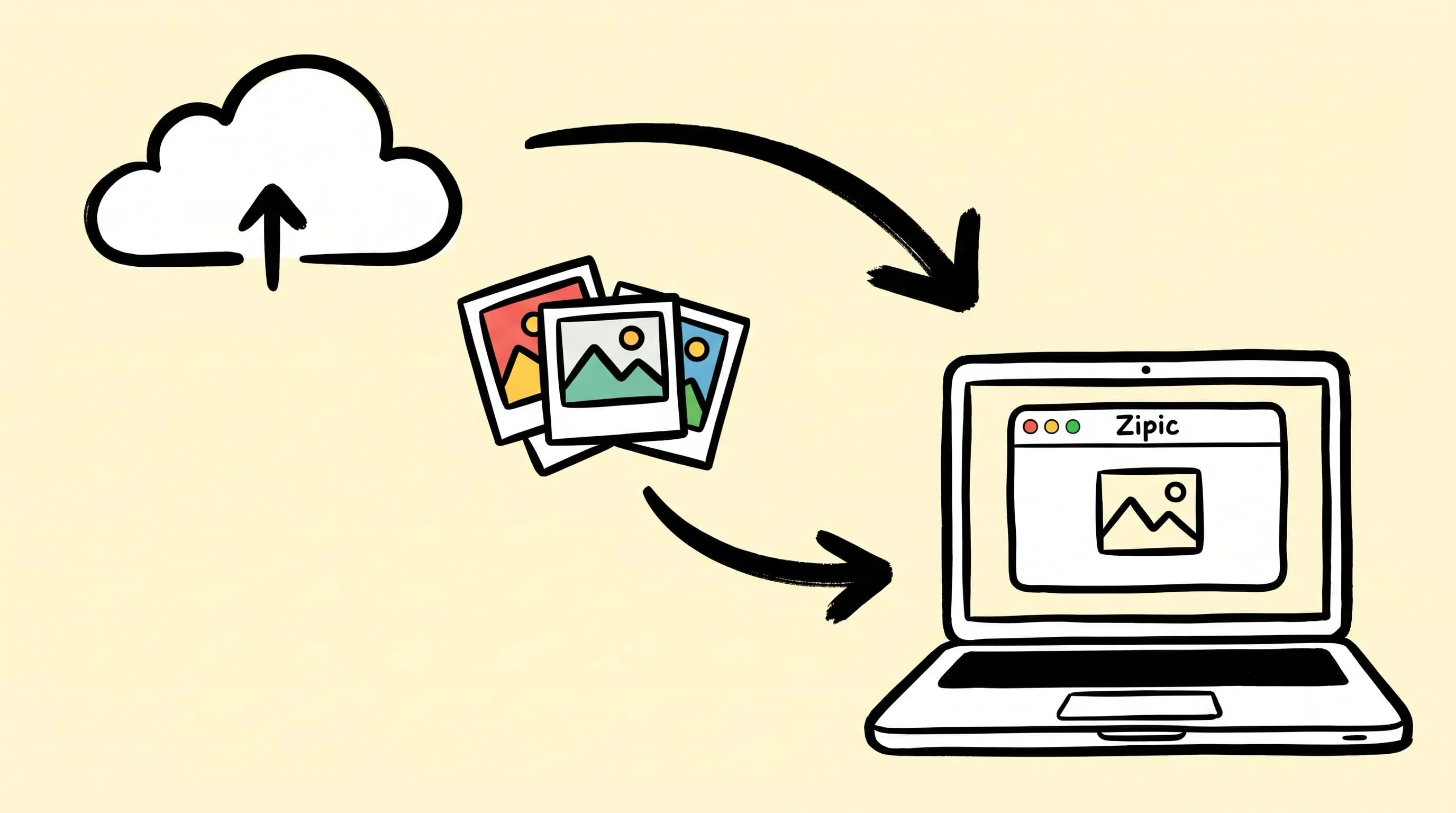
Best TinyPNG Alternatives for Mac in 2026 (Desktop Apps)
Hit TinyPNG's 20-image limit or don't want to upload client files? Five desktop TinyPNG alternatives for Mac that compress locally — compared with prices.
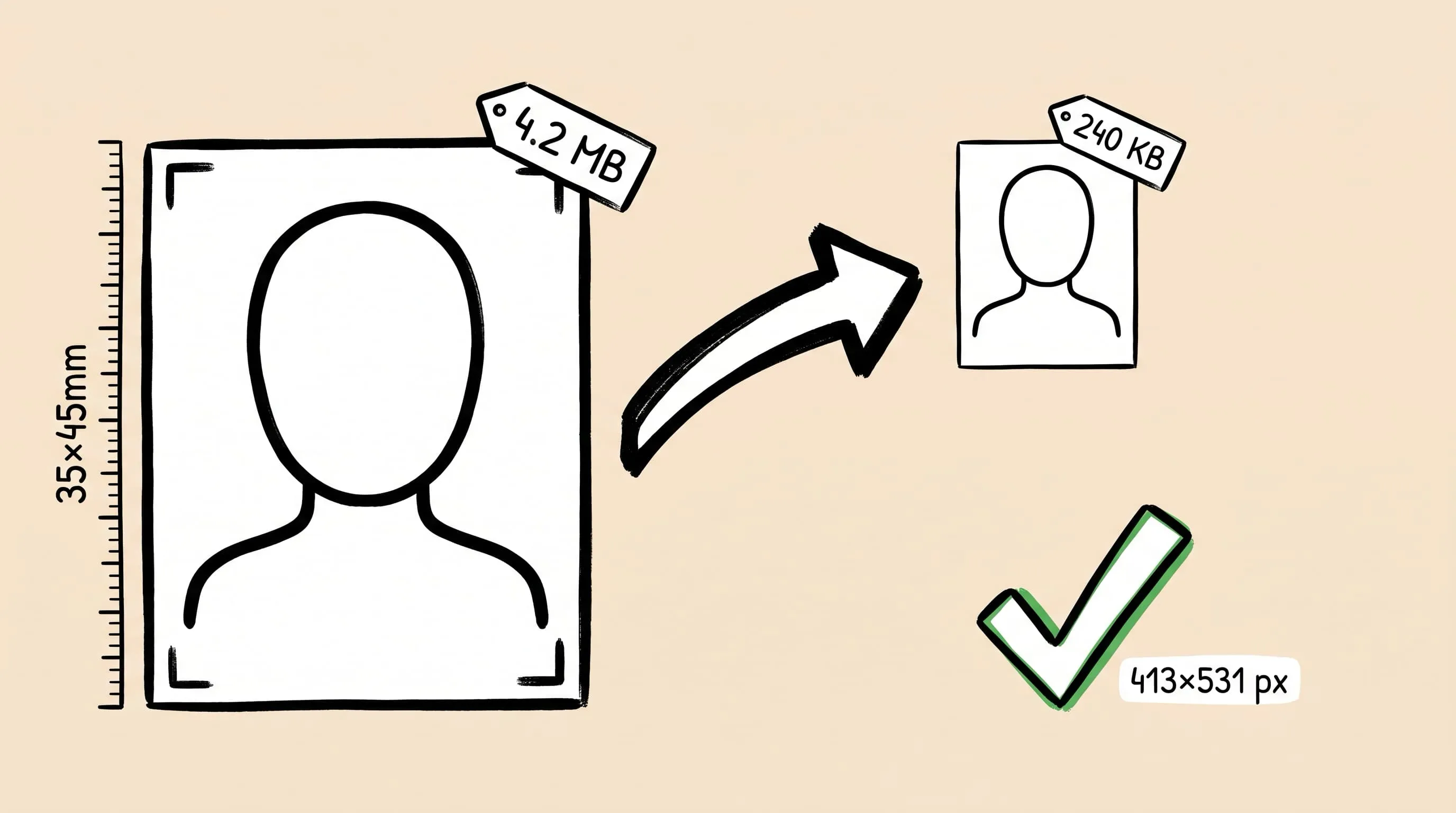
Compress Passport & ID Photos to Exact Size Requirements
Need to compress a passport photo to 240KB or an ID photo to 20KB? Here is how to resize and compress ID photos to exact pixel and file-size limits on a Mac.
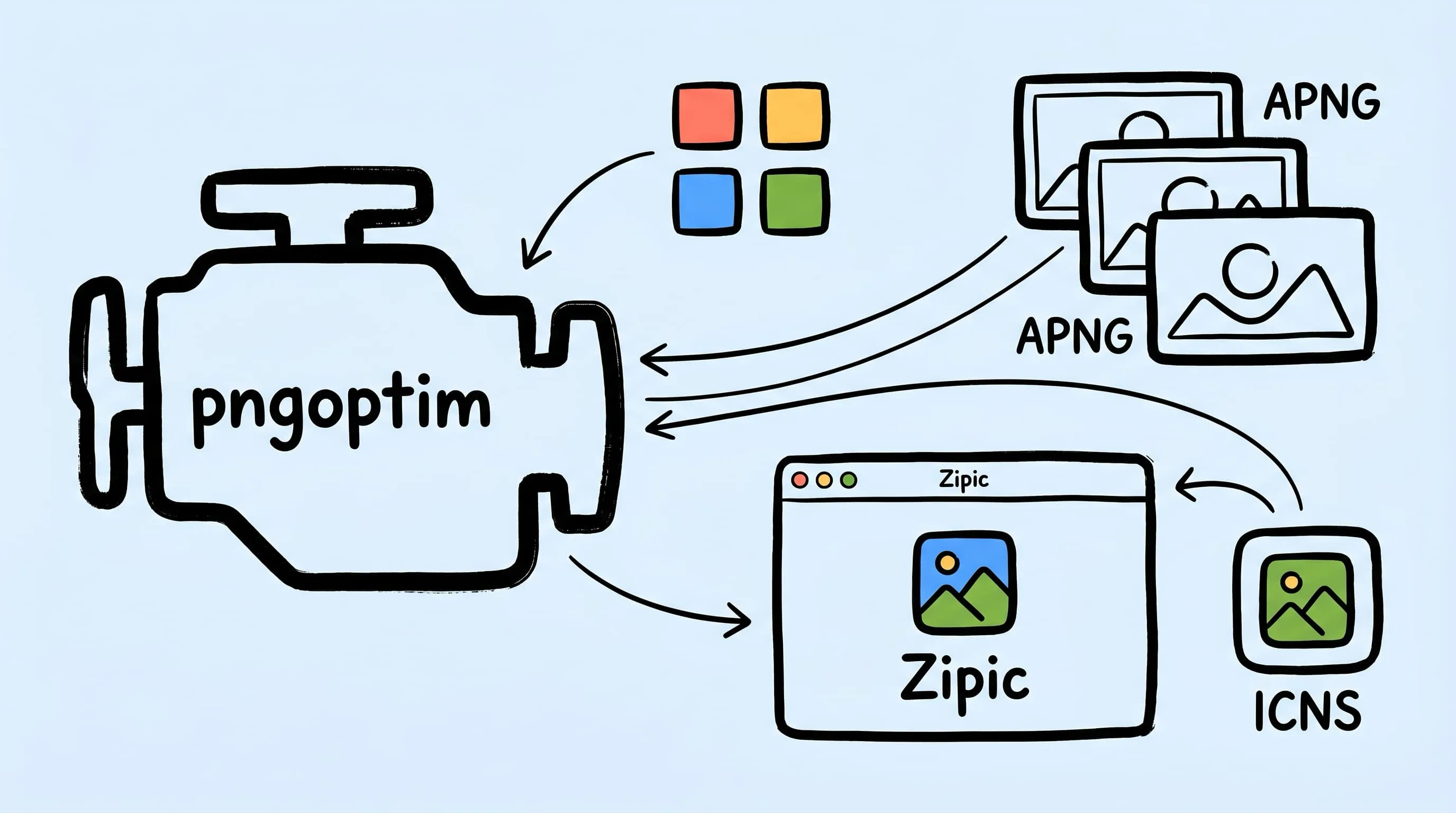
pngoptim Deep Dive: Zipic's PNG Compression Engine for Mac
See how Zipic uses pngoptim for Mac PNG compression: stable presets, APNG handling, ICNS workflow, and predictable batch results for teams.
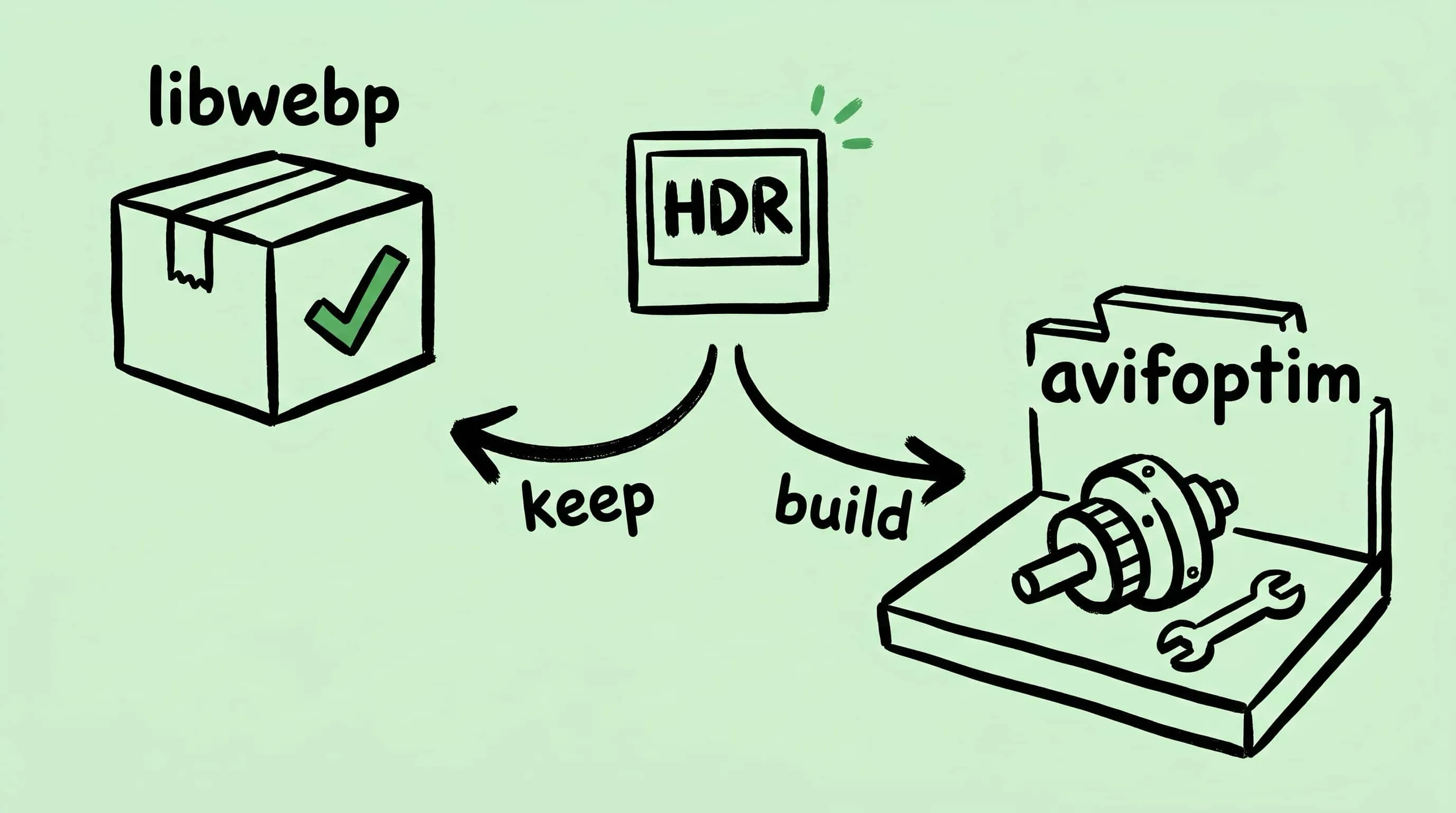
Why Zipic Kept libwebp for WebP but Built Its Own AVIF Encoder
Zipic keeps Google's libwebp for WebP but built avifoptim after libavif failed to preserve iPhone HDR photos. The engineering trade-off explained.
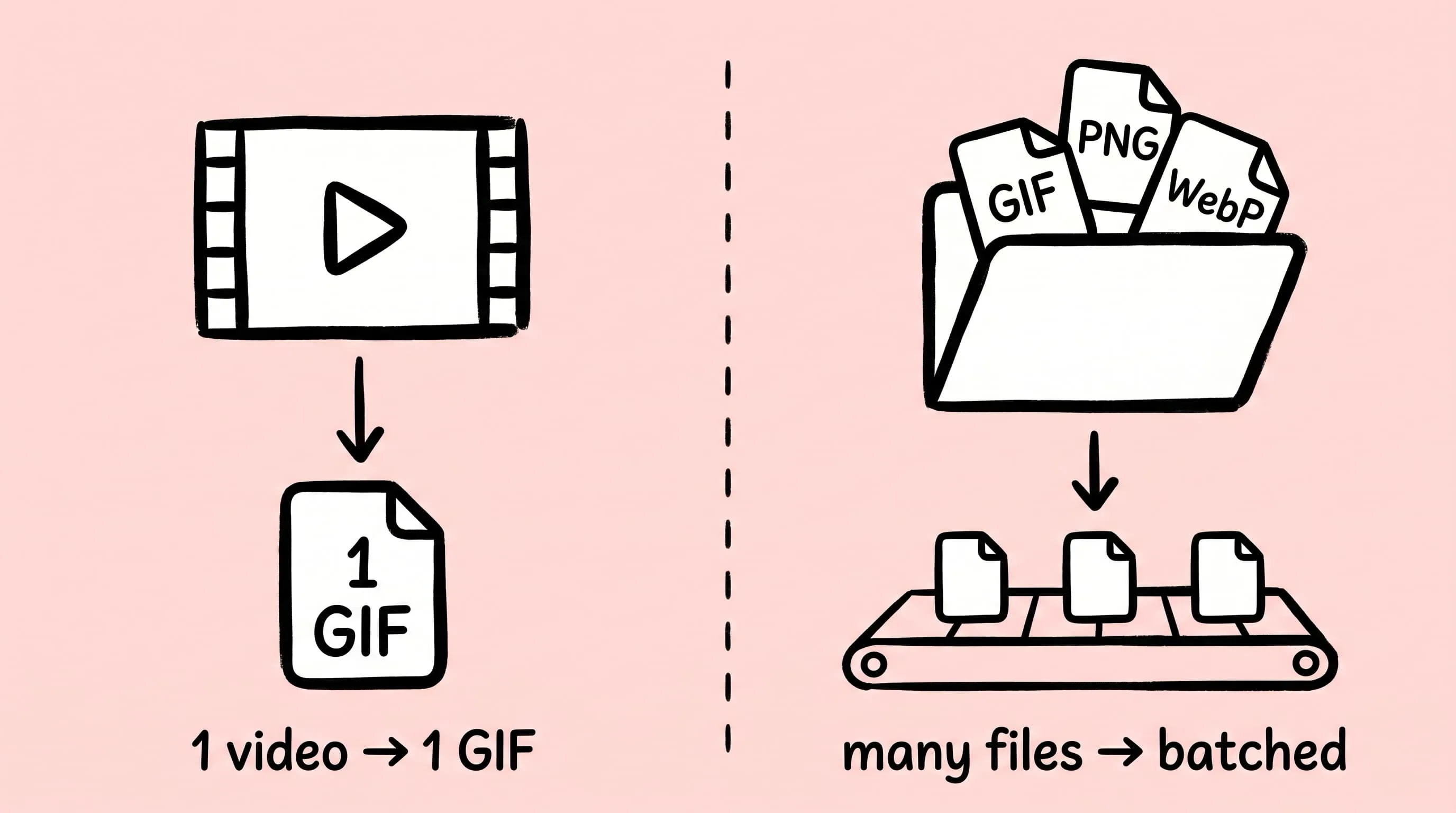
Best gifski Alternative on Mac: When One Video at a Time Isn't Enough
gifski is a great video-to-GIF encoder, but it cannot batch, monitor folders, or compress existing GIFs. Here is the Mac gifski alternative for those jobs.
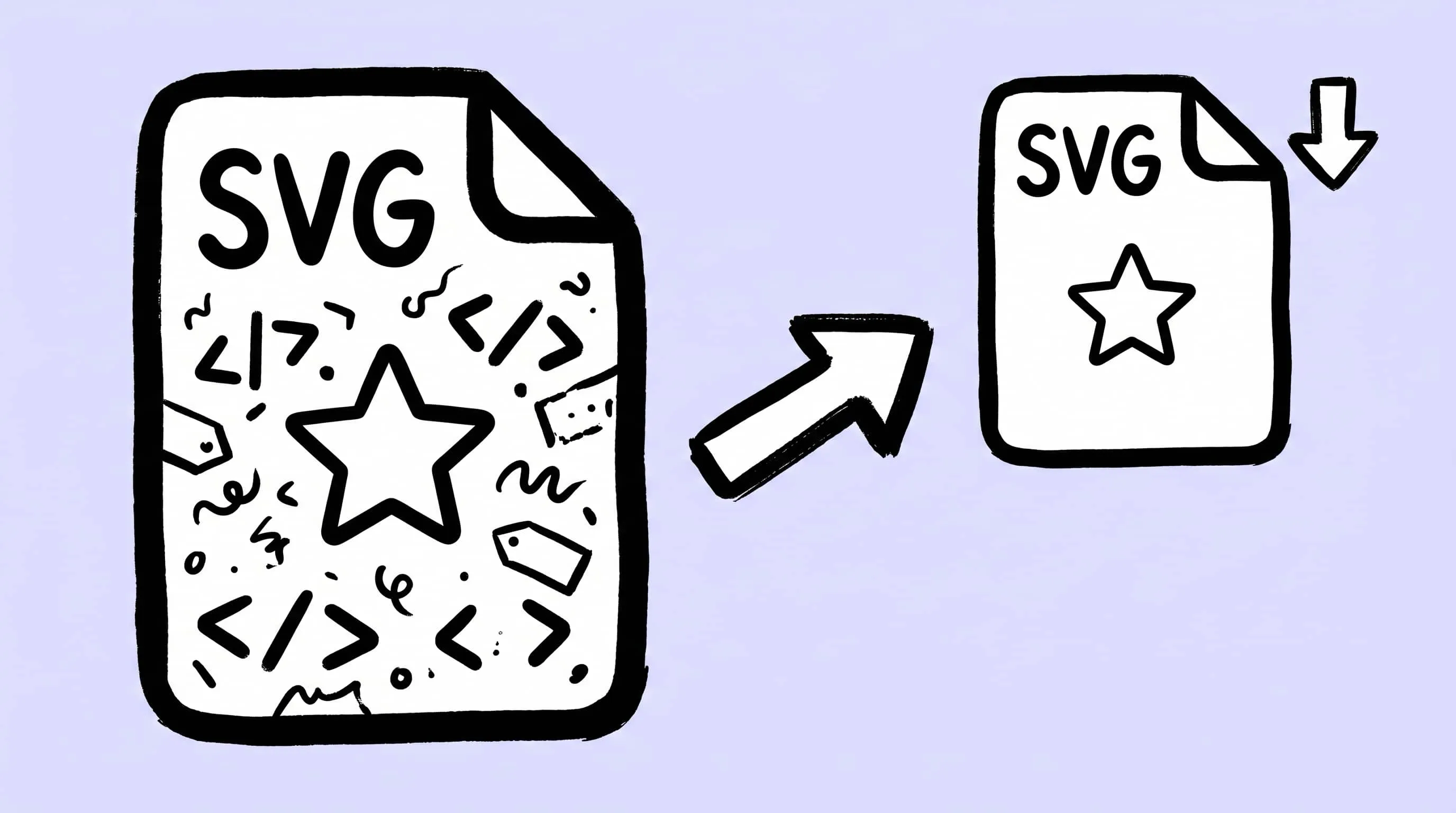
How to Compress and Optimize SVG Files on Mac with Zipic
Need an SVG optimizer on Mac? Compress and optimize SVG files with Zipic — strip editor bloat, pick from six quality steps (Q1–Q6), and batch entire icon sets.
Zipic Updates 2026: The Year of Self-Built Compression Engines
Zipic updates 2026, version by version: how five in-house compression engines — zipic-jpeg, pngoptim, SVGift, pdfoptim, gifoptim — replaced outside tools this year.
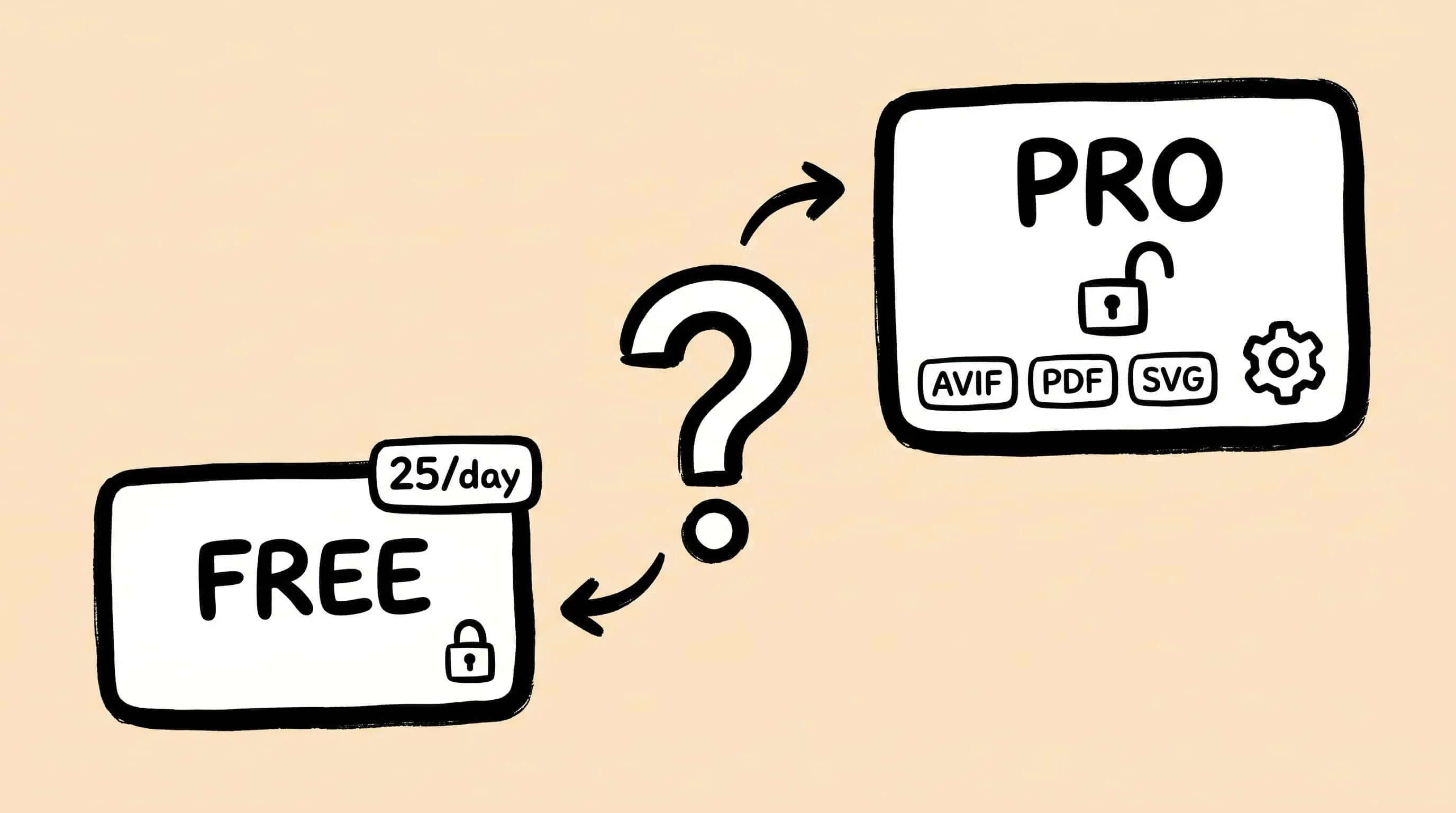
Zipic Free vs Pro: Which Version Do You Actually Need?
Zipic Free vs Pro compared: daily limits, advanced formats, automation, presets, and pricing. See which features the free tier covers and when Pro is worth it.
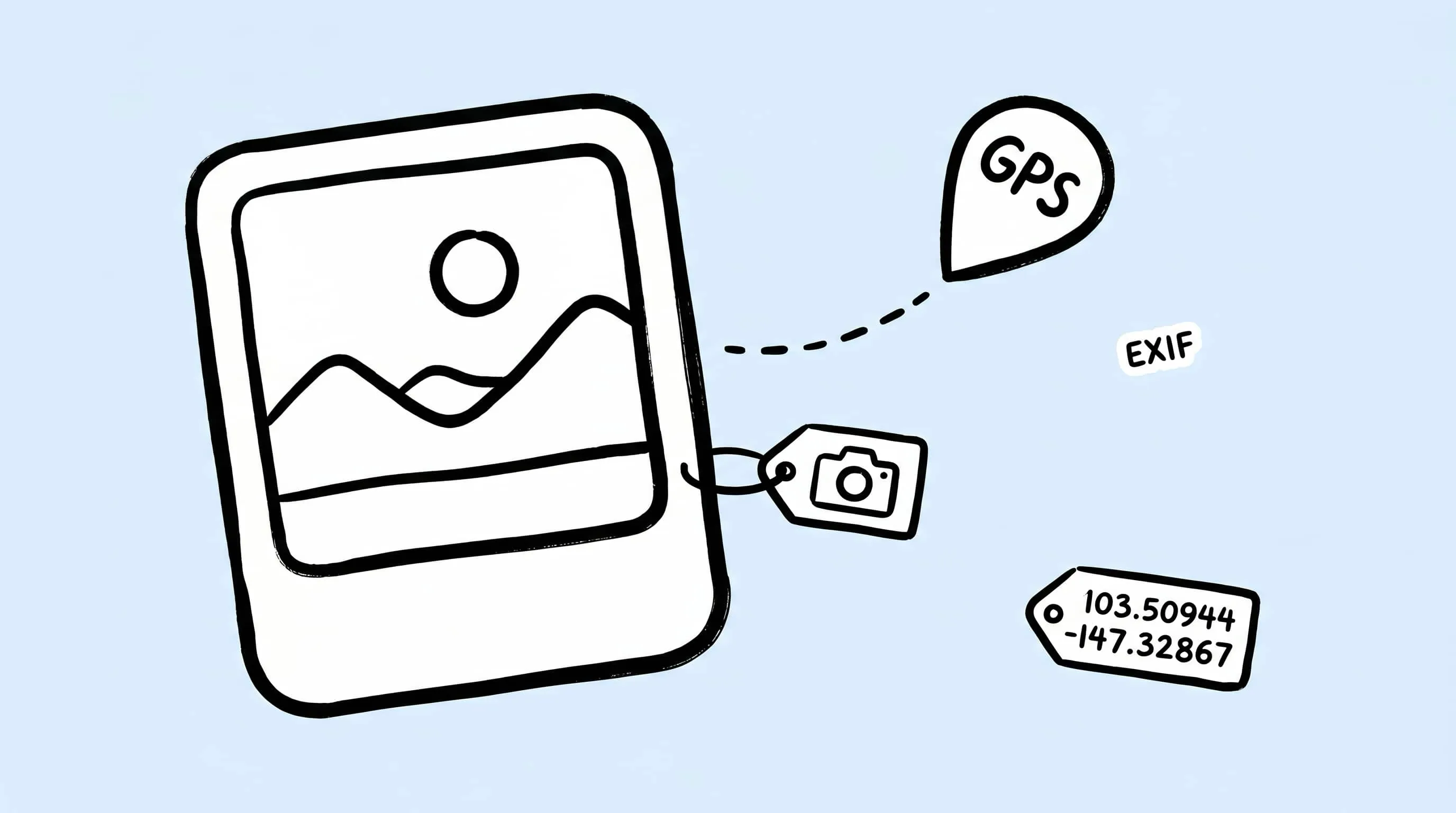
Batch Remove EXIF on Mac: Strip Metadata Before Publishing
Photos carry more than pixels — GPS coordinates, camera and lens data, capture time. Here is how to batch remove EXIF on Mac and publish only clean copies.
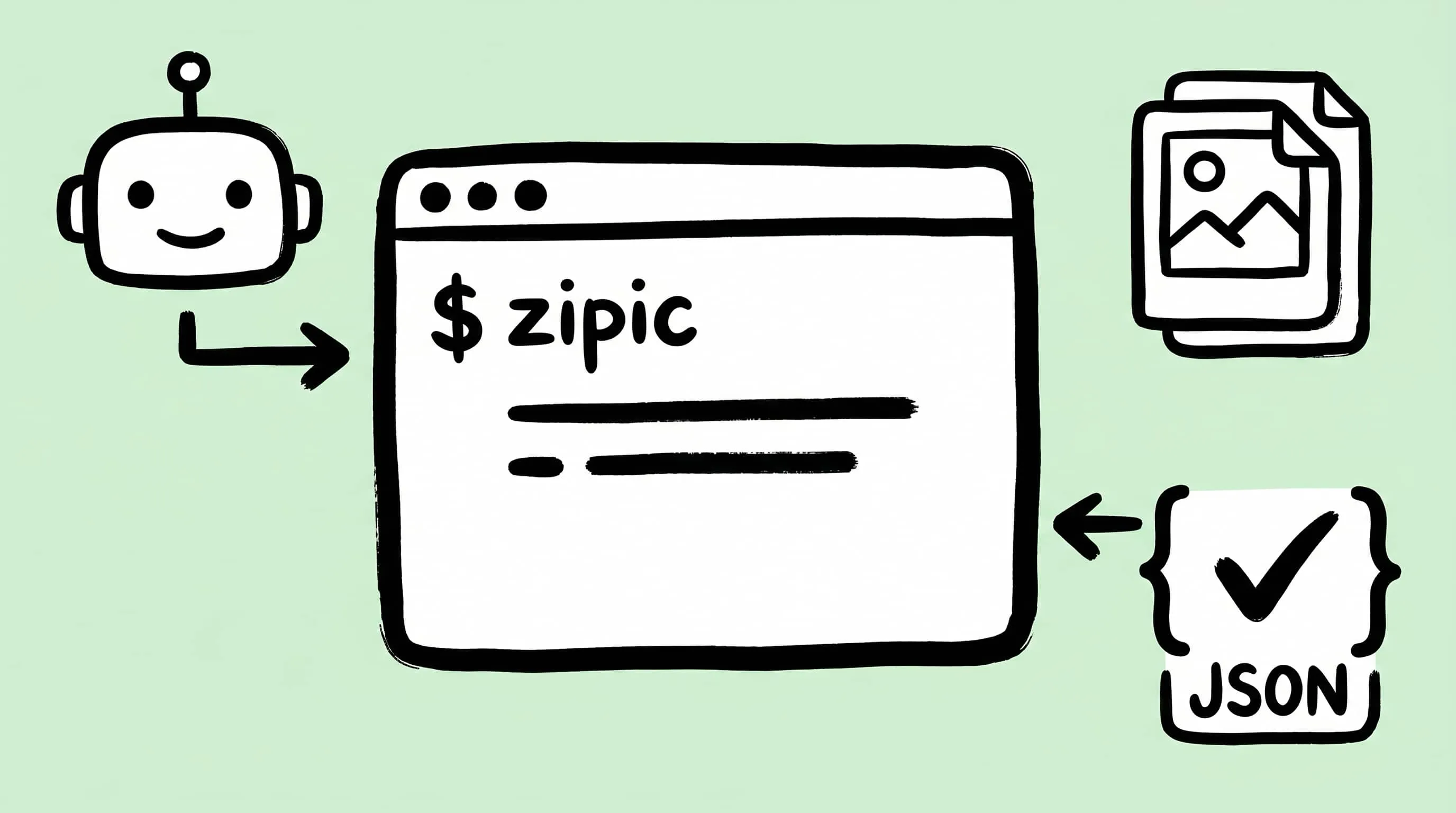
Image Compression CLI on Mac: Zipic for AI Agents and Scripts
Use Zipic's image compression CLI on Mac with --json, dry runs, exit codes, and presets so AI agents and scripts can compress locally.
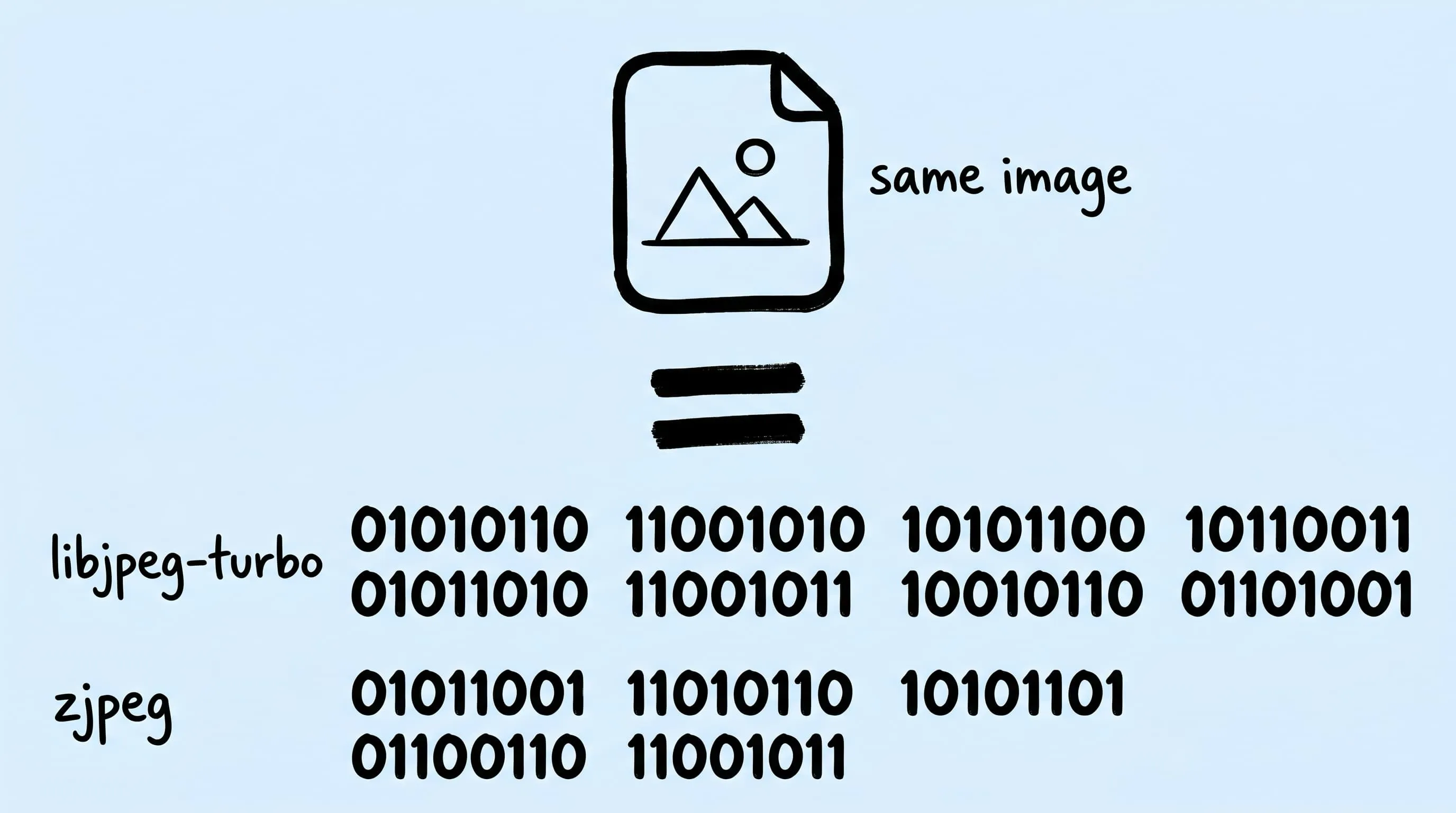
Progressive JPEG vs Baseline: Why Some Tools Make Smaller Files
Same photo, same quality, two tools — JPEG files 30 % apart. The encoder is why. Zipic's custom JPEG build gives you the smaller one, no settings to tweak.
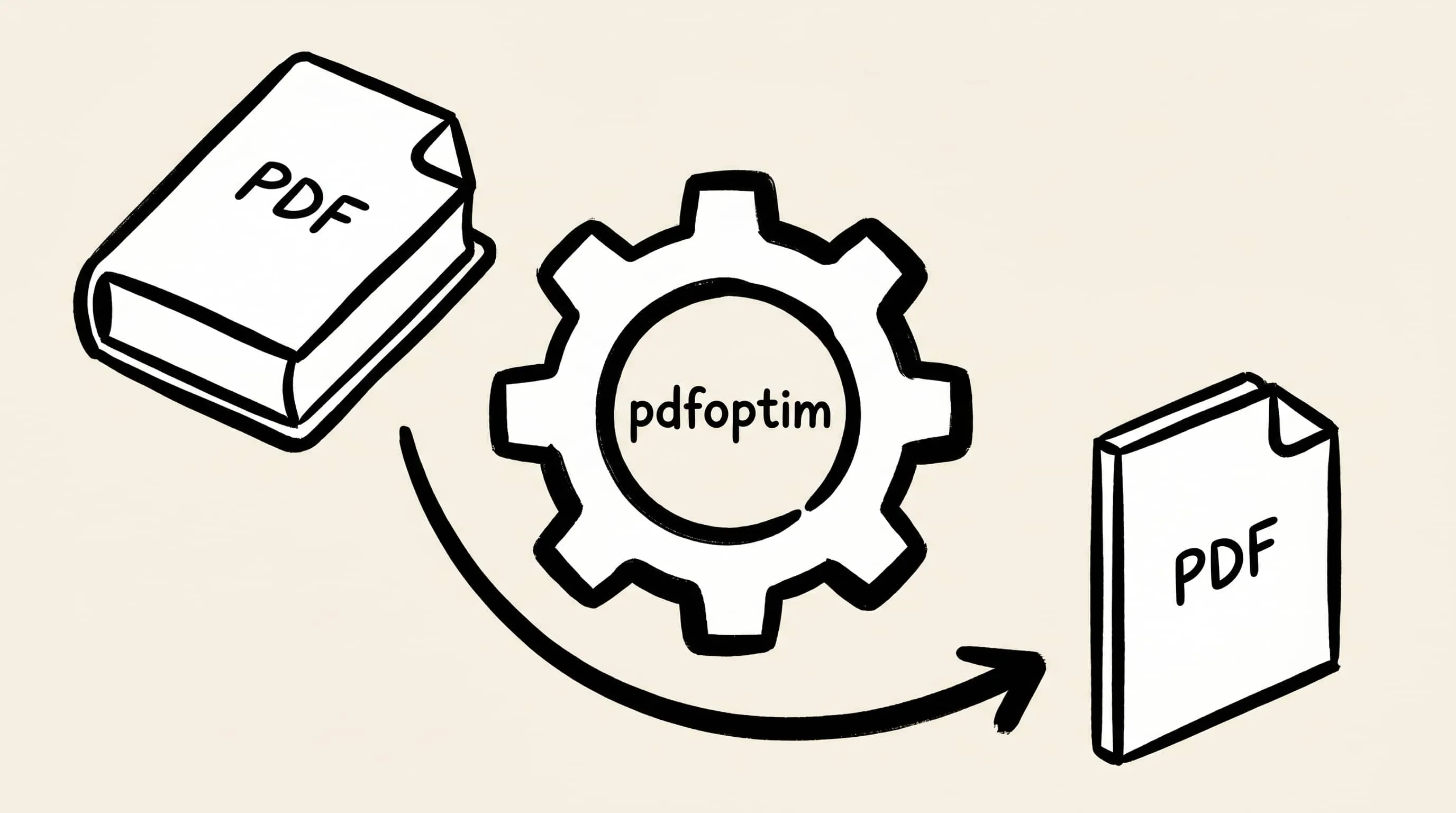
Batch Compress PDF on Mac with pdfoptim Rust Engine
Batch compress PDF on Mac without uploading to Adobe. Inside Zipic's in-house pdfoptim Rust engine and how it compares to Ghostscript on real samples.
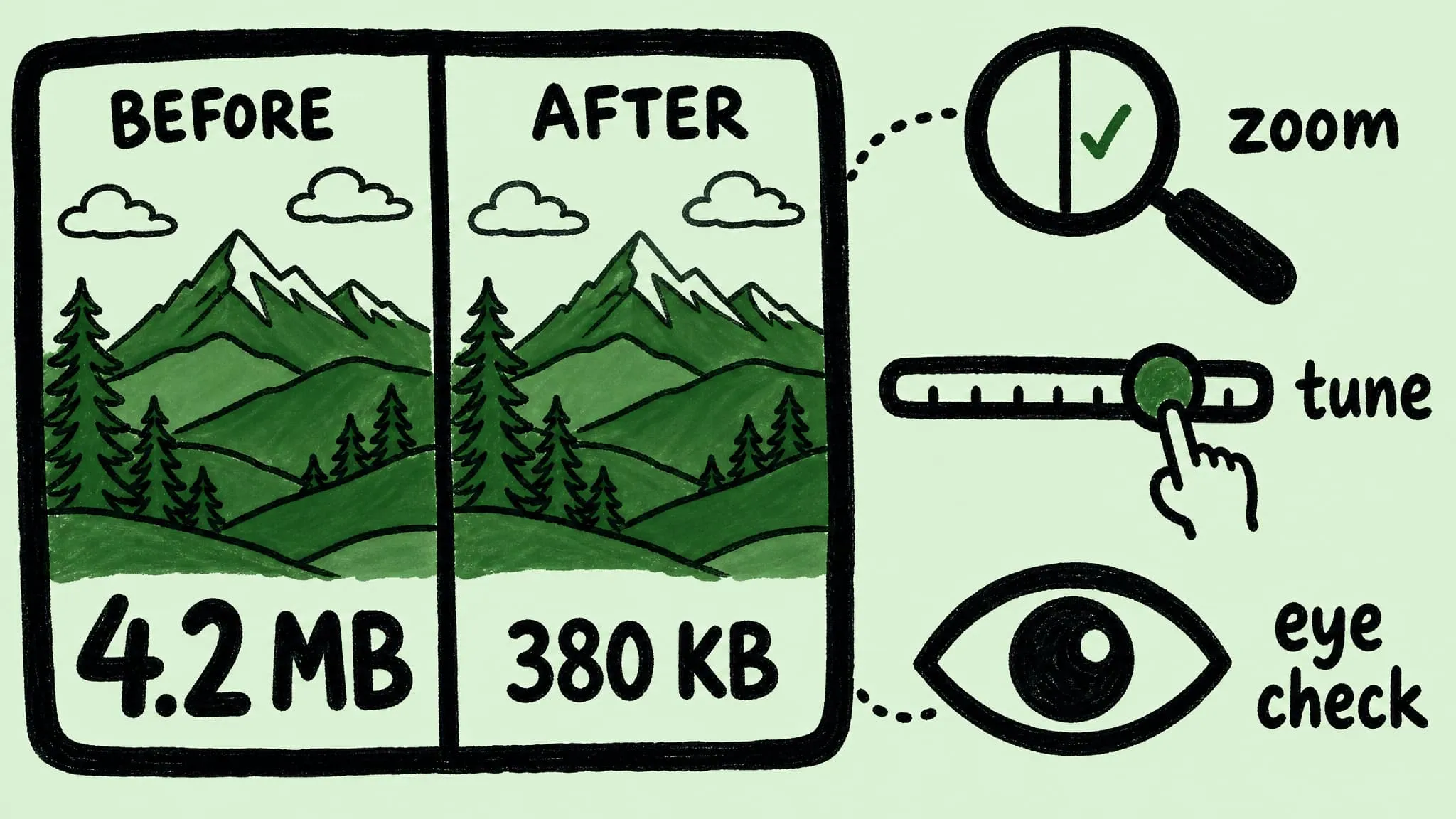
Image Compression Before & After on Mac: Visualize and Tune
Preview before-and-after image compression on Mac, spot over-compression by eye, and tune Zipic's strength slider so quality and file size both land right.
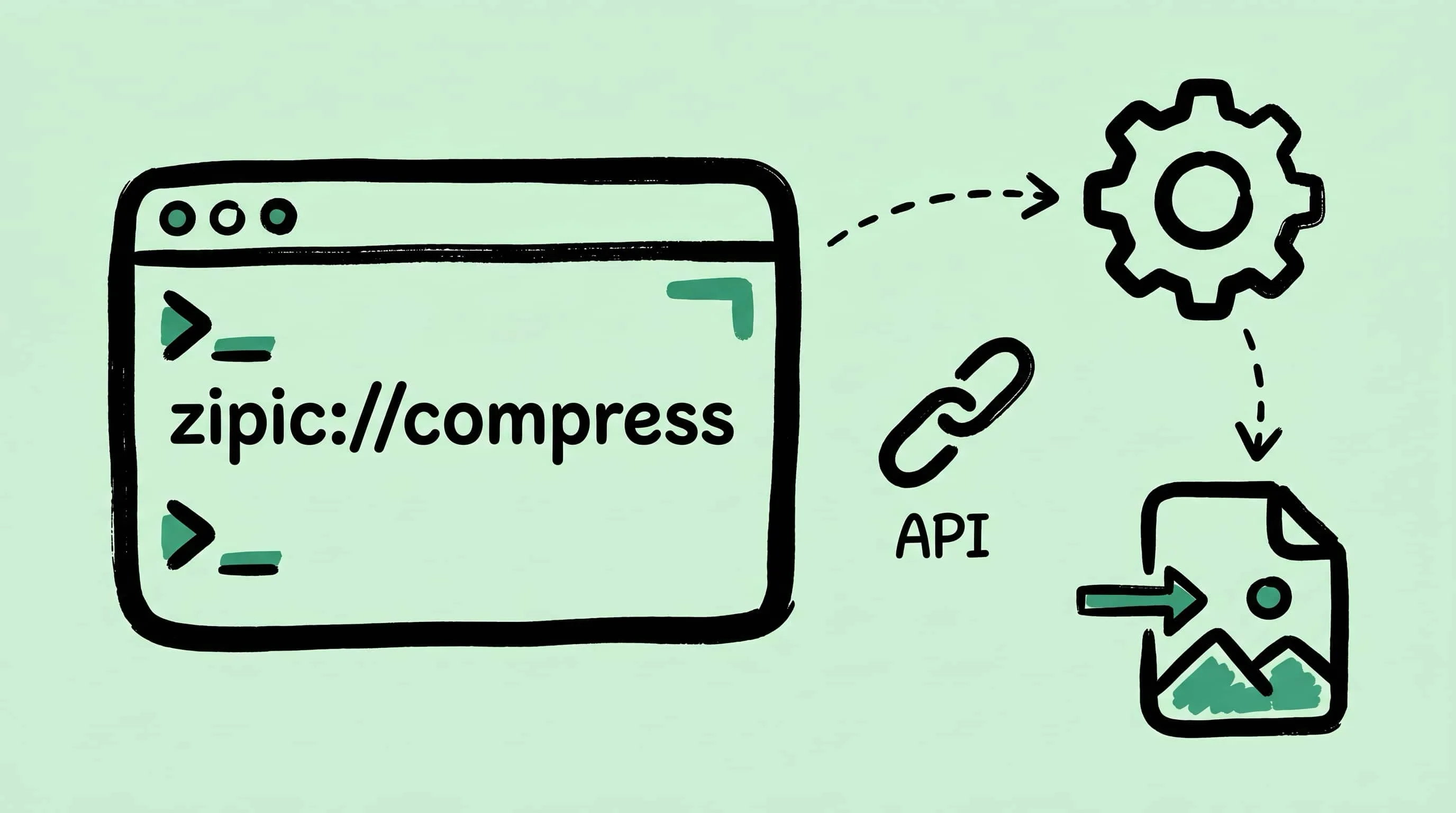
Zipic URL Scheme Guide: Integrate Compression into Any Workflow
Complete reference for Zipic's URL Scheme — parameters, multi-language code examples, and automation recipes to build an image compression API on Mac.
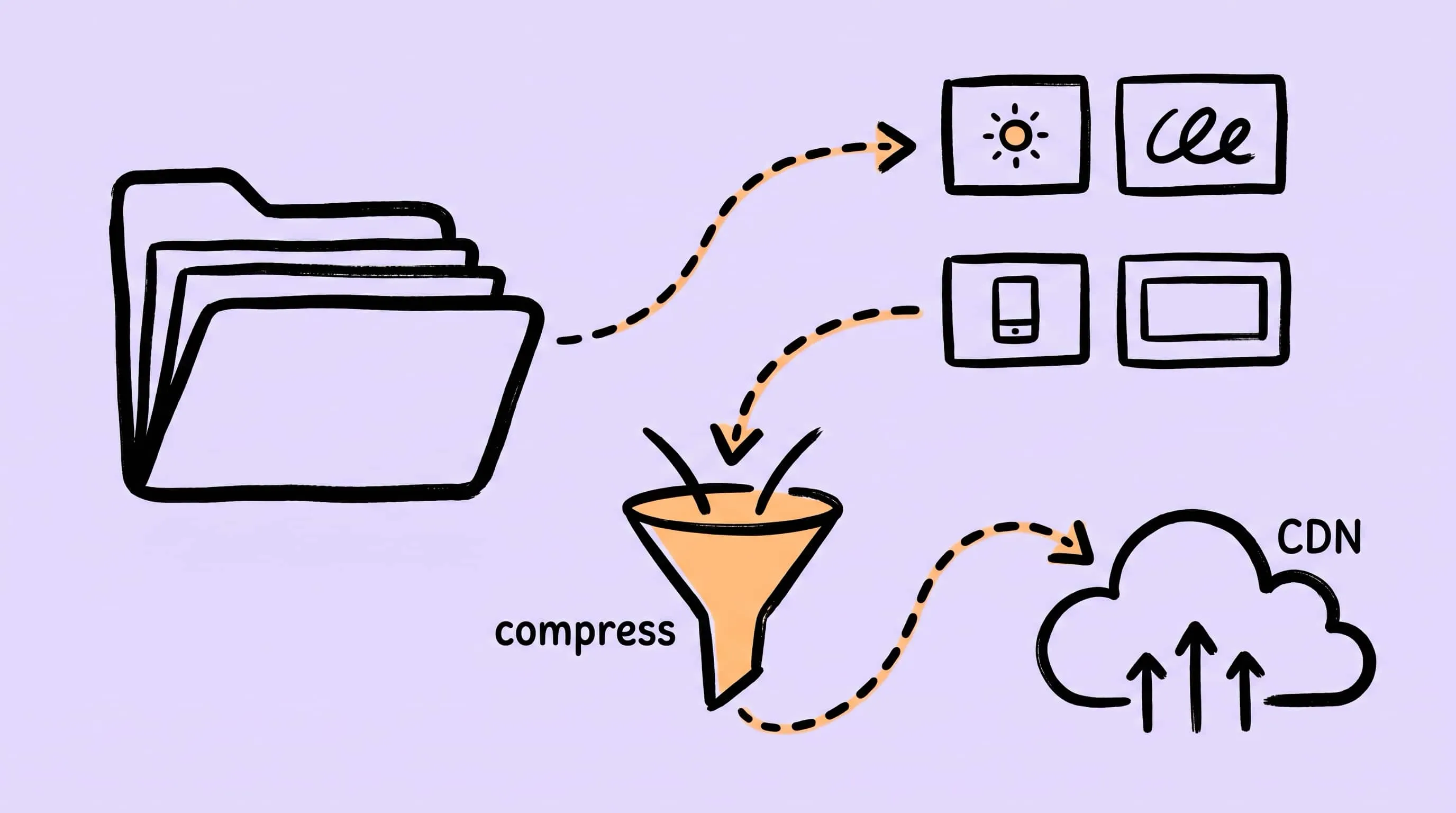
Image Compression Workflow for Design Teams: Figma/Sketch to CDN
Compress design system assets from Figma or Sketch to CDN with per-tier Zipic presets, folder monitoring, and a naming convention engineering can ship.
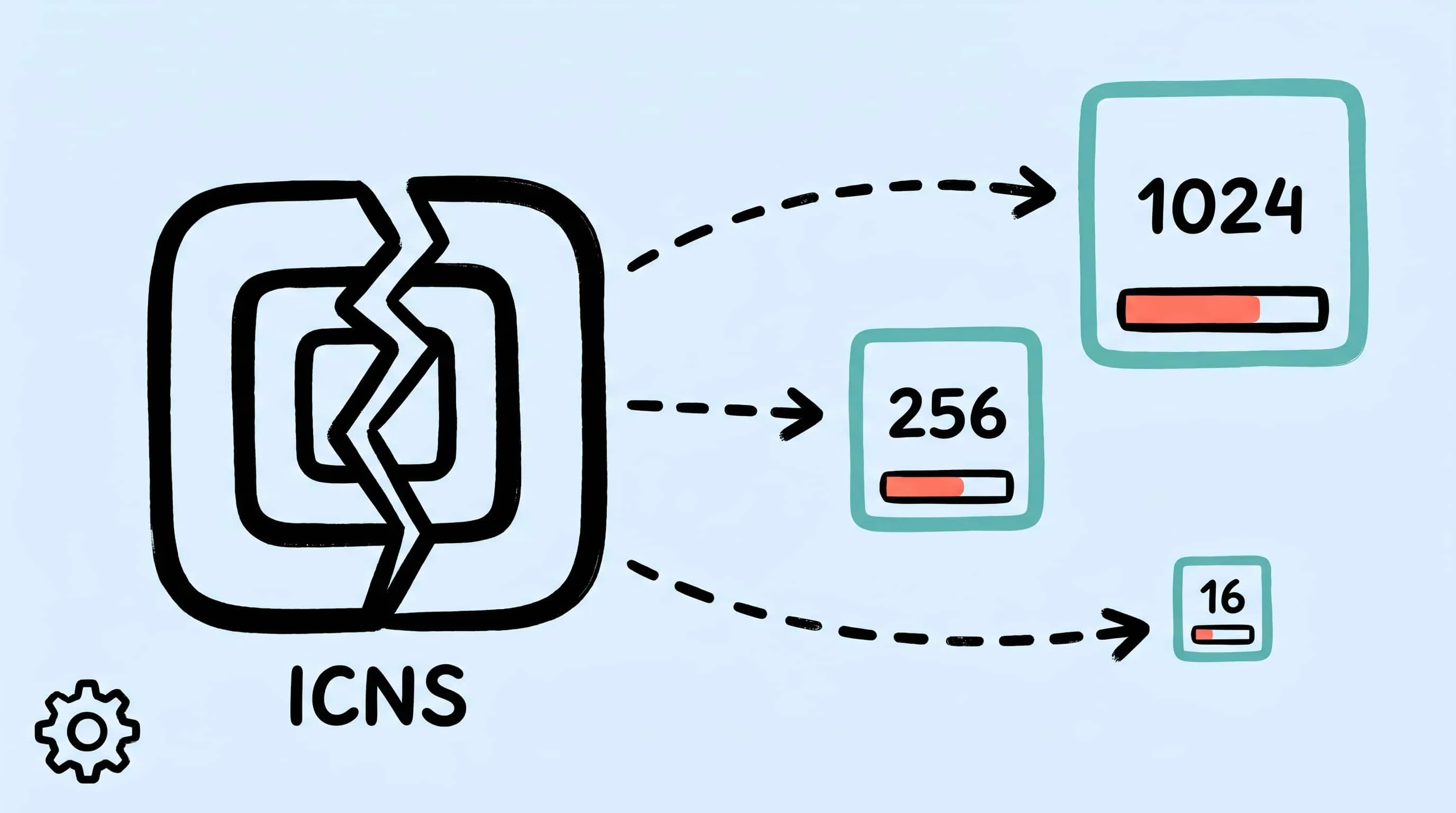
ICNS File Compression on Mac: Inside the Format and How to Optimize It
Compress ICNS files on Mac by optimizing each internal PNG slice. Learn the ICNS container format, why iconutil alone isn't enough, and how Zipic shrinks app icons.
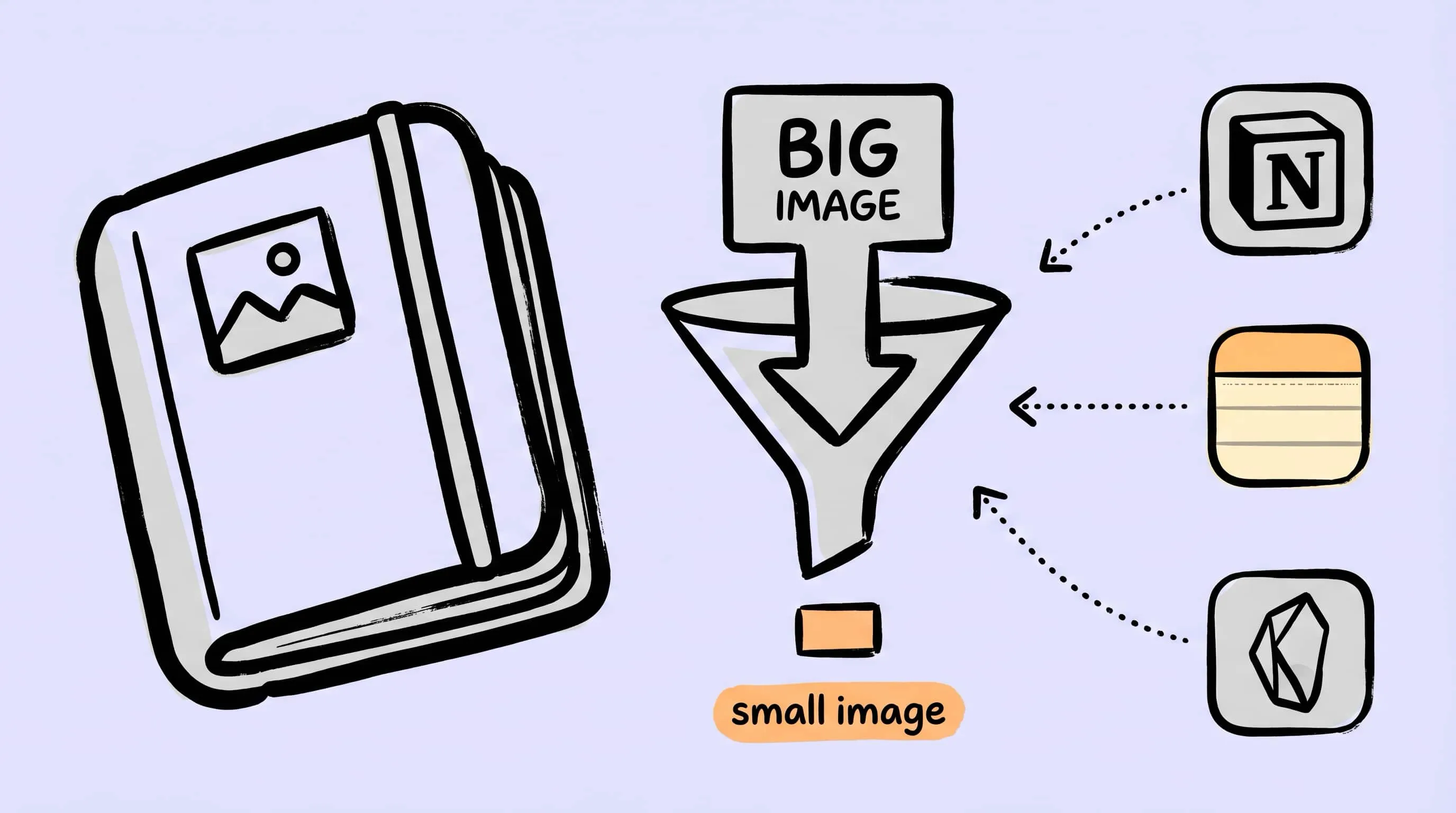
Compress Images for Notion, Obsidian, and Apple Notes on Mac
Notion's free plan caps single uploads at 5 MB, Apple Notes chokes around 75 attachments per note, and an Obsidian vault on iCloud bloats fast. Here's how to compress note images on macOS so syncing, sharing, and searching stay smooth.
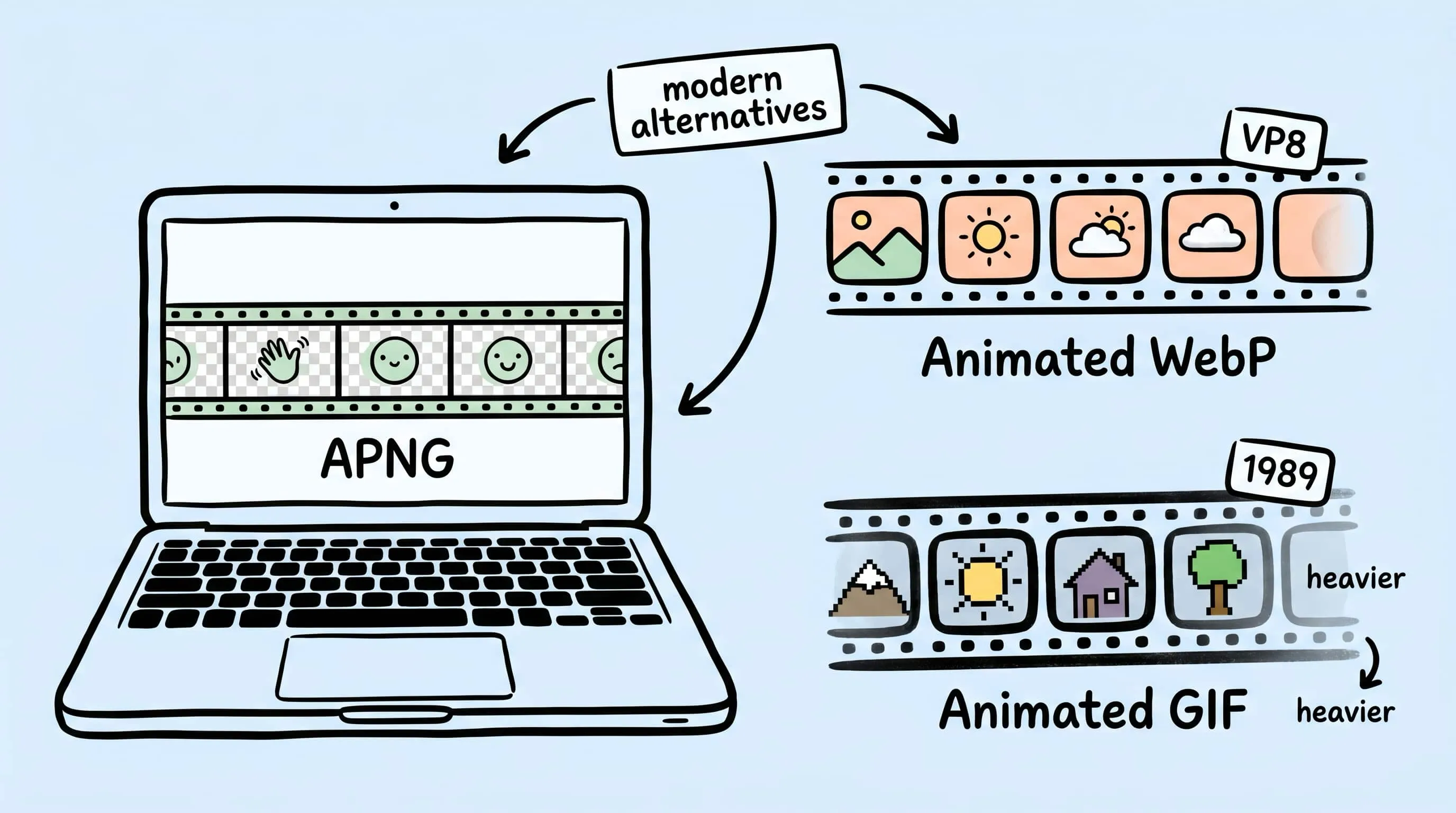
APNG and Animated WebP on Mac: Compress Modern Animated Formats
Compress APNG and animated WebP on Mac in 2026. Inside the formats, when each beats GIF, and how Zipic optimizes them with the in-house pngoptim engine.
Compress App Icons for iOS & Android: Mobile Dev Workflows
Compress iOS @1x/@2x/@3x icons, Android density buckets, and App/Play Store screenshots in batch. A practical Zipic workflow for mobile app developers.
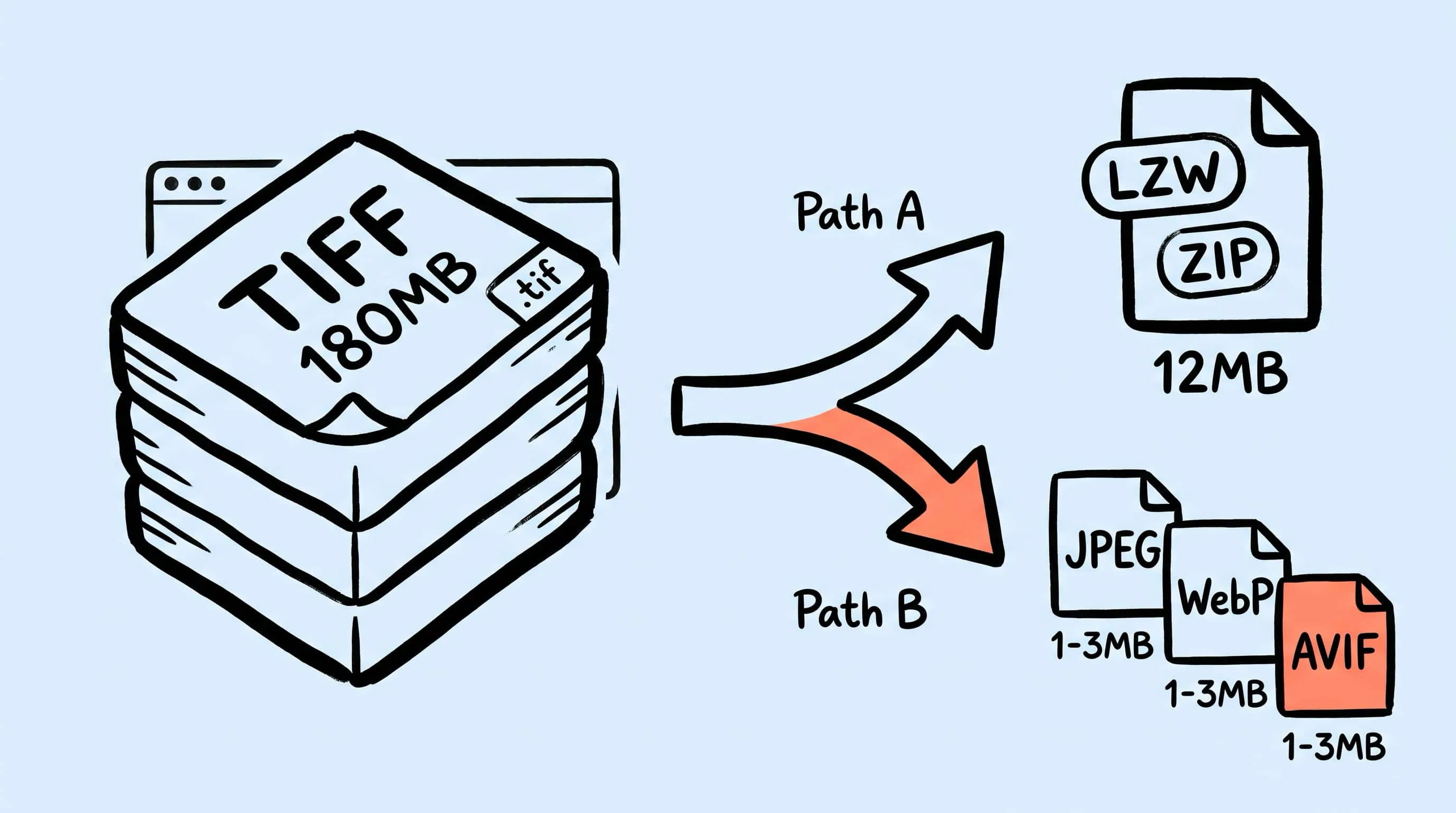
TIFF Compression: How to Reduce Large TIFF Files on Mac
Compress TIFF files on Mac without losing quality. Compare LZW vs ZIP, shrink 100 MB scans, and batch convert TIFF to JPEG, WebP, AVIF, HEIC, or JXL with Zipic.
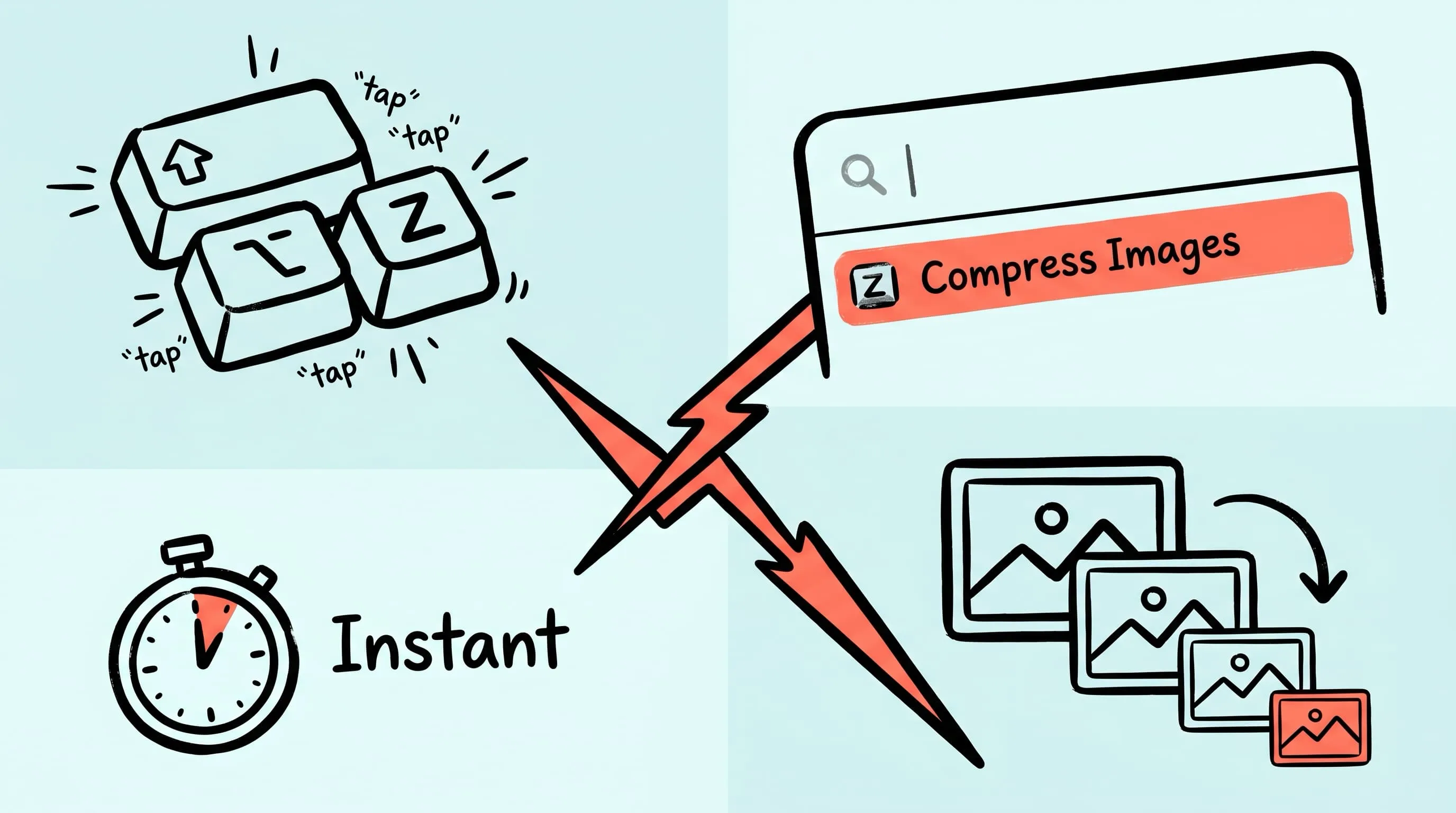
Raycast Image Compression: Hotkey Compress with Zipic
Set up Raycast image compression with the Zipic extension on macOS. Install, bind a global hotkey, and compress any Finder selection in one keystroke.
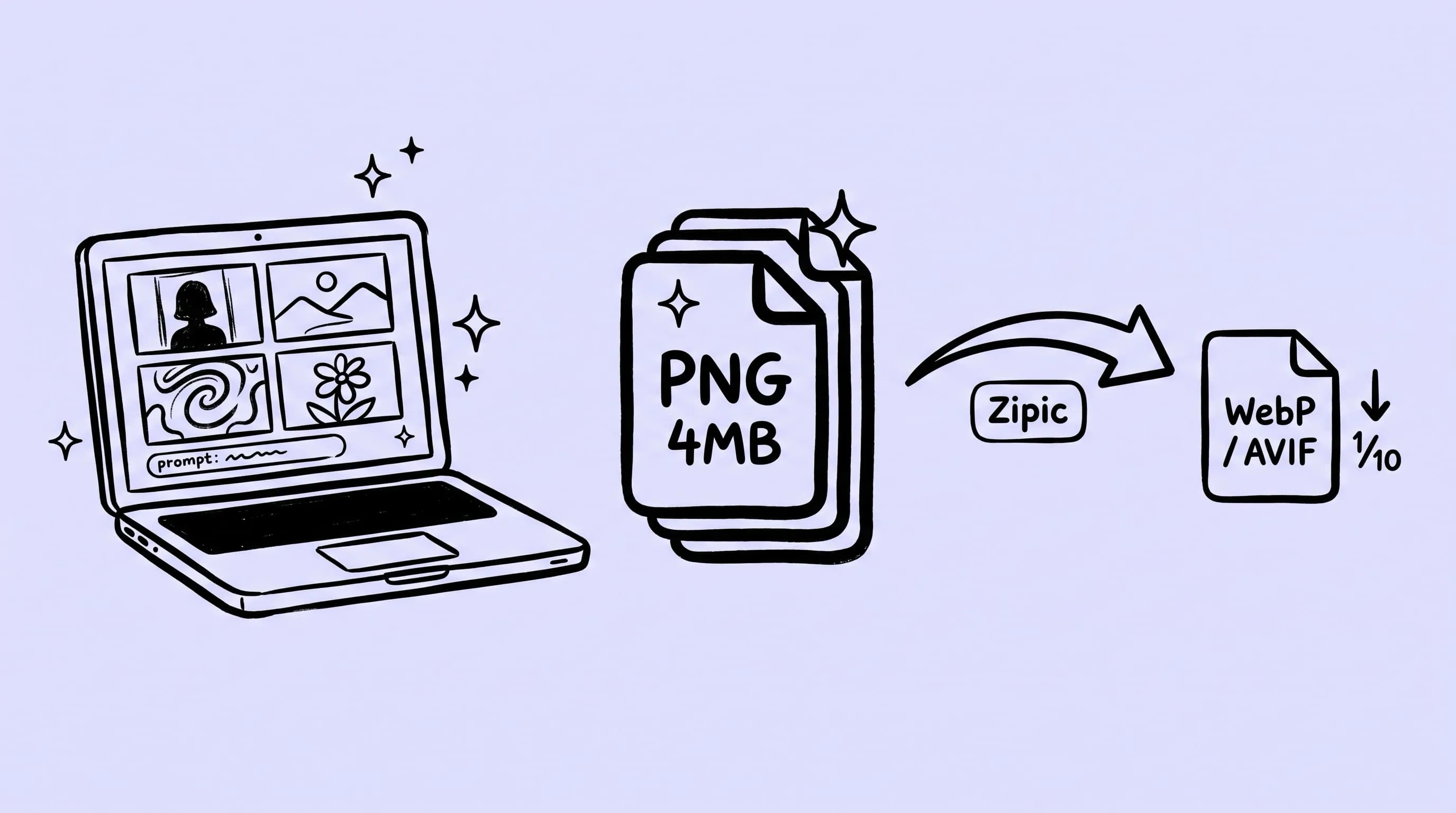
Compress AI-Generated Images on Mac (GPT, Gemini, Midjourney)
AI image generators in 2026 default to 2K-4K PNGs, often several MB each. Batch-compress AI-generated images on Mac with Zipic — keep PNG/JPEG or convert to WebP/AVIF, no visible quality loss.
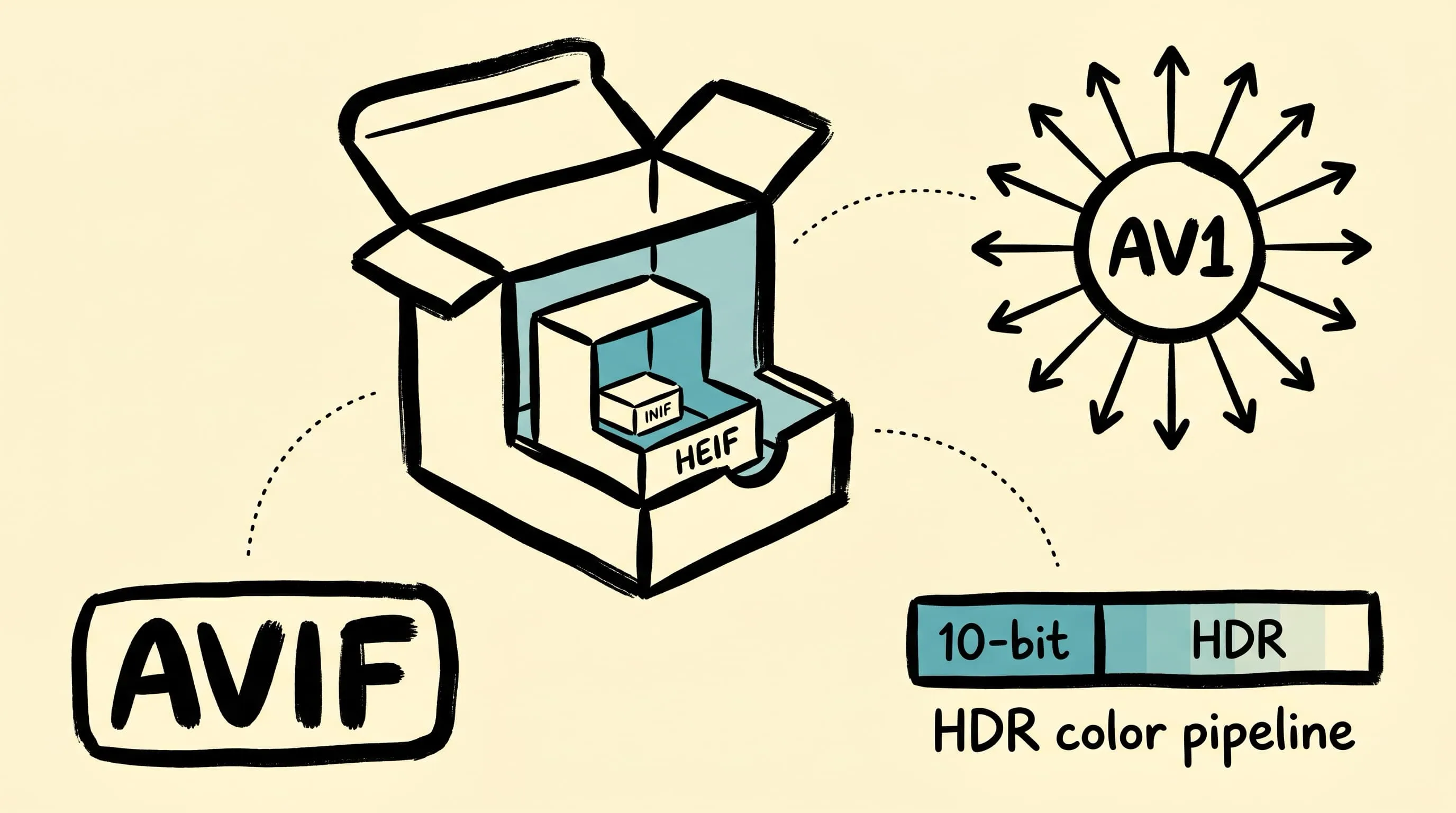
What Is an AVIF File? Benefits, Drawbacks & Browser Support
What is an AVIF file? Learn its compression benefits, drawbacks, browser support, differences from WebP and JPEG, and how to create AVIF images on Mac.
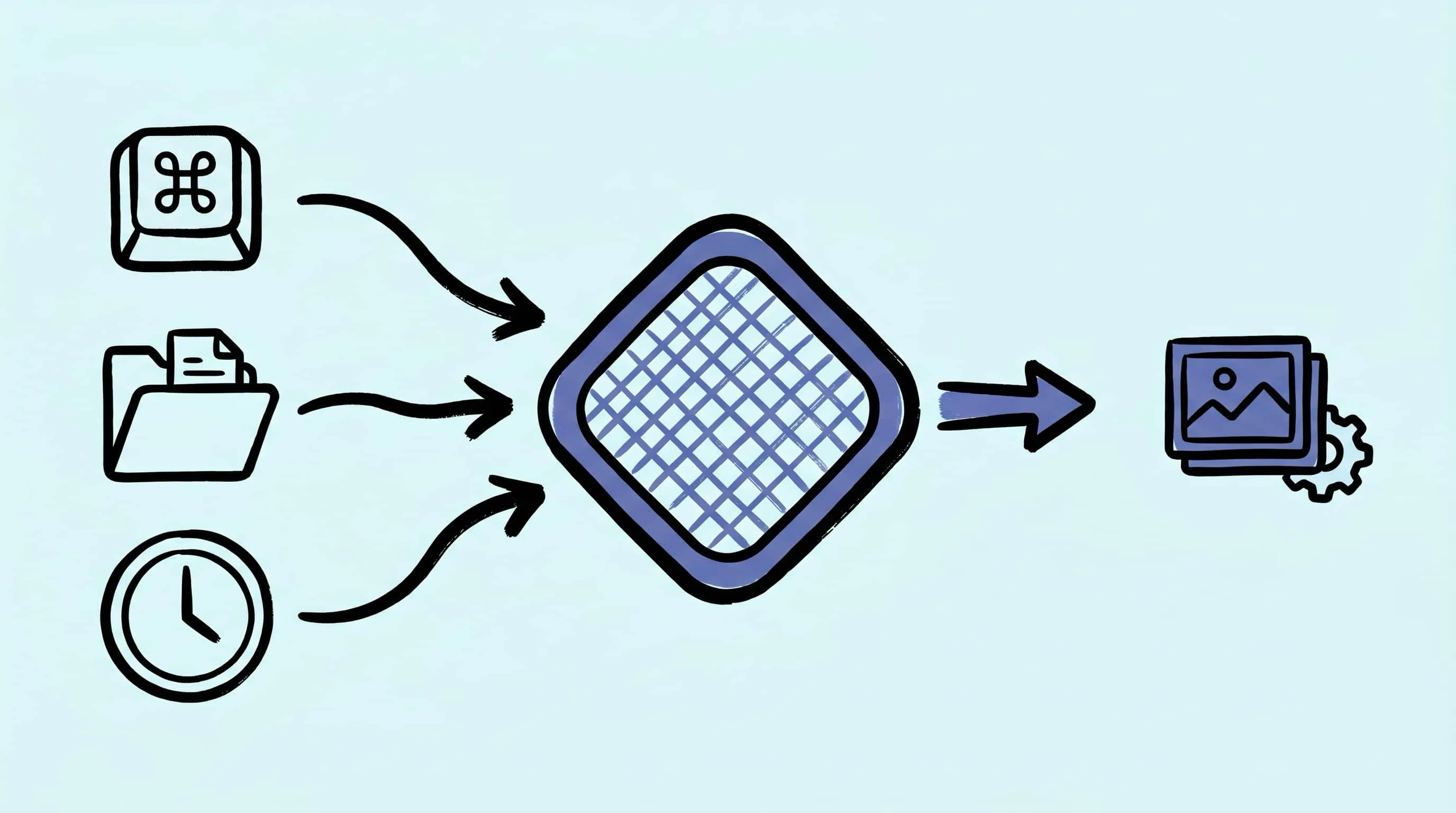
Automate Image Compression with Apple Shortcuts and Zipic
Drive Zipic Pro's native AppIntents from Apple Shortcuts on macOS. Five ways to trigger compression — Quick Action, in-app hotkey, menu bar, Share Sheet, and scheduled automation — paired with five real recipes.
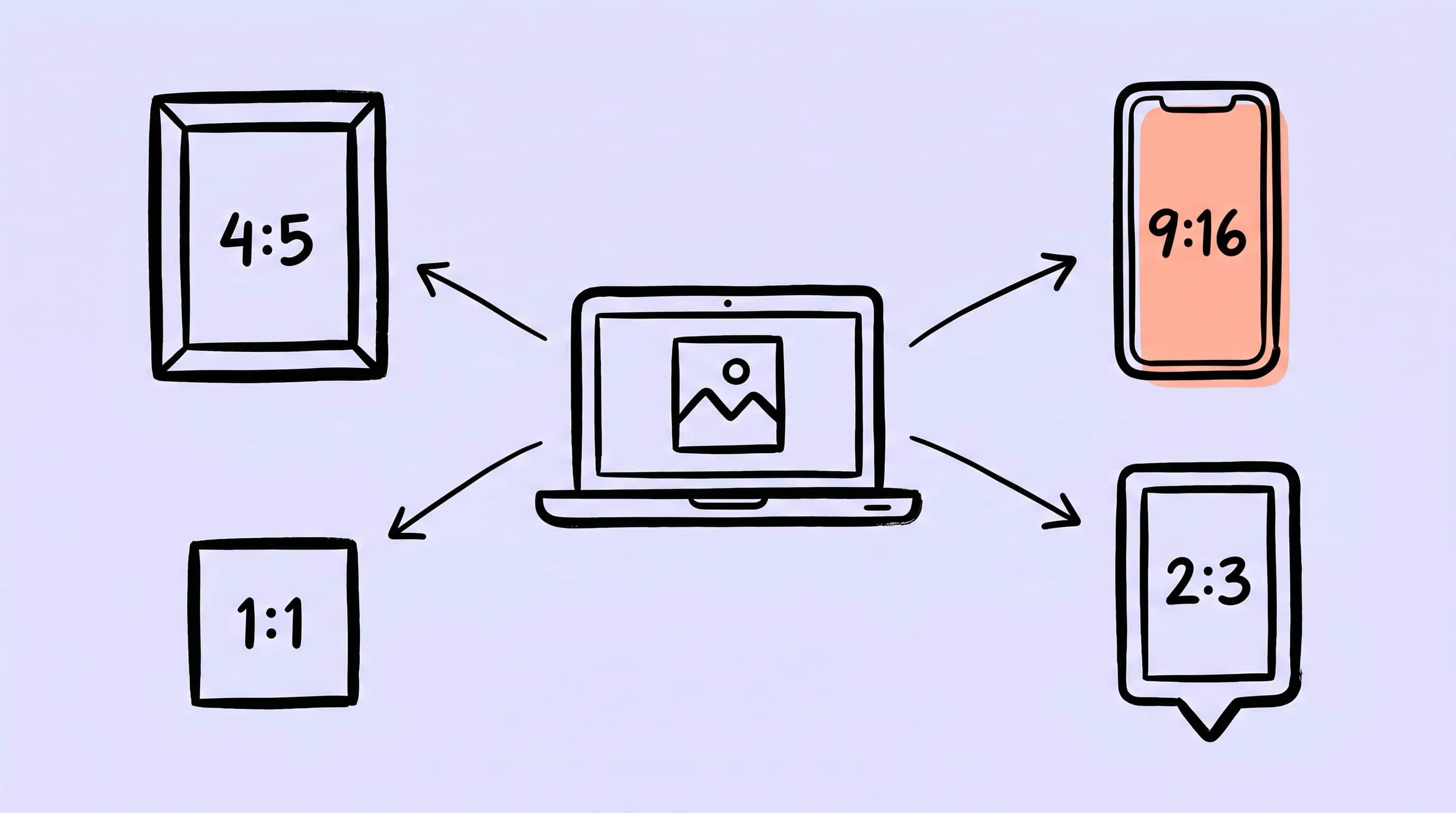
Image Compression for Social Media: Platform-Specific Guide
Compress images for social media the right way: 2026 size specs for Instagram, TikTok, X, WeChat, Xiaohongshu, plus a Zipic preset workflow on Mac.
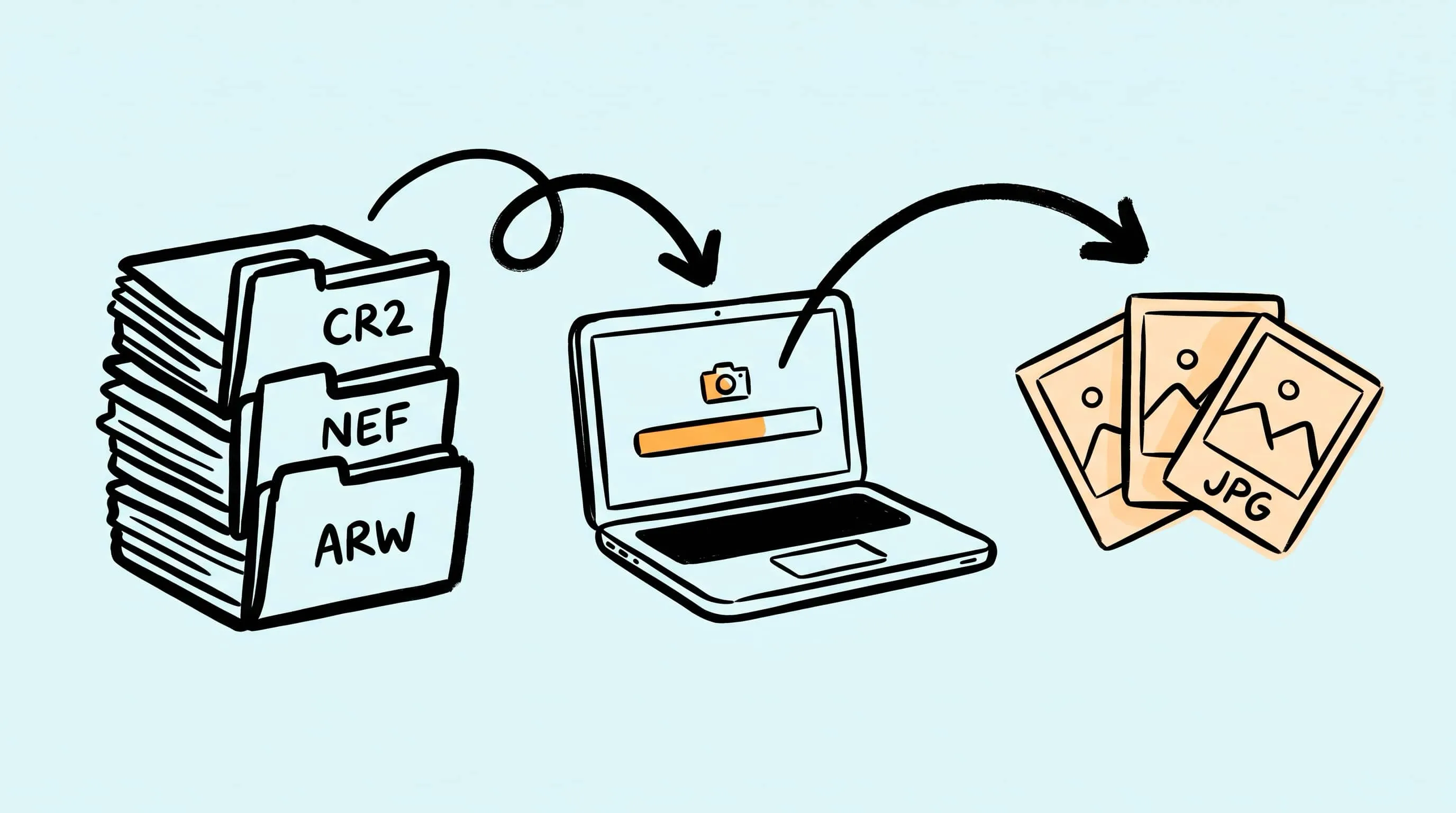
Convert RAW to JPEG on Mac (Including Batch CR2/NEF/ARW)
Convert RAW photos to JPEG on Mac, including batch CR2, NEF, ARW, and DNG workflows with Preview, Photos, sips, and local compression afterward.
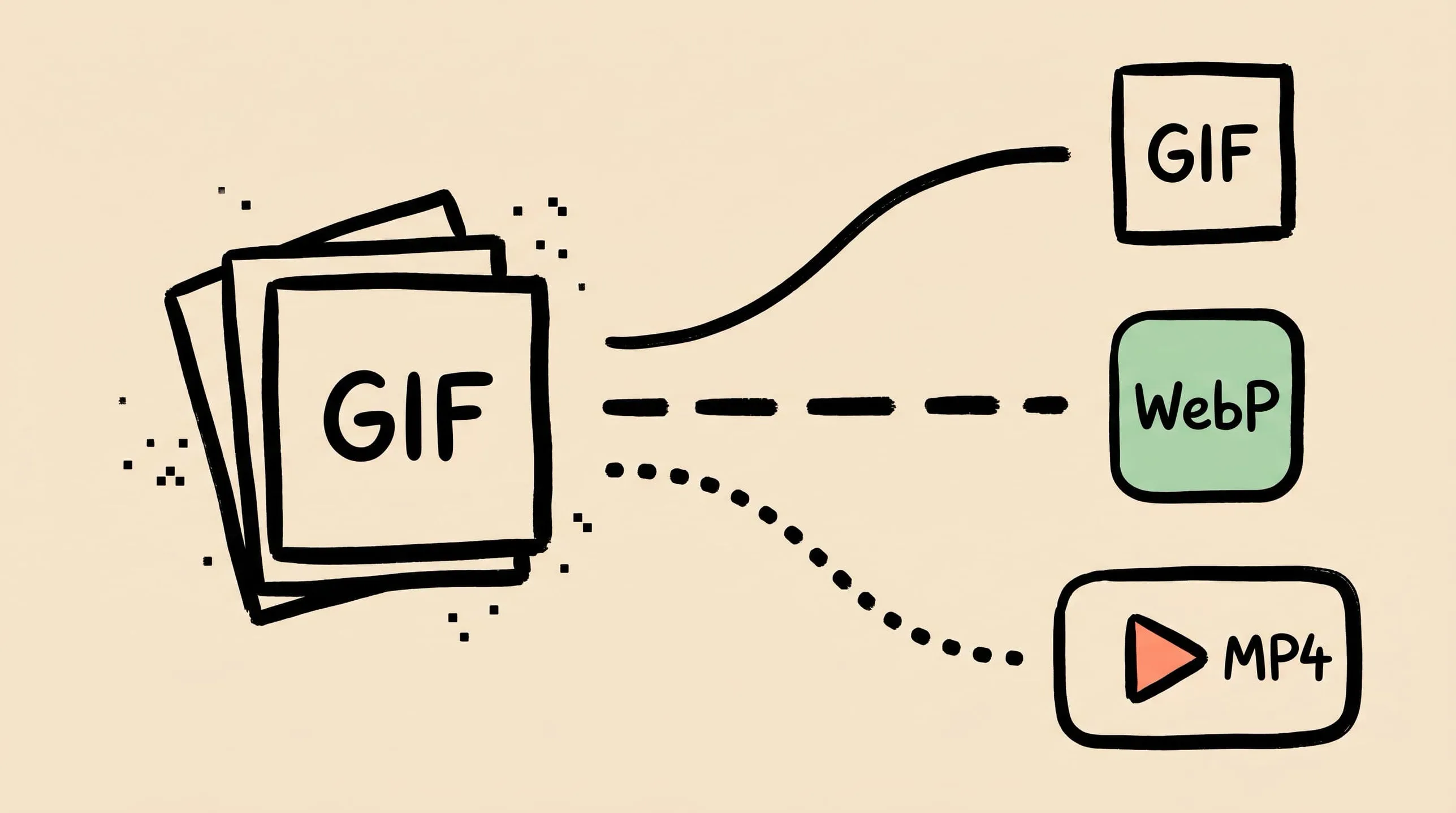
GIF Compression on Mac: Reduce Size and Keep Animation
Animated GIFs are often 10x larger than they need to be. Learn why, when to keep GIF vs convert to WebP/MP4, and how to compress GIFs on Mac in 2026.
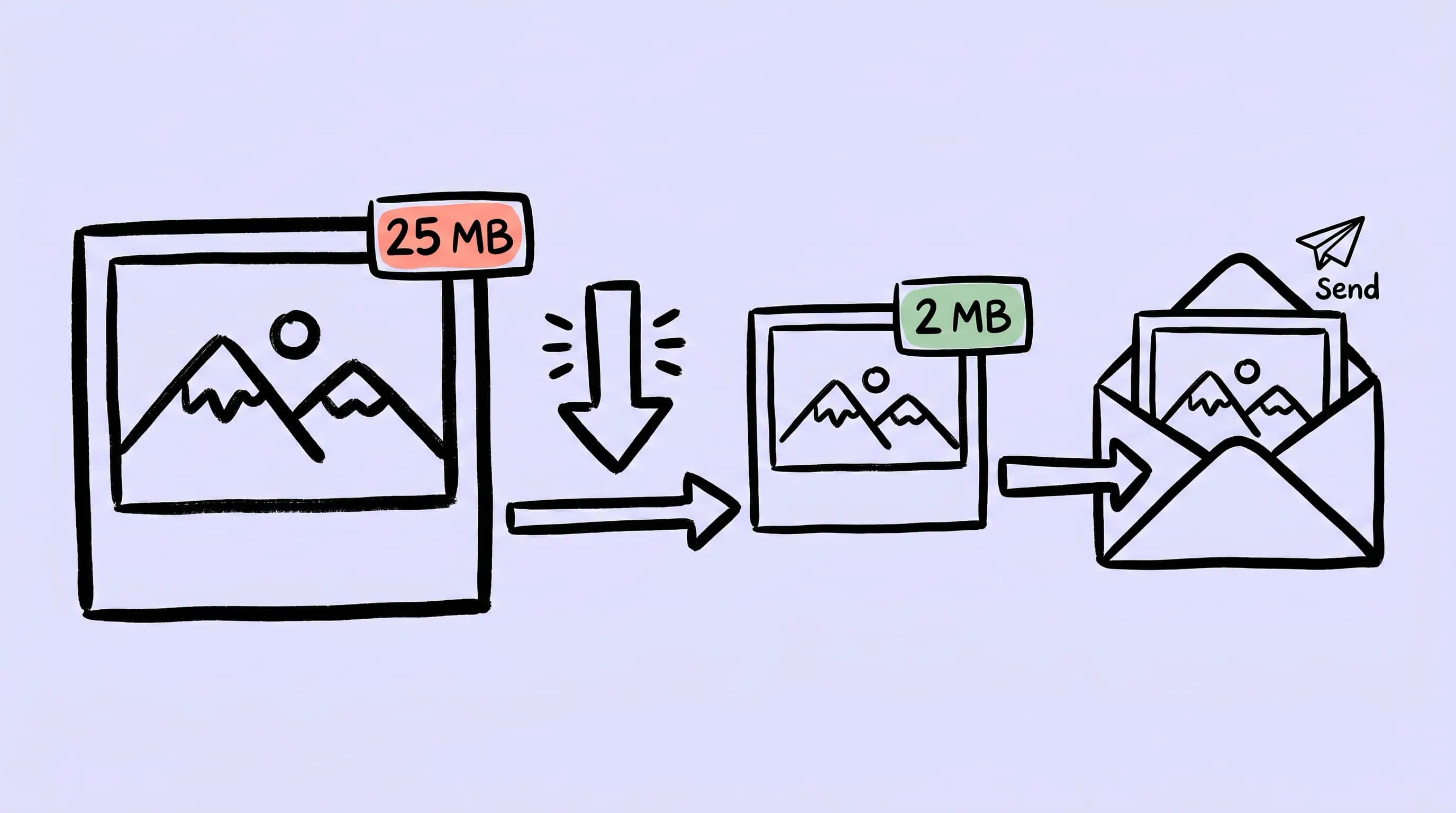
Image Compression for Email: Smaller Attachments on Mac
Email attachment limits trip up image-heavy messages. Learn 2026 provider caps, Apple Mail's built-in resize, and a Zipic preset for email-ready photos.
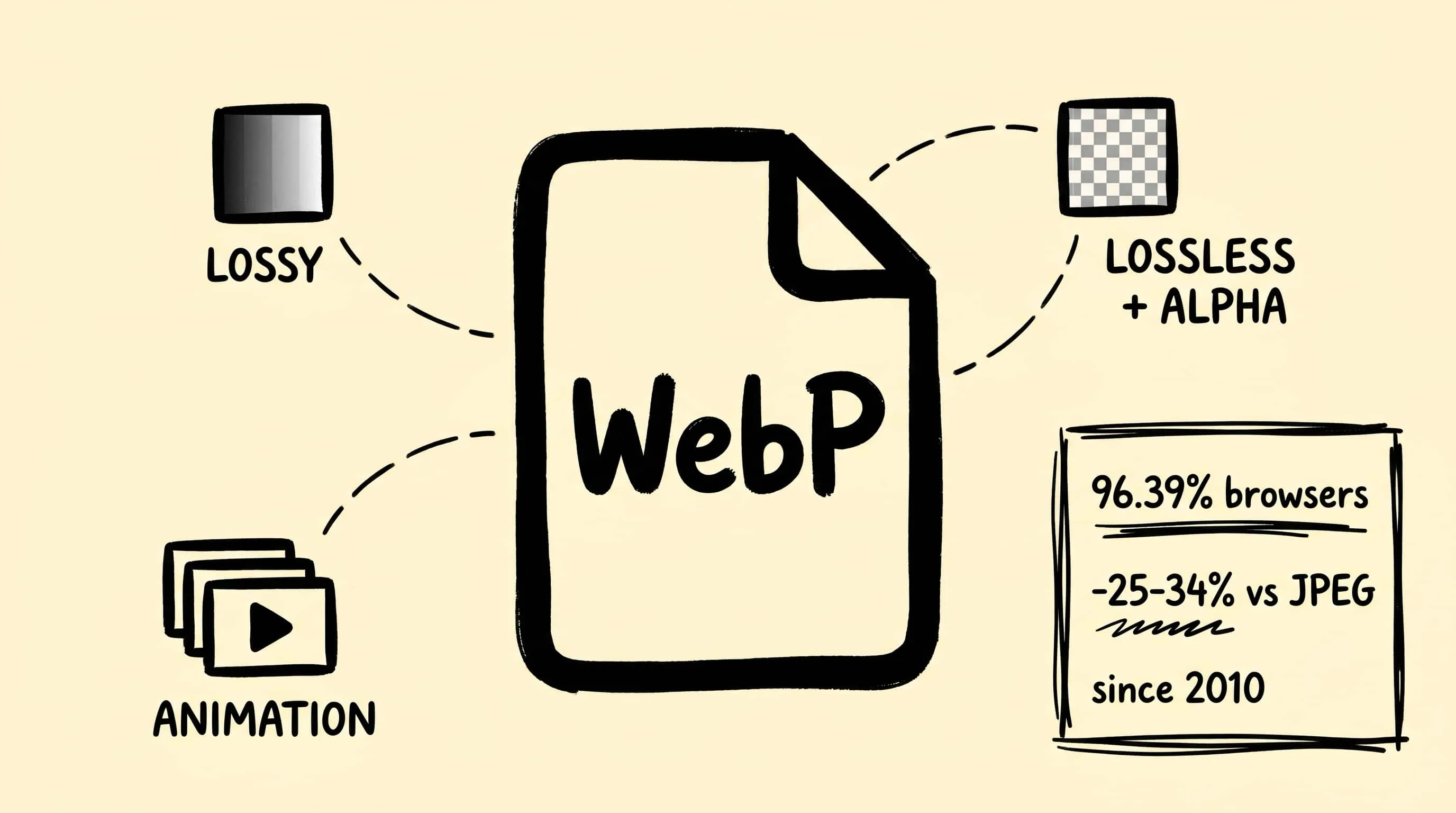
What Is a WebP File? Benefits, Drawbacks & Browser Support
What is a WebP file? Learn its benefits, drawbacks, browser support, differences from JPEG, PNG, and AVIF, and how to create WebP images on Mac.
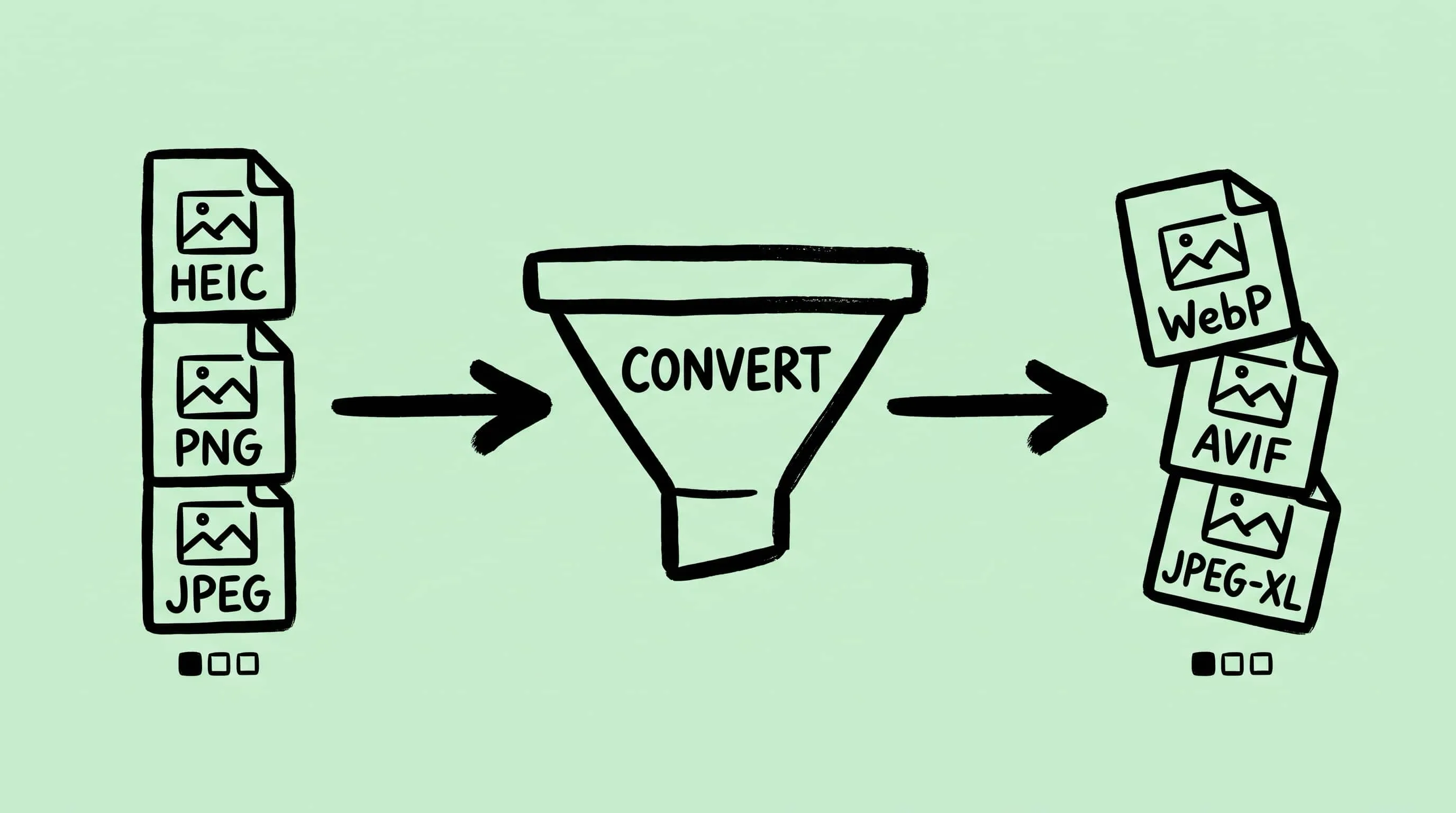
How to Convert Images Between Formats on Mac (Batch Guide for 2026)
Convert image format on Mac the right way — Preview, Automator, sips, and Zipic compared. A 2026 batch guide covering JPEG, PNG, WebP, HEIC, AVIF, and JPEG-XL.
Best Free Image Compression Tools for Mac in 2026
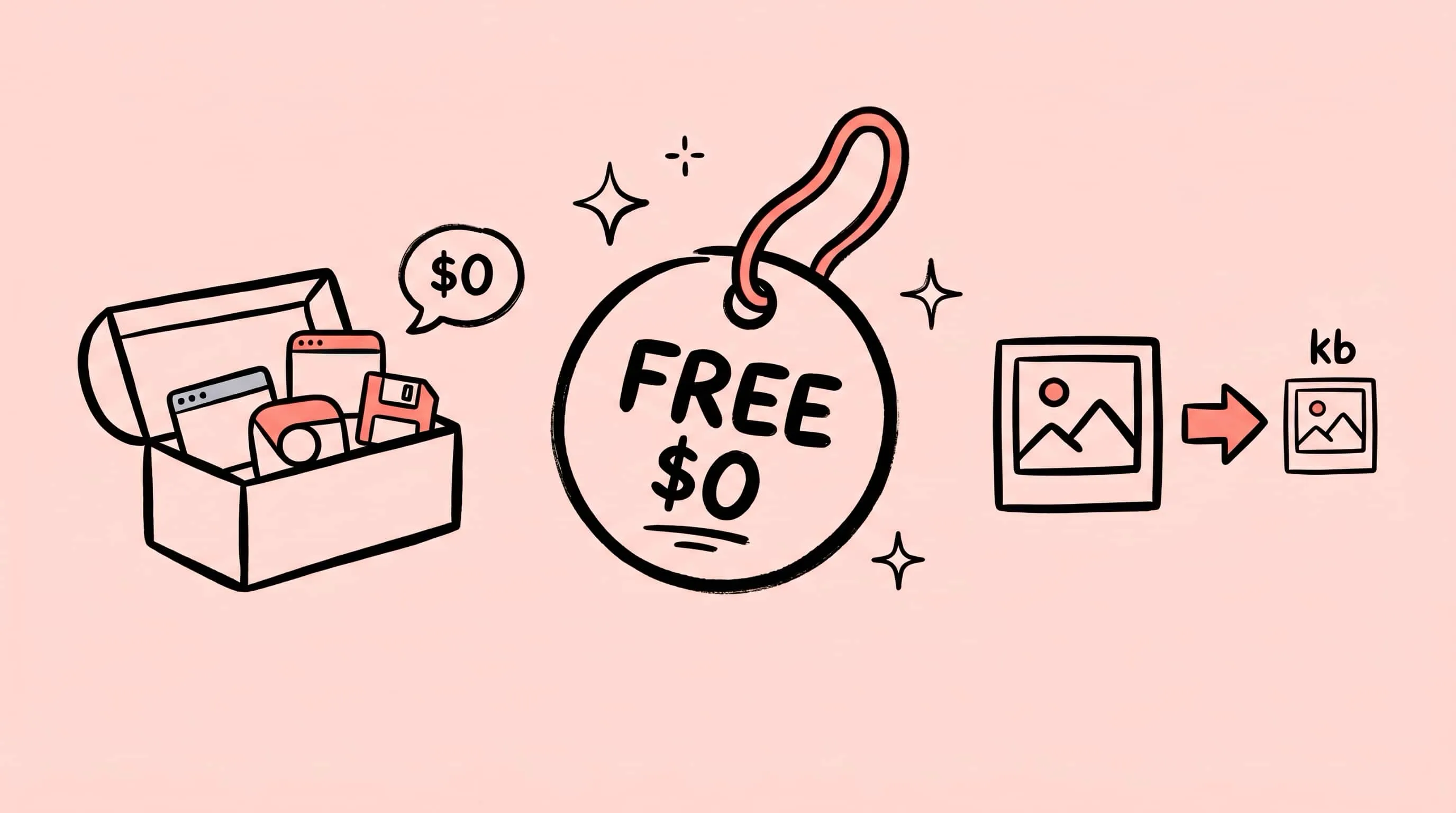
The best free image compressor apps for Mac in 2026 — Zipic free, ImageOptim, Squoosh, macOS Preview, TinyPNG, Optimage, and JPEGmini. What each free tier actually lets you do.
Zipic vs Optimage: Mac Image Compressors Compared
Zipic vs Optimage compared for Mac users: format support, compression workflow, automation, metadata handling, pricing model, and who should pick which app.
Compress Images to Specific File Size (50KB, 100KB, 200KB)
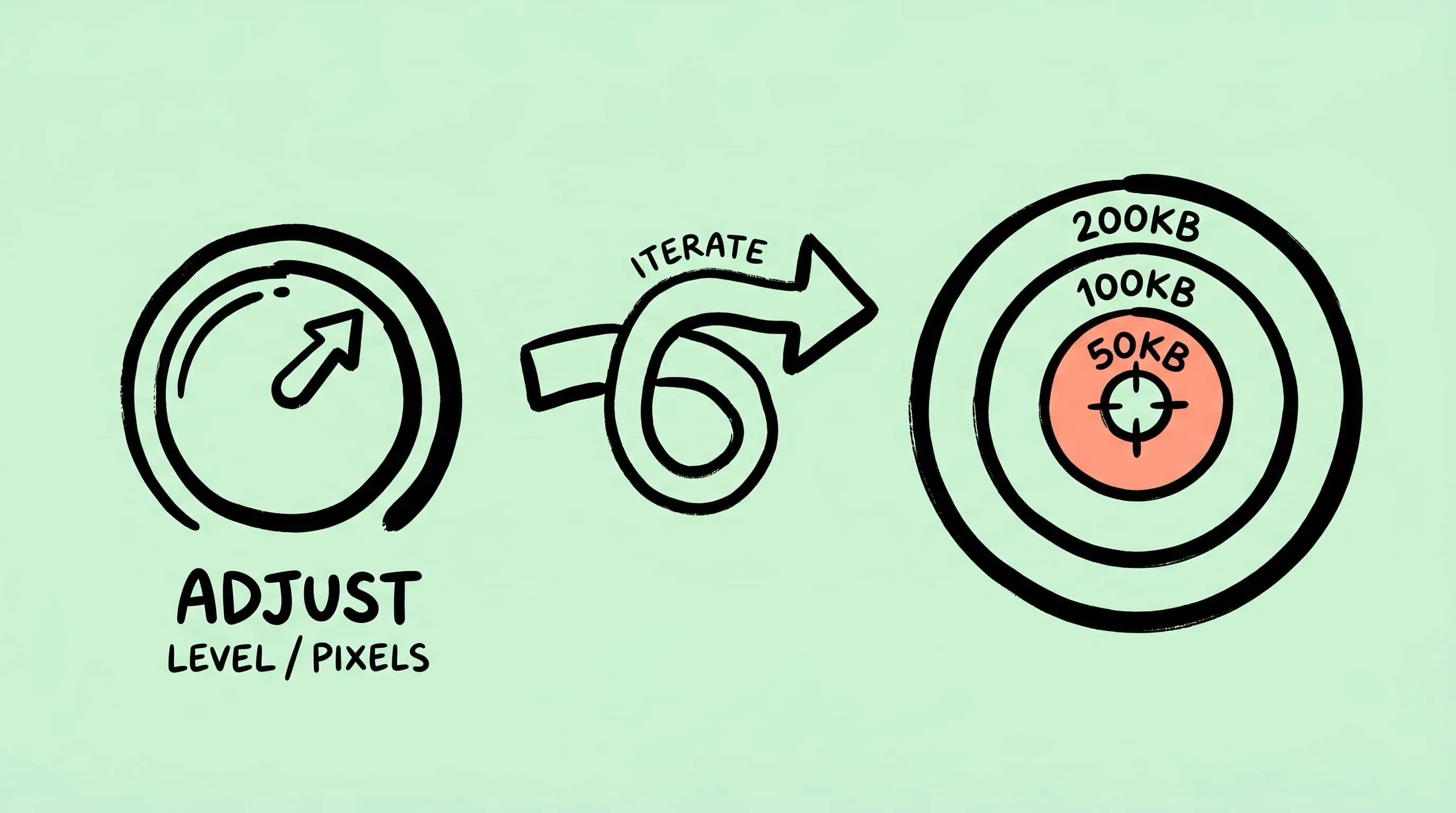
Need to compress an image to 50KB, 100KB, or 200KB? Learn the practical Mac workflow: resize first, adjust compression, and verify the output.
How to Resize Images on Mac: Batch Resize Guide
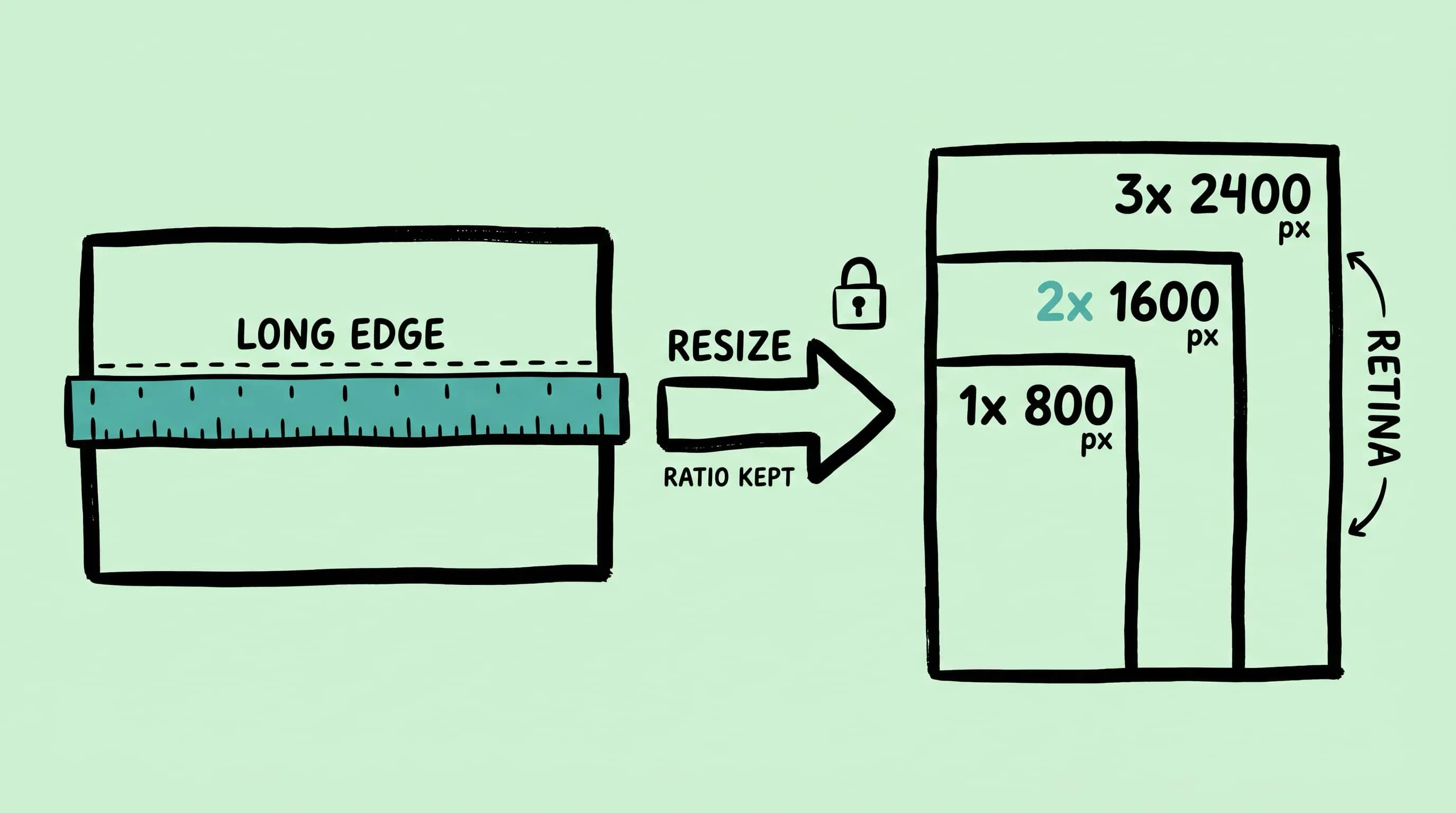
Resize images mac the right way: plan by longest edge, handle Retina 2x, batch sets with mixed orientations, and use Zipic's Auto aspect-ratio workflow.
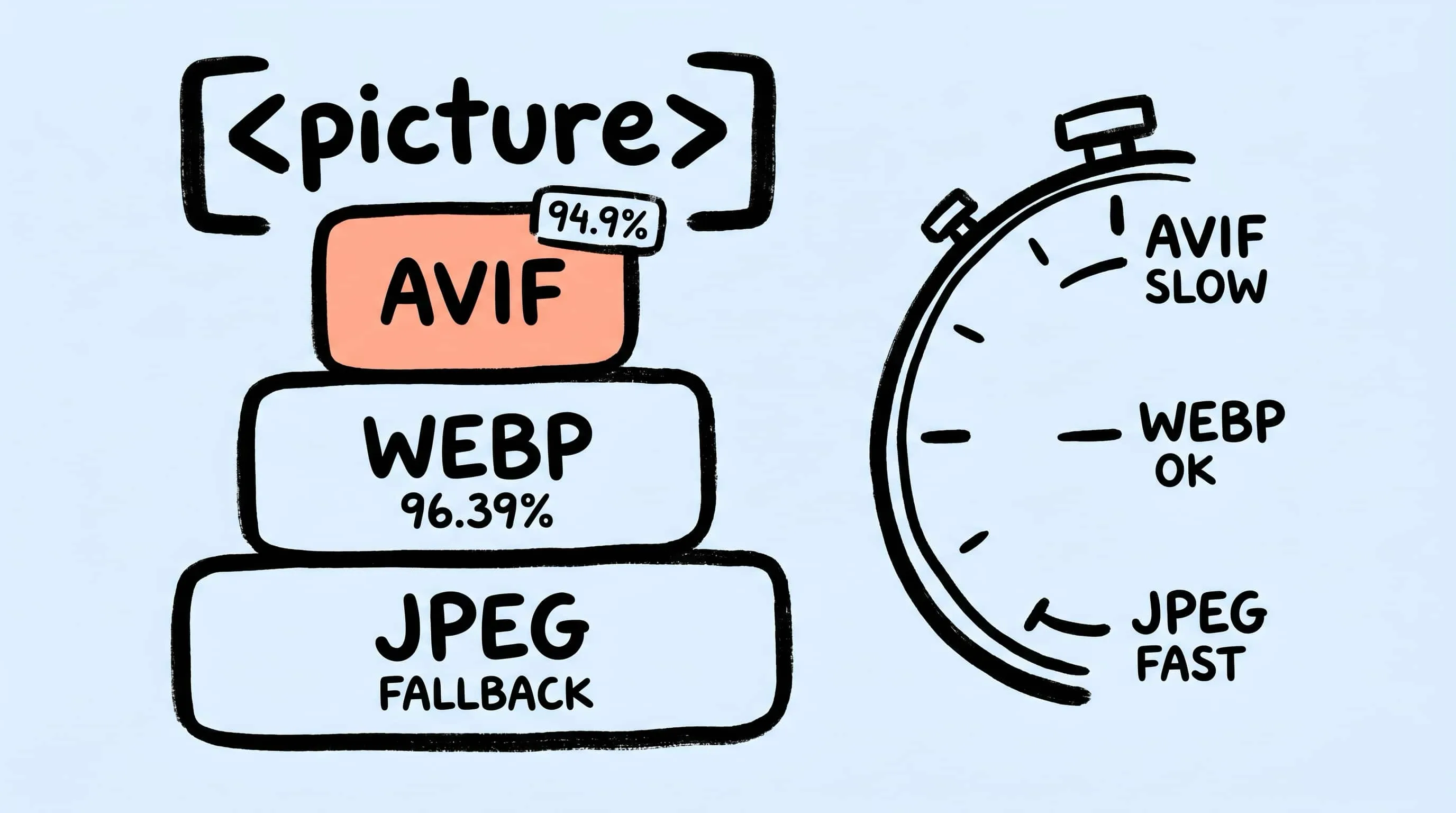
AVIF vs WebP vs JPEG: The Ultimate Format Comparison
AVIF vs WebP in 2026: browser support, compression ratios, encoding cost, transparency, and fallback strategy — with cited benchmarks and decision matrix.
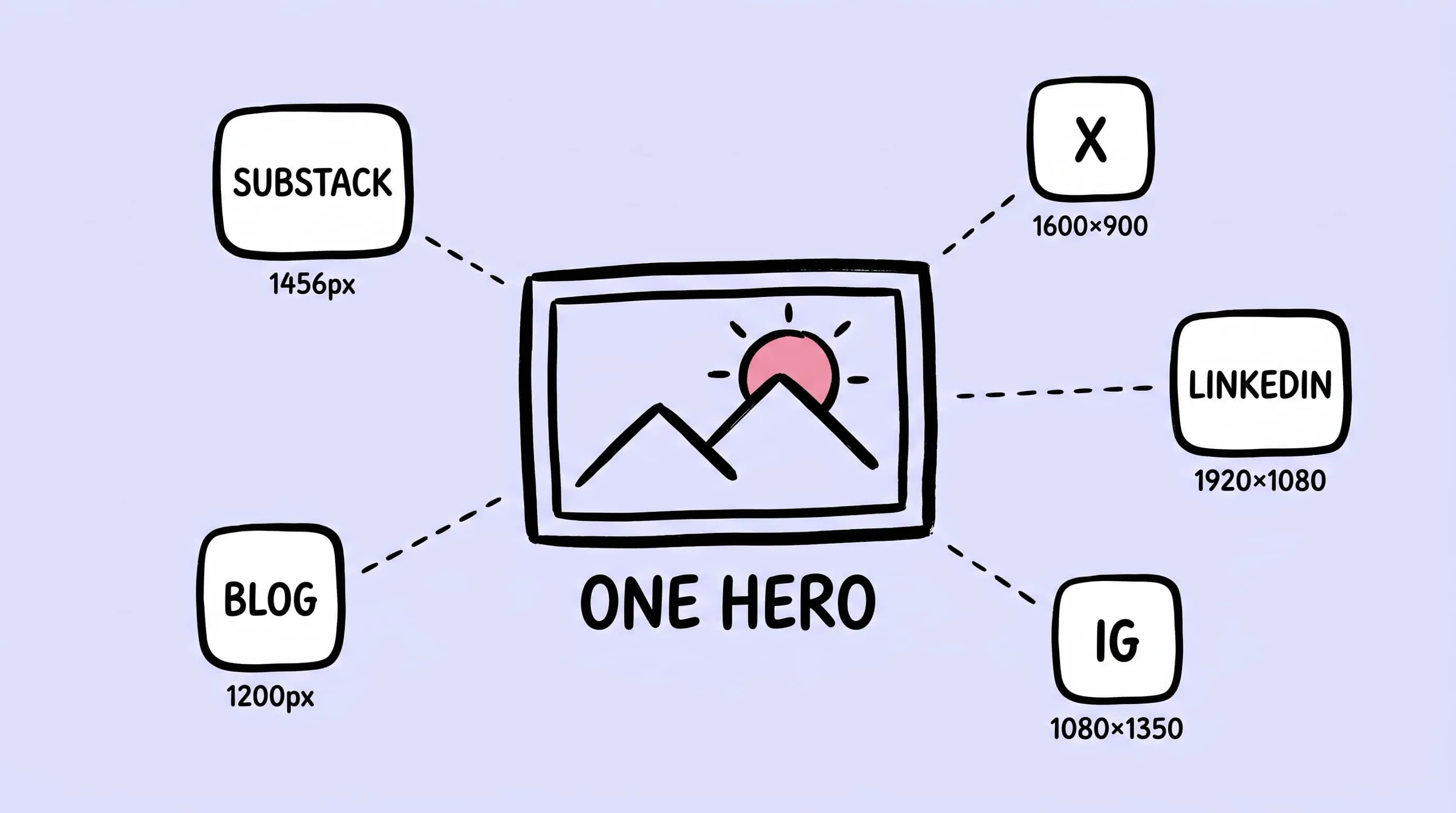
Image Tools for Content Creators and Bloggers
A publishing-focused guide to image compression for bloggers: per-platform sizing, three-artifact workflow, Zipic presets, and Exports-folder automation.
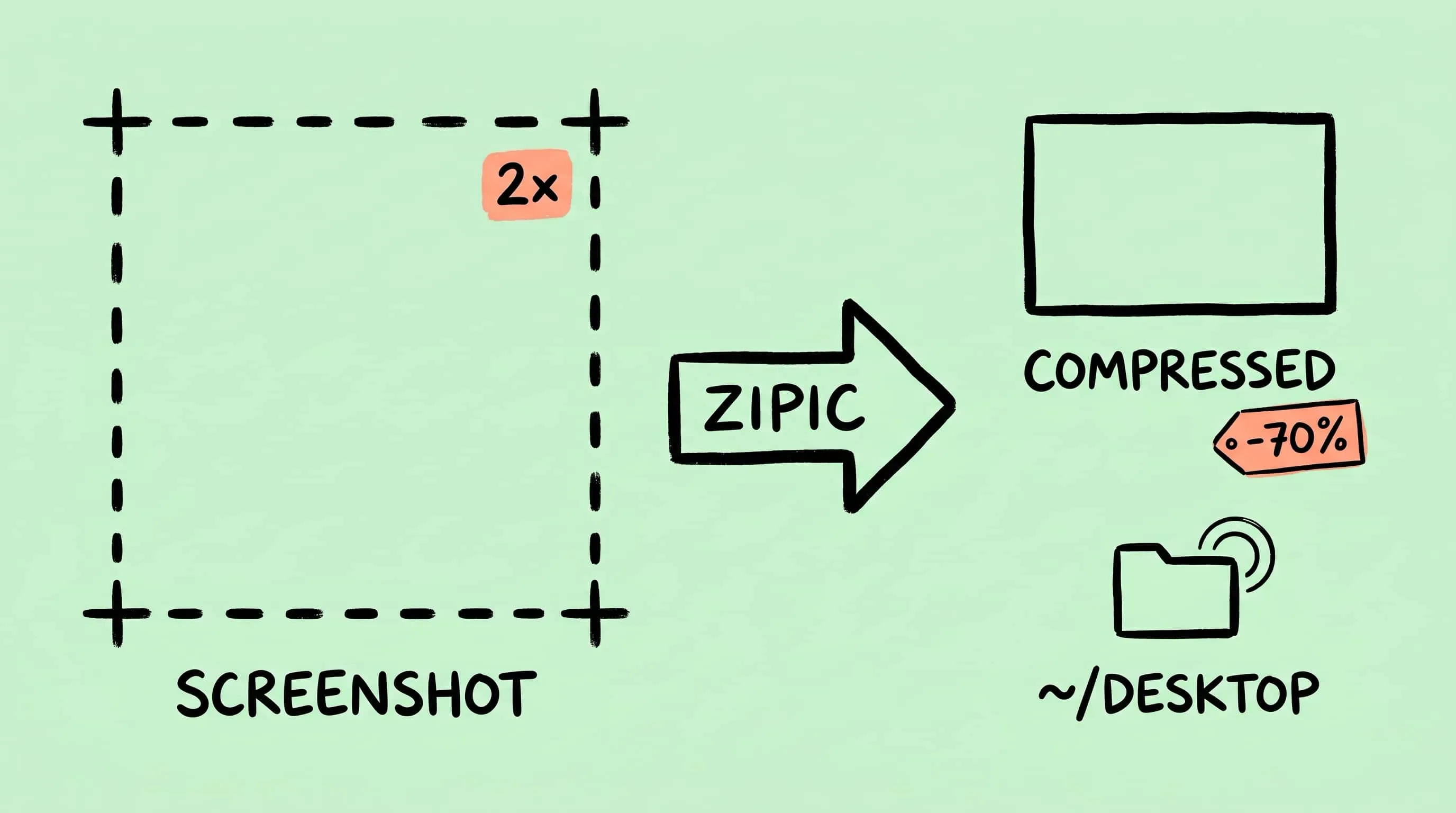
Compress Screenshots on Mac: A Cleaner Screenshot Pipeline
Learn how to compress screenshots on Mac without losing readable text. Change the default format, batch optimize with Zipic, and auto-compress new captures.
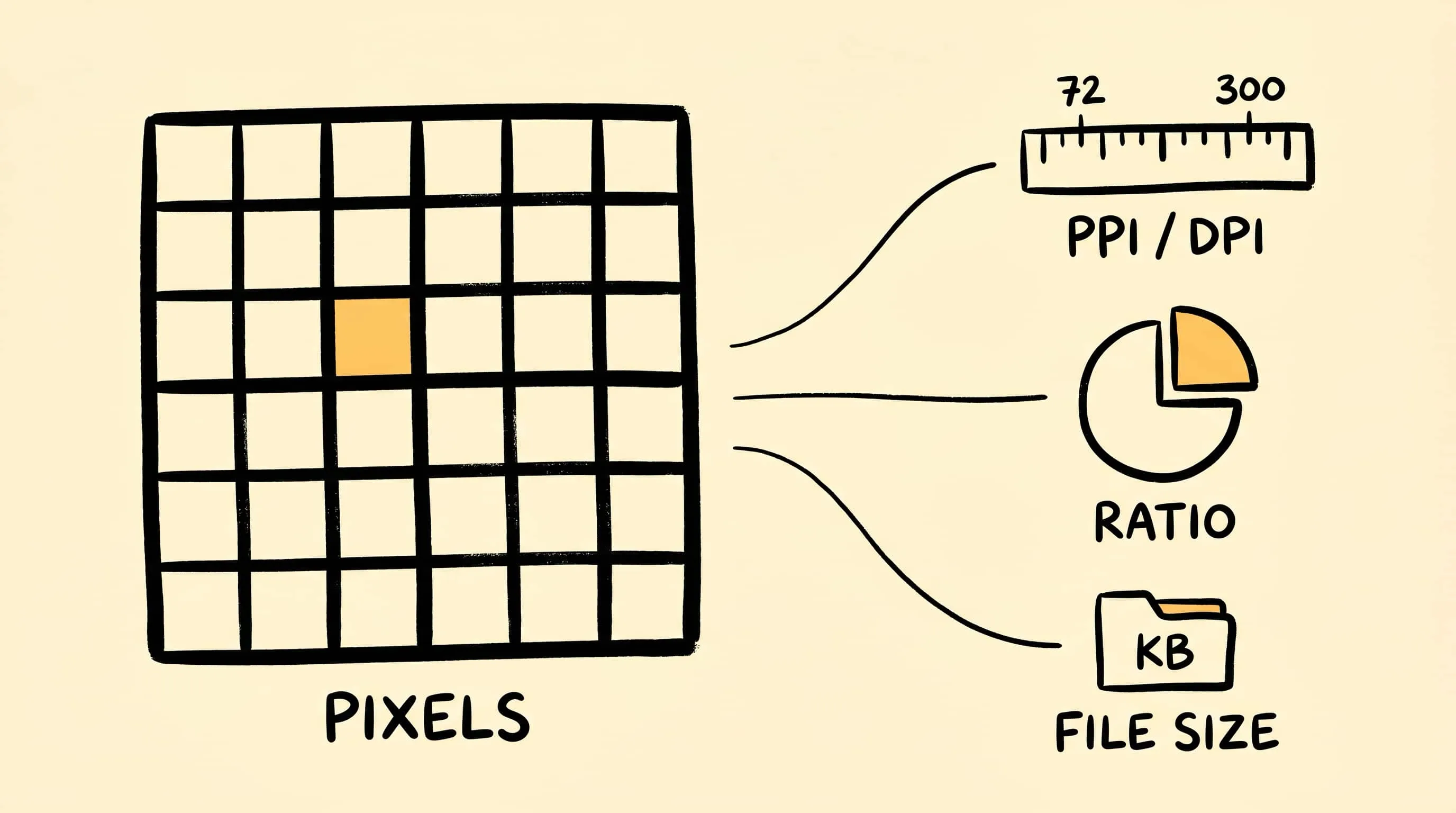
DPI, Compression Ratio & File Size Explained
DPI explained in plain English: learn how pixel dimensions, print size, compression ratio, and image file size actually relate before you resize or compress images.
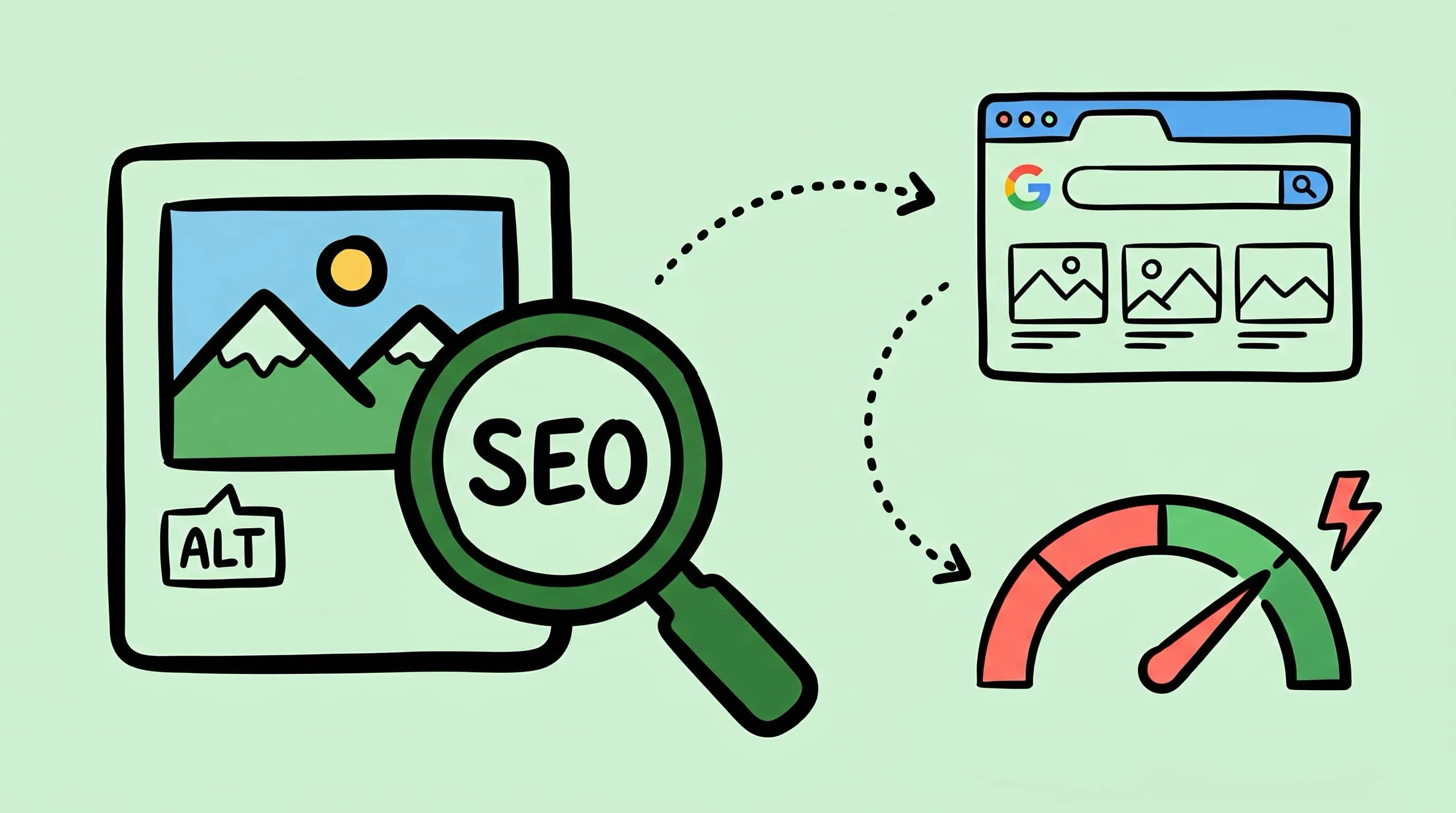
How to Optimize Images for SEO: Complete Guide
Learn how to optimize images for SEO — from alt text and file naming to compression, modern formats, and Core Web Vitals. Actionable steps to boost your image search rankings.

Best Image Compression Software for Mac: 7 Apps (2026)
Compare 7 image compressor apps for Mac by format support, batch workflow, privacy, automation, and price, then choose the right tool for your images.
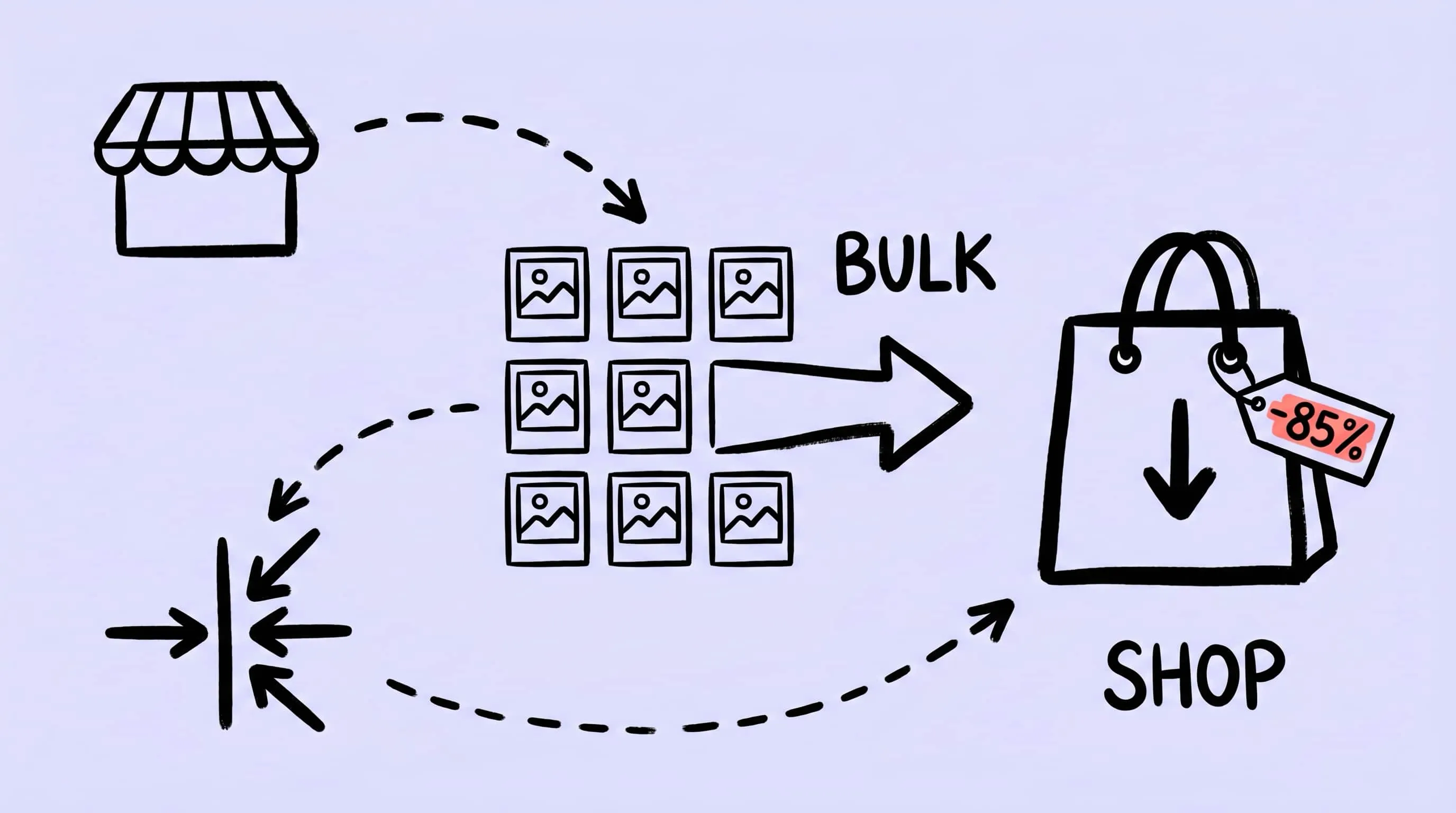
Bulk Compress Images for E-Commerce: Product Photo Guide
A practical guide to bulk compress images for e-commerce: optimize product photos on Mac for Shopify, WooCommerce, and Amazon without losing detail.
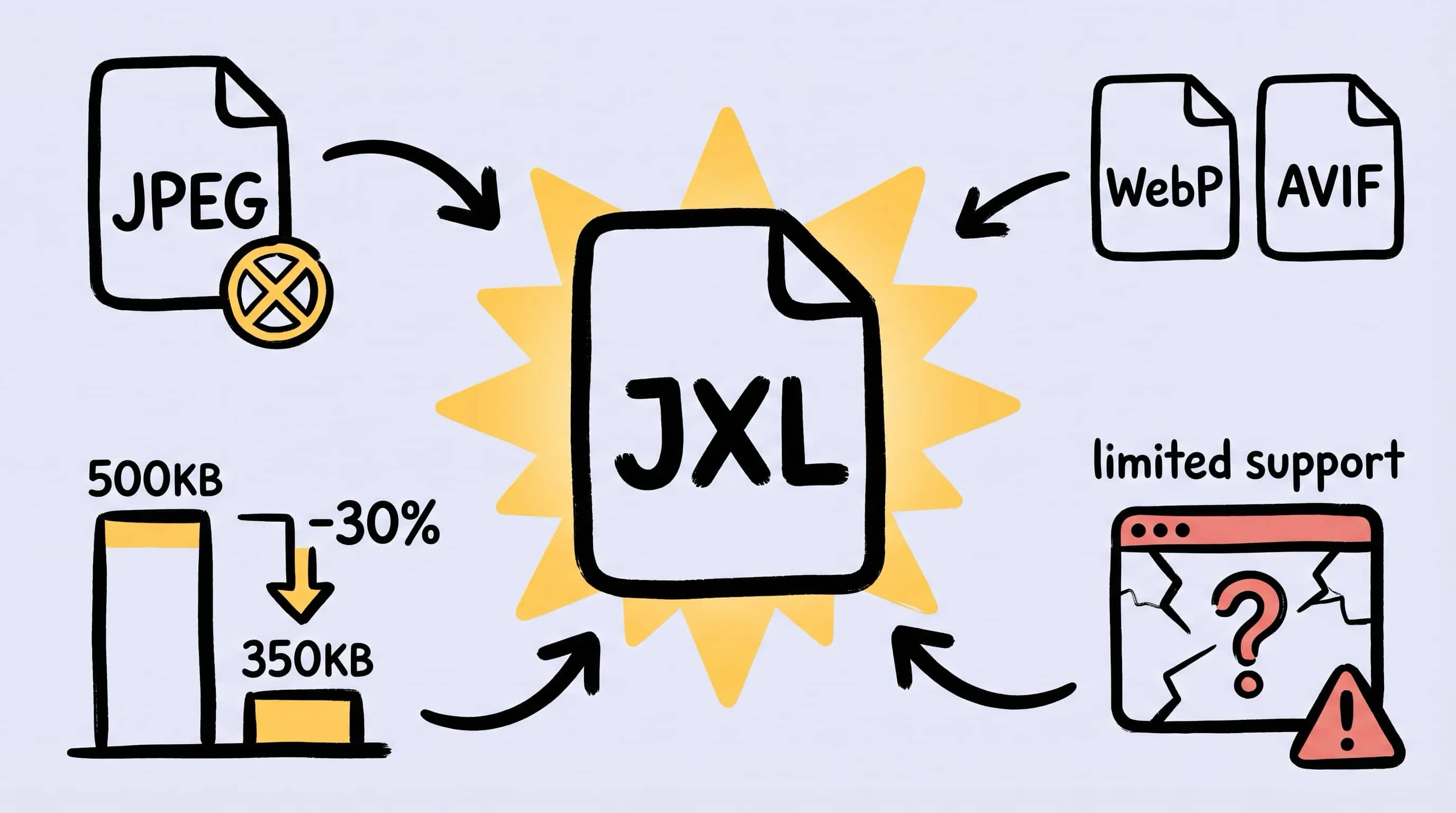
JPEG XL Converter for Mac: Batch Convert Images to JXL
Looking for a JPEG XL converter on Mac? Learn how to batch convert images to JXL with Zipic, when JPEG XL actually makes sense, and when to fall back to AVIF or WebP.
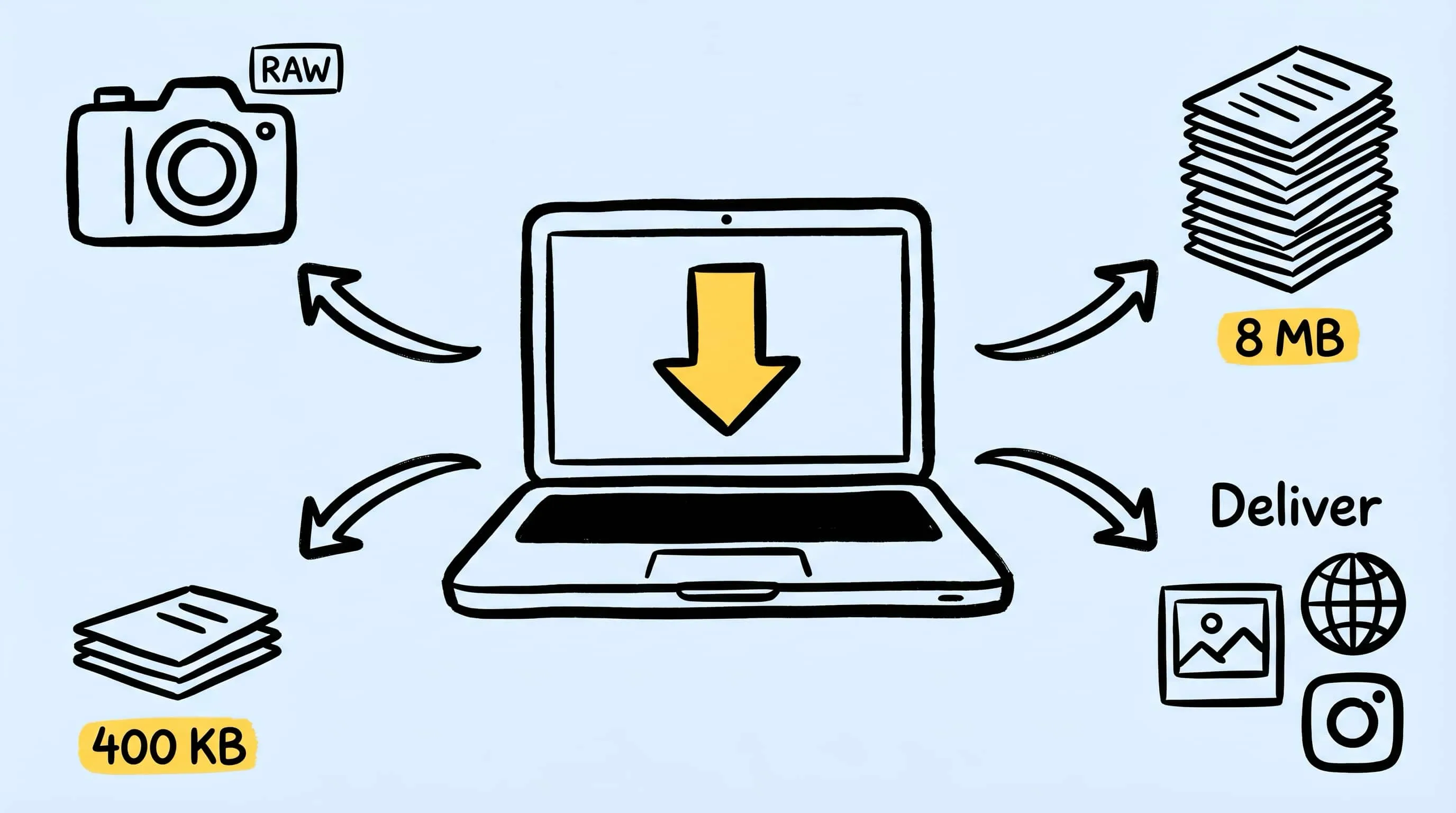
Image Optimization for Photographers: Compress Without Losing Detail
A practical guide to image optimization for photographers: compress photos on Mac for client galleries, portfolios, and the web without trashing detail.
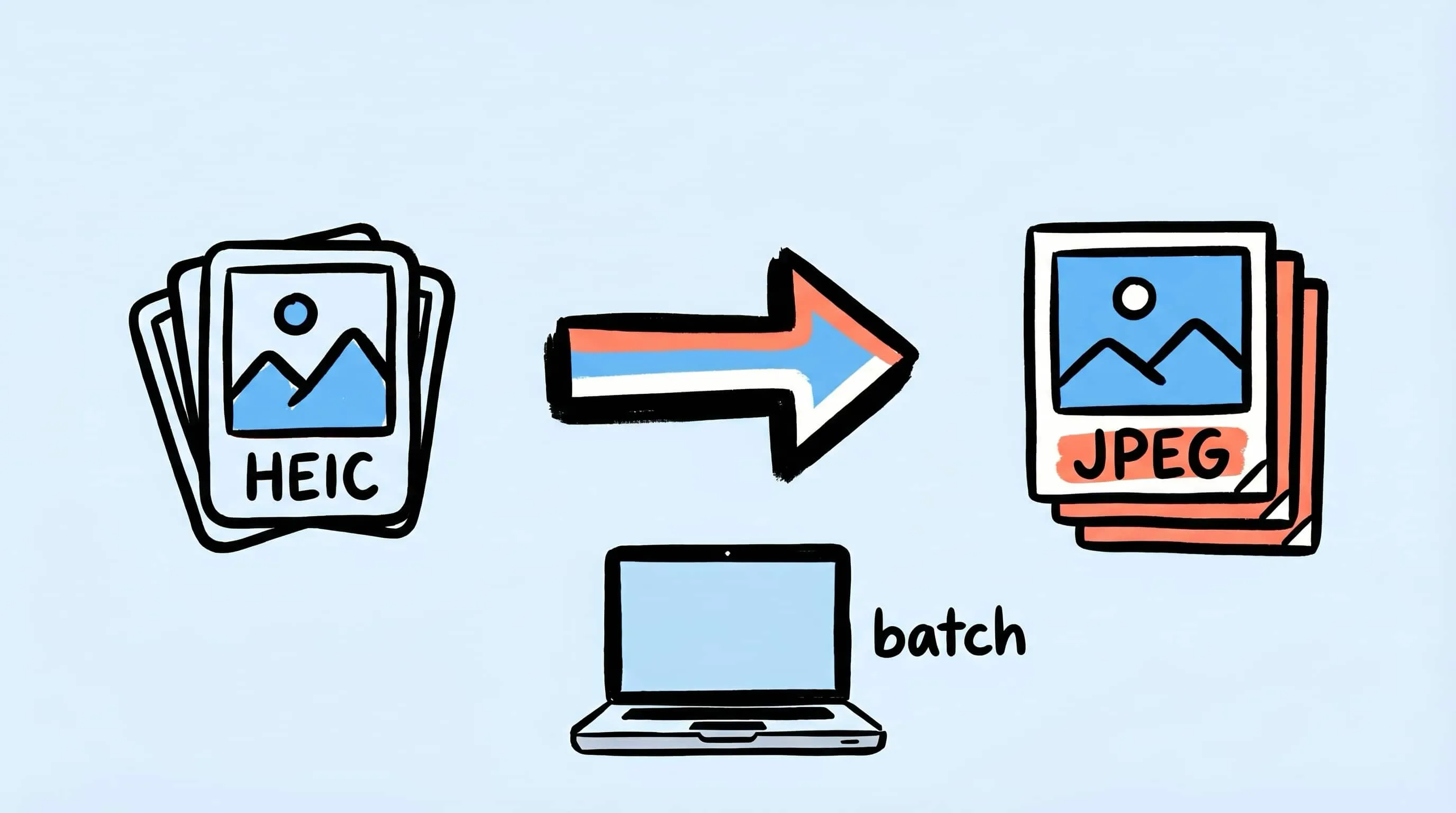
HEIC to JPEG Converter for Mac: Batch Convert the Easy Way
Need a HEIC to JPEG converter on Mac? Learn the easy way to batch convert HEIC photos to JPEG with Zipic while keeping quality and file size under control.
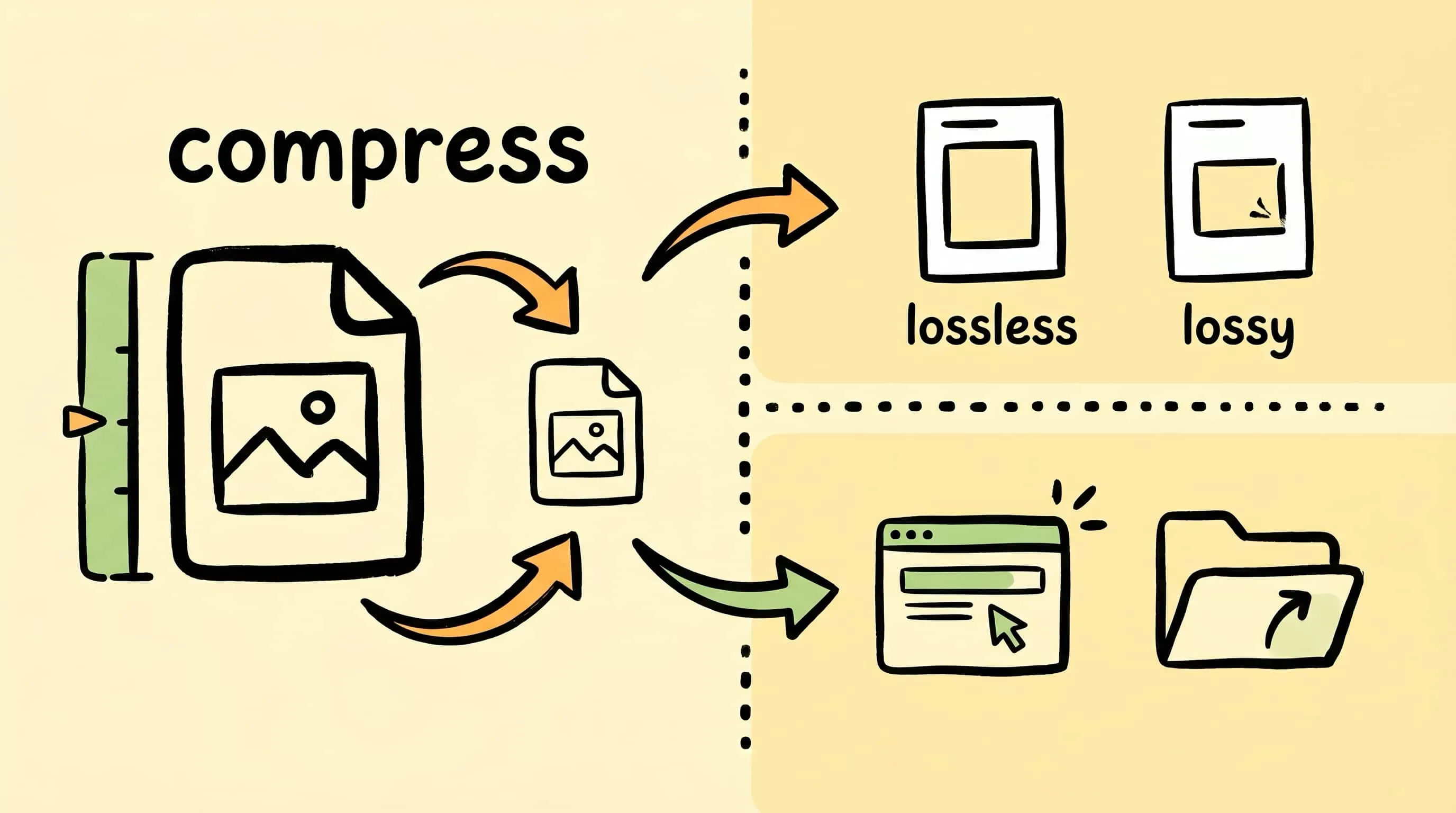
What Is Image Compression? A Beginner's Guide for Mac Users
What is image compression, and why does it matter? This beginner's guide explains how image compression works, lossy vs lossless, and how to compress images on Mac.
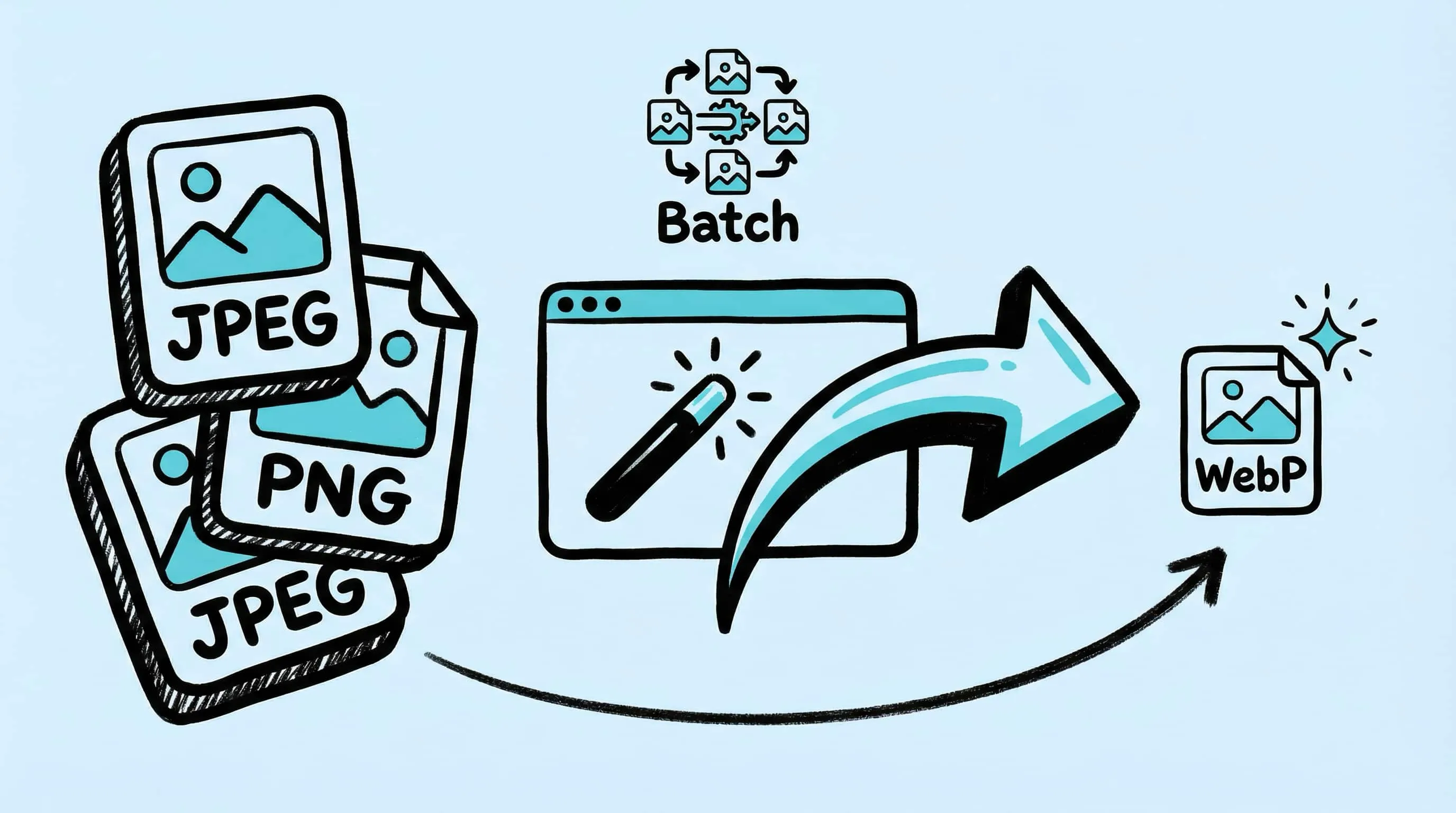
WebP Image Optimizer for Mac: Convert and Compress to WebP
Looking for a WebP image optimizer on Mac? Zipic is a native WebP compression tool that converts JPEG, PNG, and HEIC to WebP with batch processing and quality control.
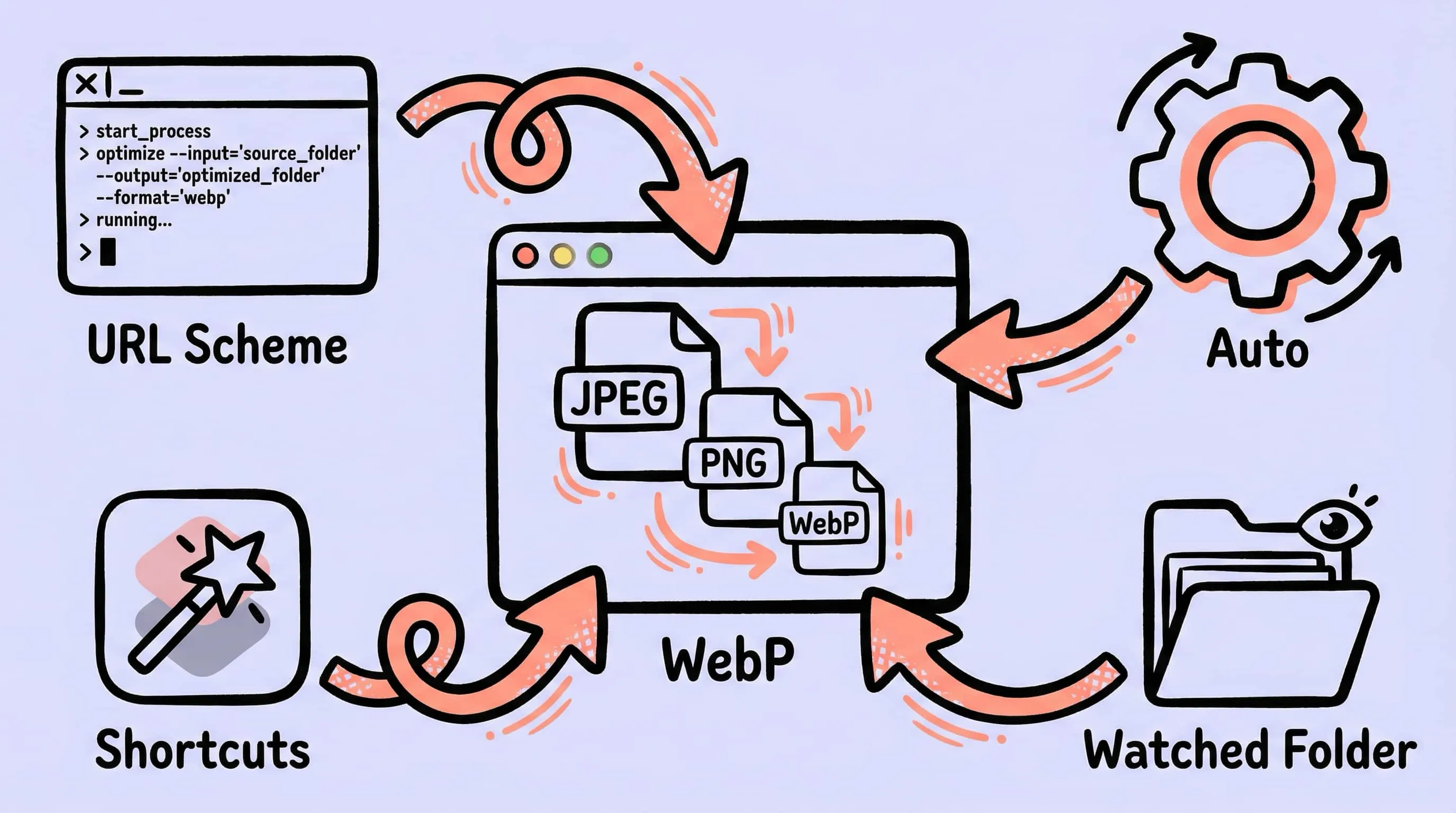
Image Compression for Web Developers: Automate Your Workflow
An image optimizer for developers on Mac. Compress images for web development with URL Scheme, Apple Shortcuts, folder monitoring, and an image compression API.
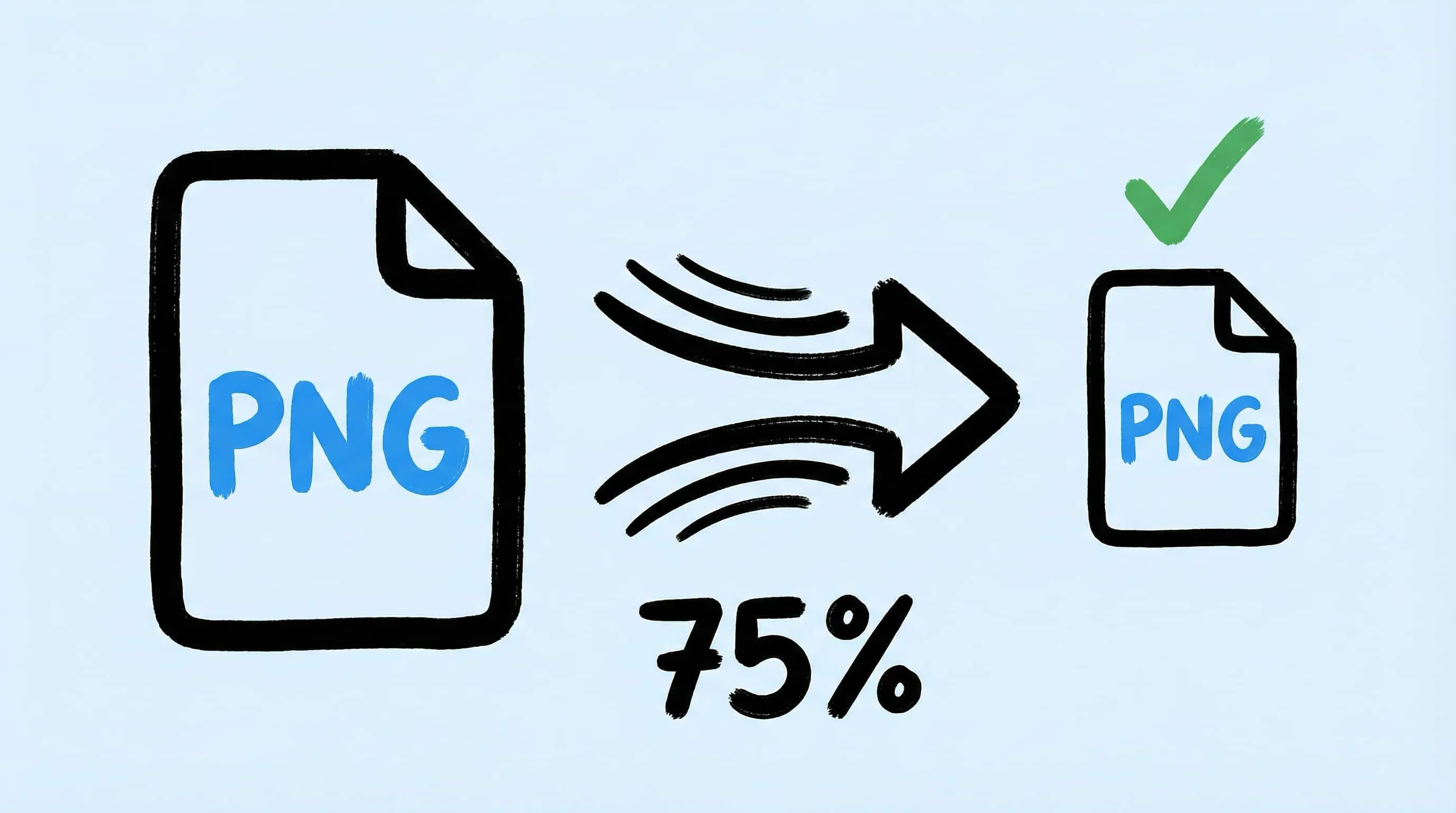
How to Compress PNG Files on Mac With Visually Lossless Results
Learn how to compress PNG files and reduce PNG size on Mac with Zipic. Covers lossy quantization with visually lossless results, batch processing, and when to convert PNG to WebP or AVIF.
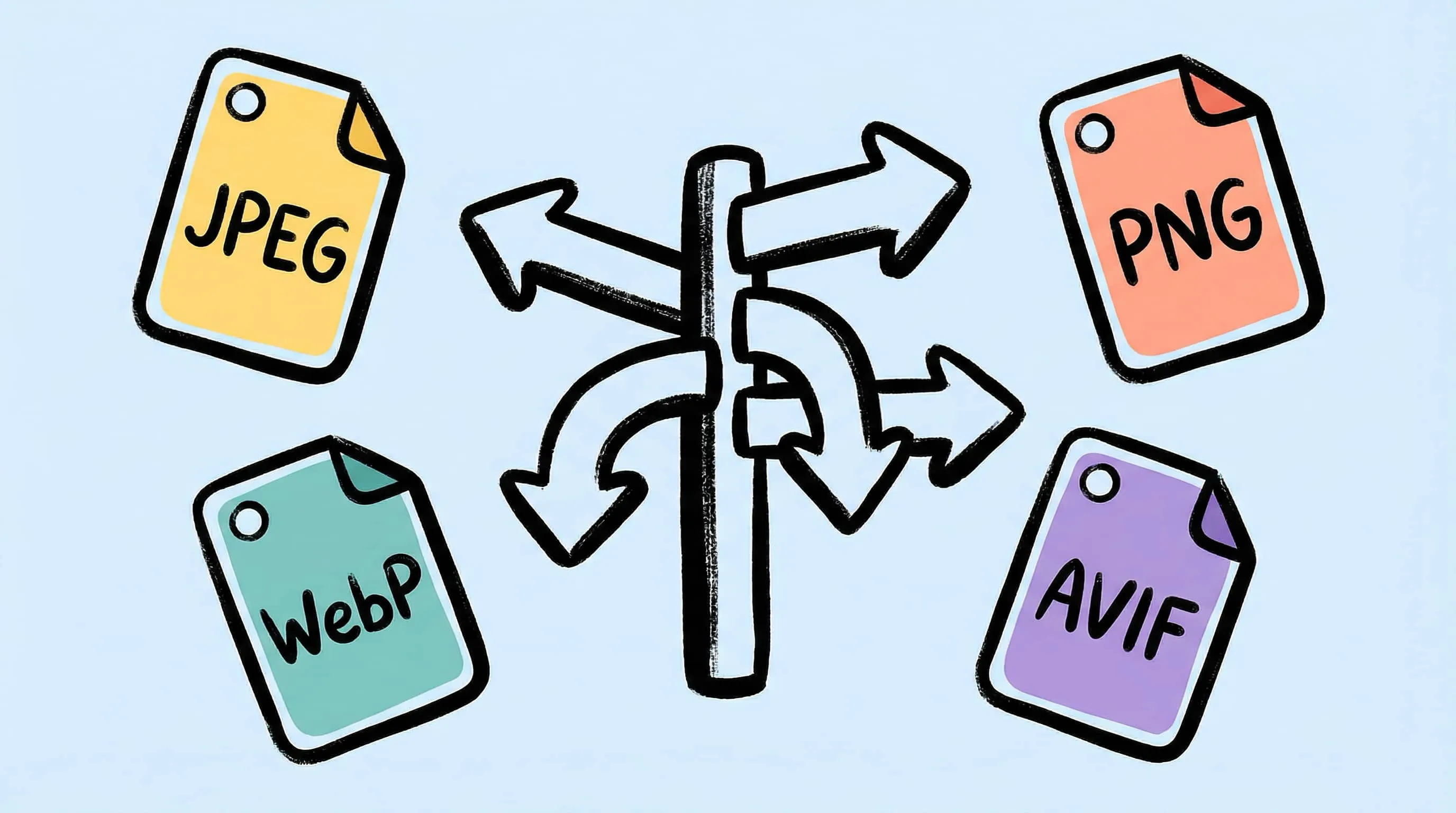
How to Choose the Right Image Format for Your Project
Not sure whether to use JPEG, PNG, WebP, or AVIF? This practical guide helps you pick the best image format based on your project type, platform, and priorities.
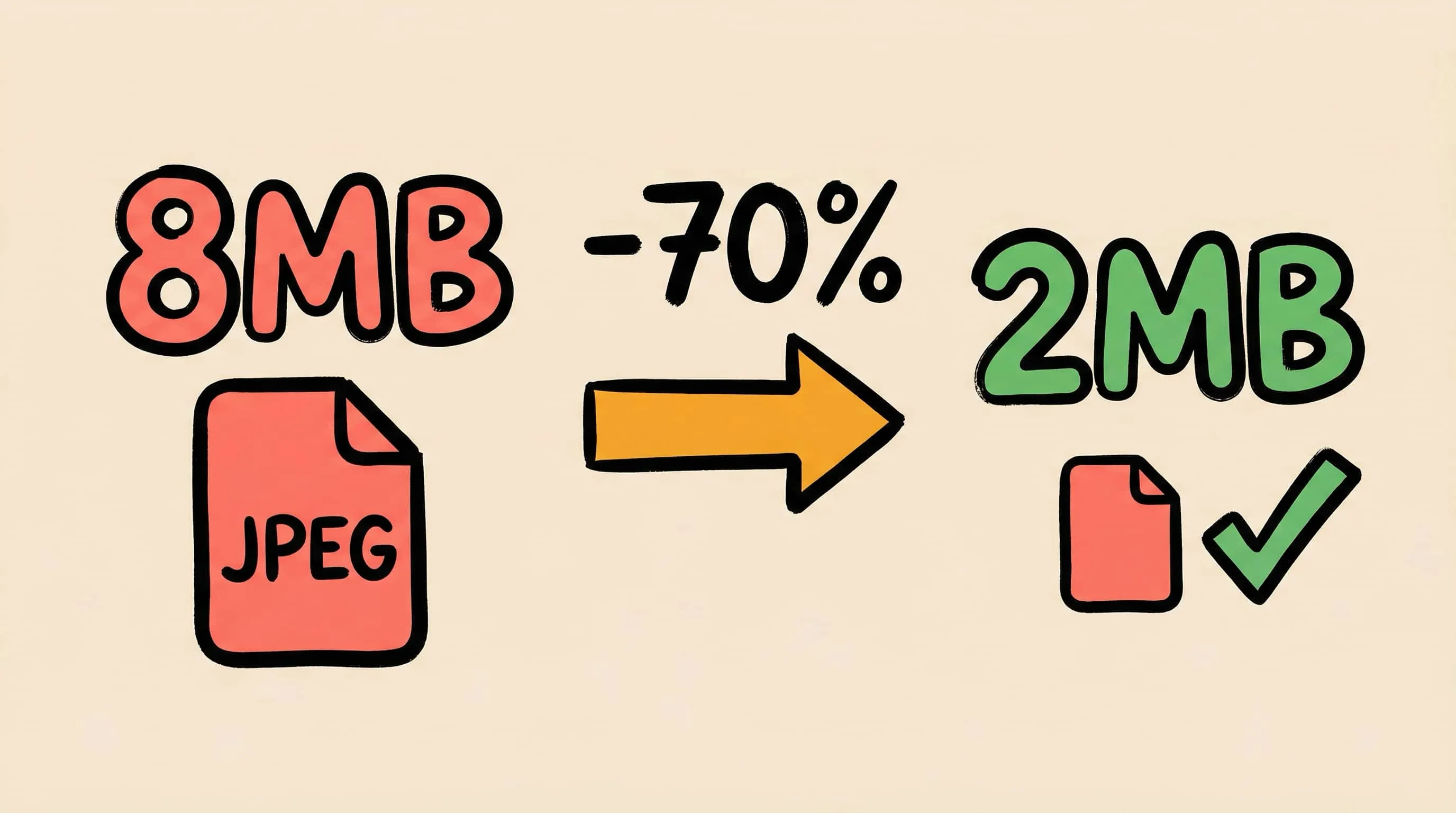
How to Reduce JPEG File Size Without Losing Quality
Learn 5 proven methods to reduce JPEG file size on Mac without visible quality loss. Adjust compression levels, resize, compare previews, and batch process with Zipic.
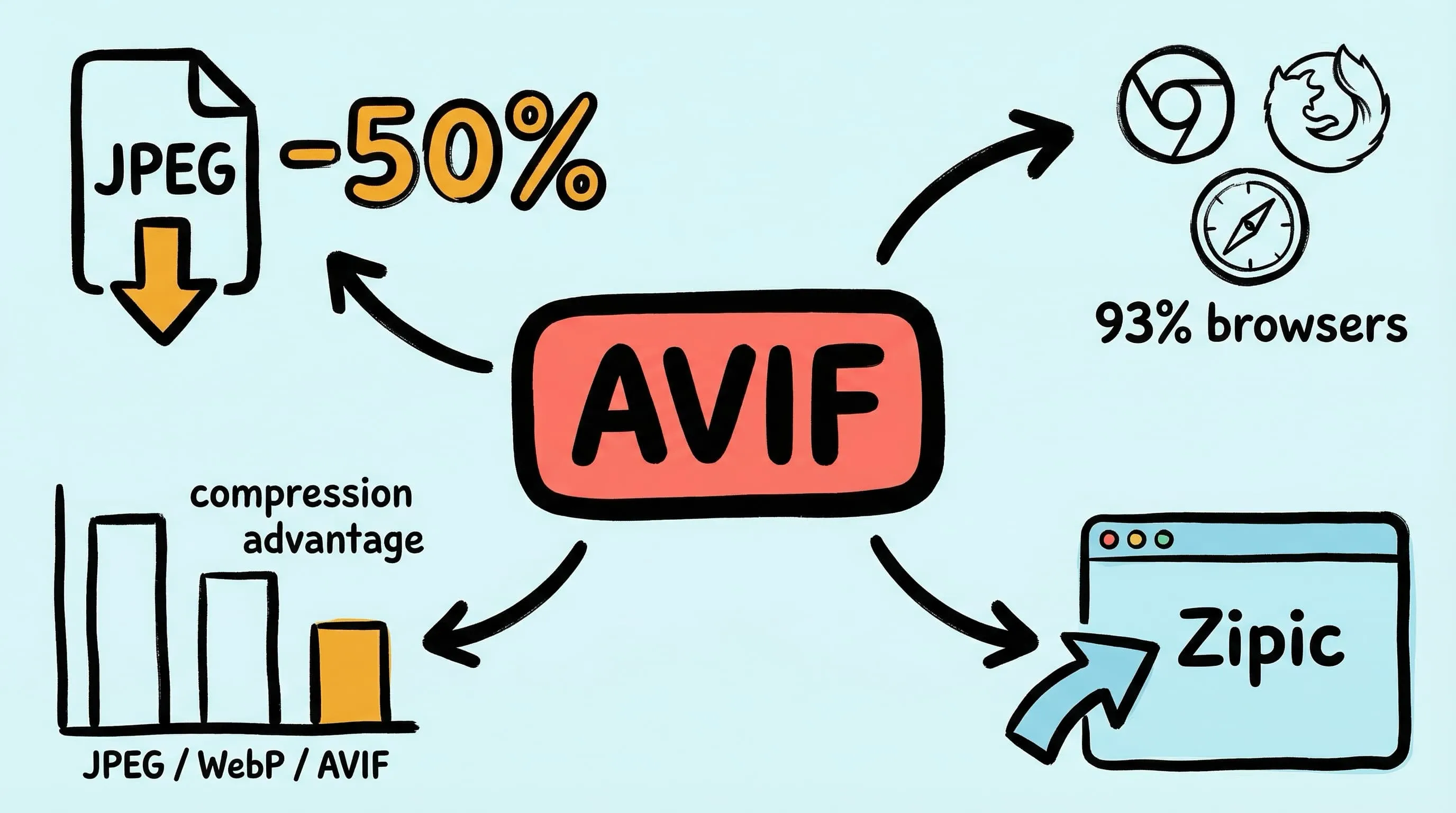
Best AVIF Compression Tool for Mac: Convert and Optimize AVIF Images
Looking for an AVIF compression tool on Mac? Learn how to compress and convert images to AVIF format with Zipic — batch processing, quality control, and 12 format support.
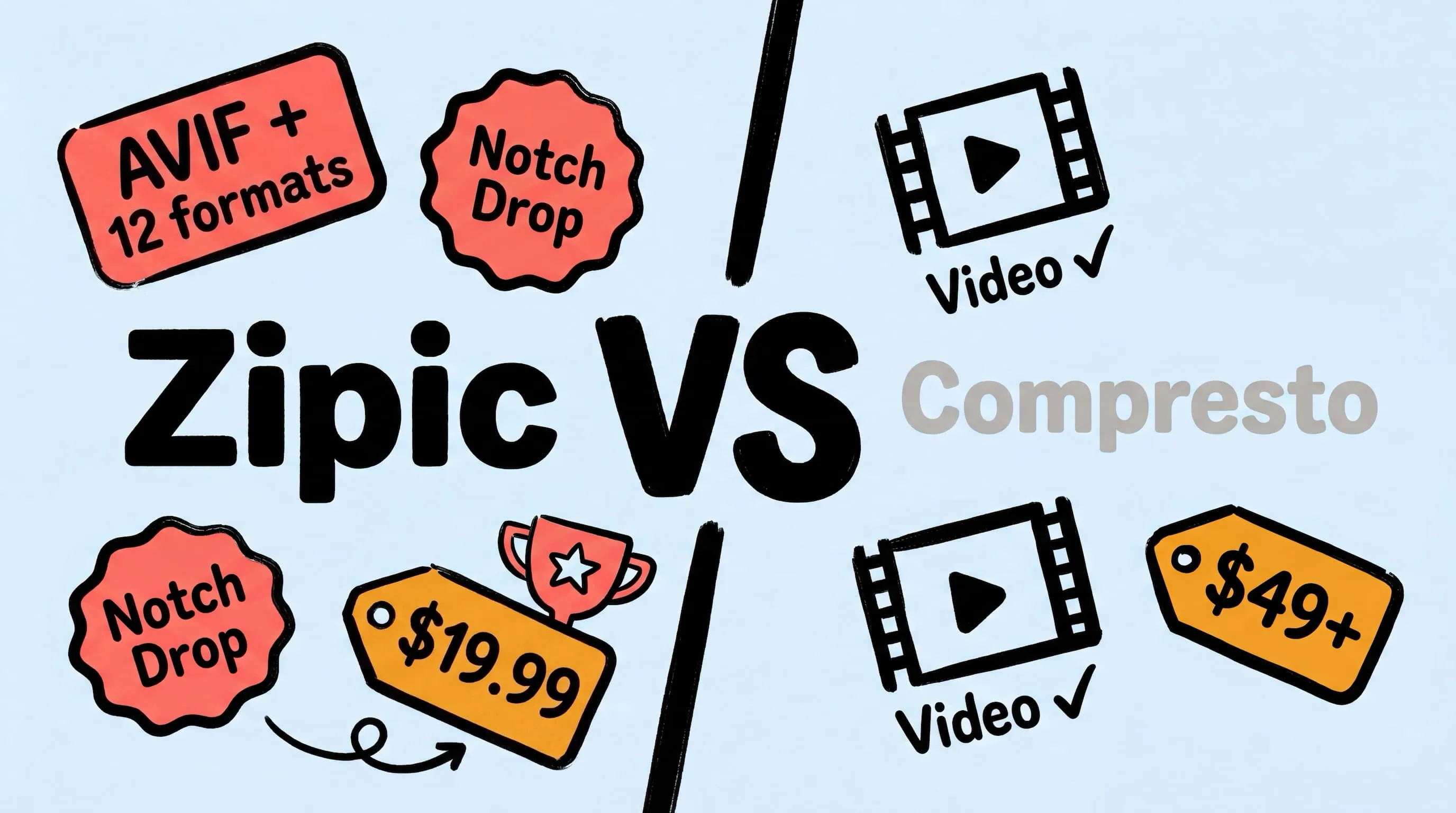
Zipic vs Compresto: Mac Image Compression Tools Compared
Looking for a Compresto alternative? Compare Zipic and Compresto on image format support, compression control, automation, pricing, and video capabilities for Mac.
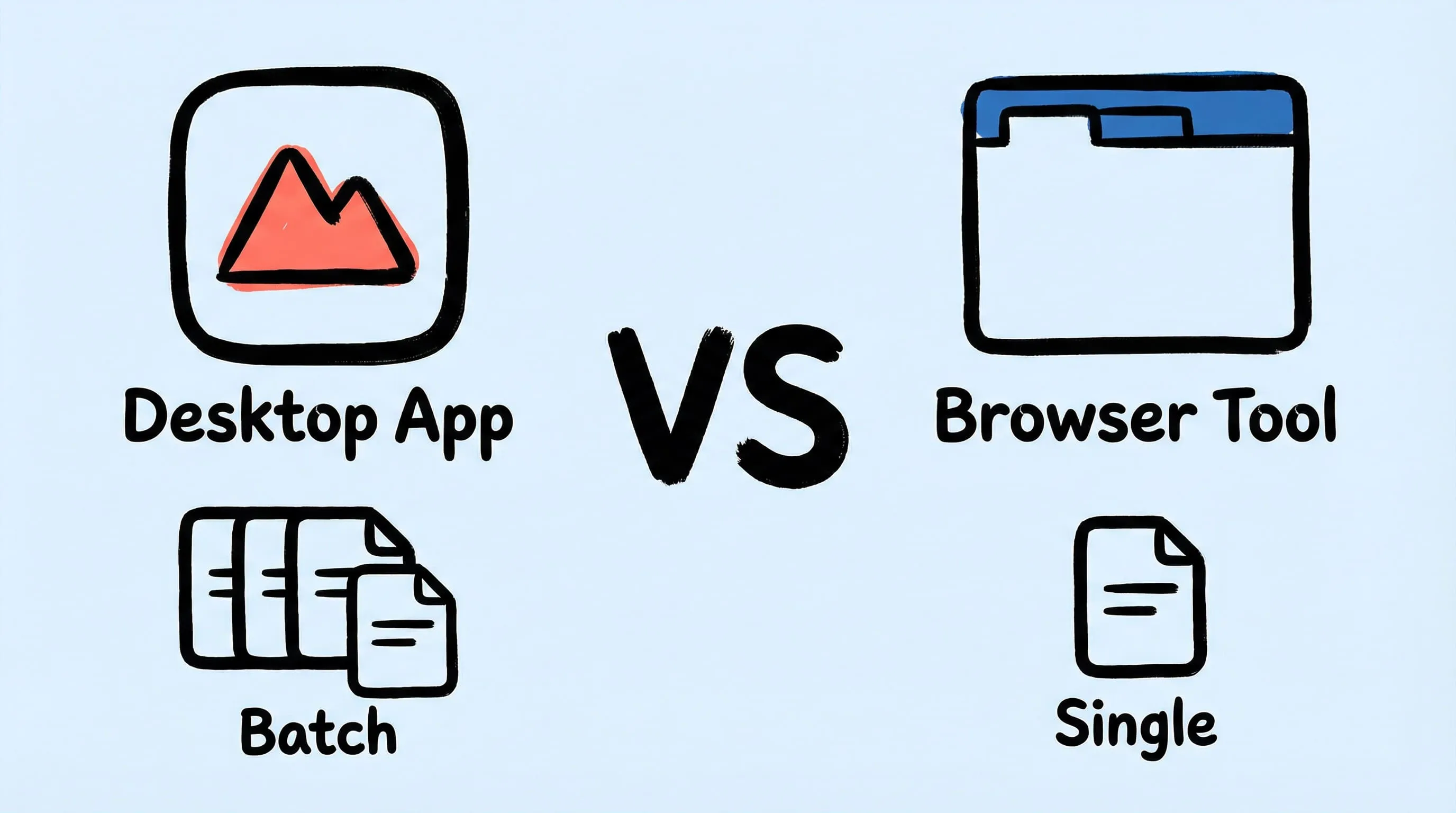
Best Squoosh Alternative for Mac: Desktop Batch Compression
Looking for a Squoosh desktop alternative on Mac? Compare Zipic vs Squoosh for batch processing, offline use, automation, and multi-file workflows.
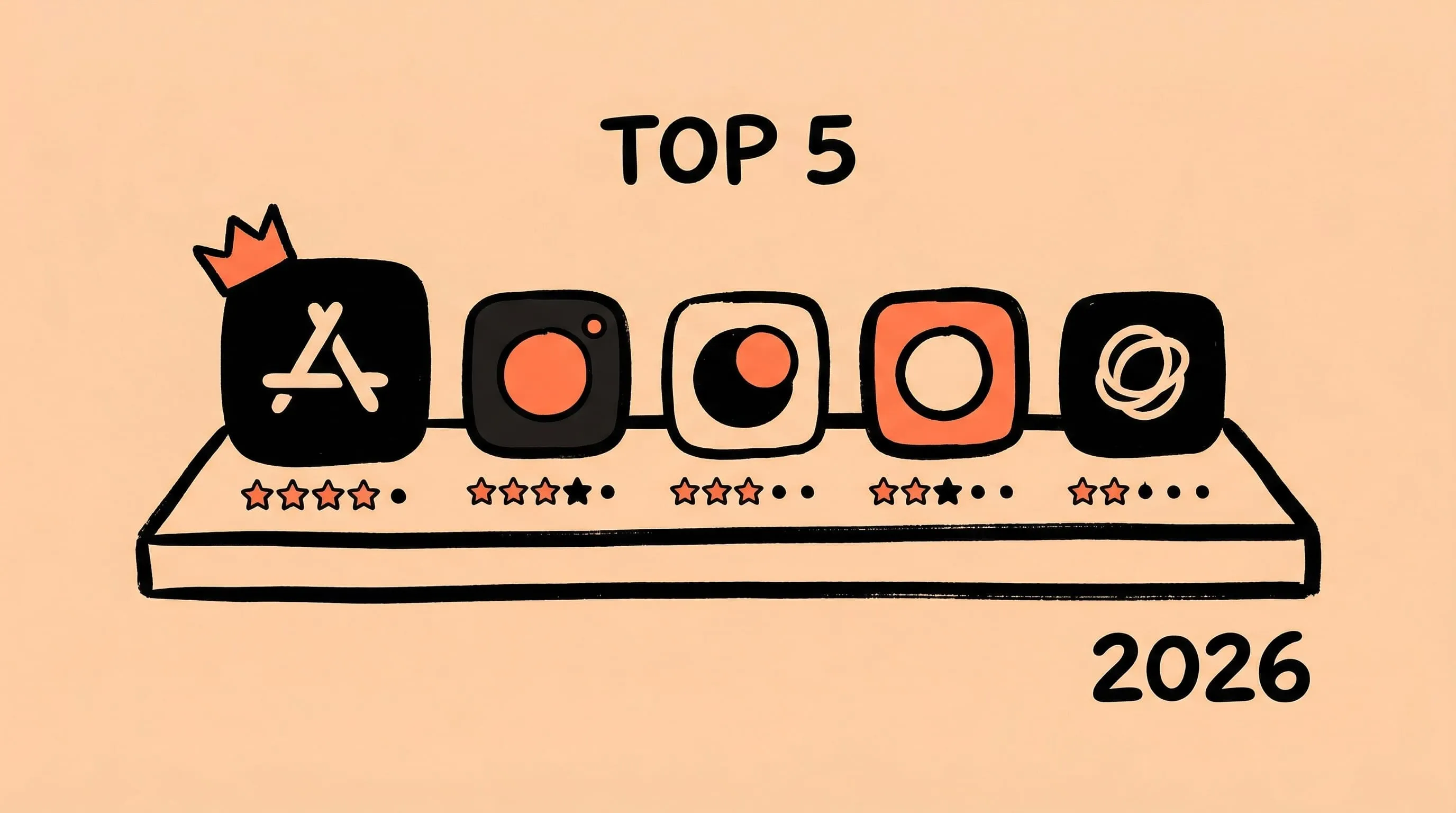
Best ImageOptim Alternatives for Mac in 2026
Looking for an ImageOptim alternative? Compare the top Mac image compression tools — Zipic, Squoosh, TinyPNG, Compresto, and Optimage — with features, pricing, and recommendations.
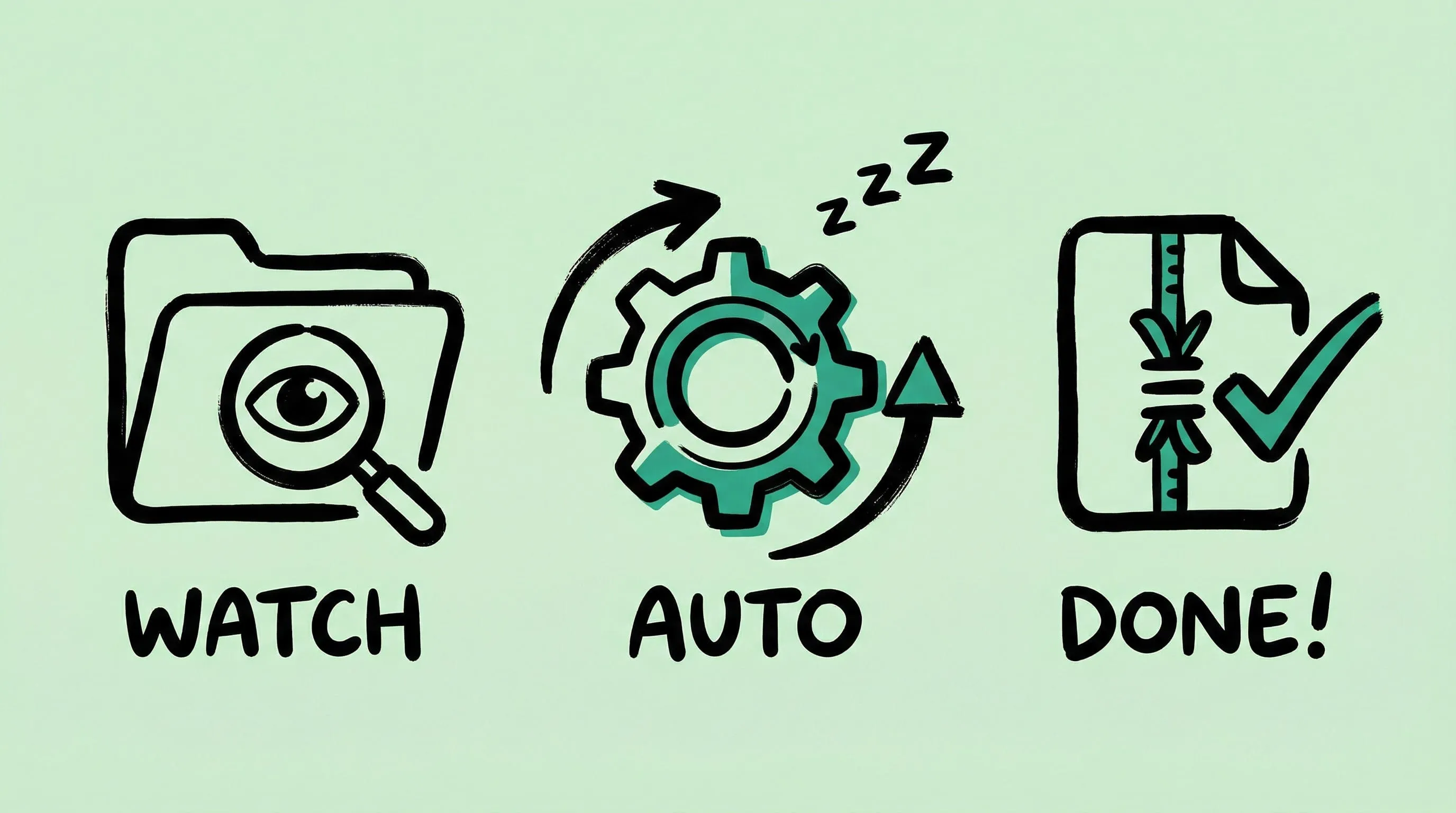
macOS Automation: Auto-Compress with Folder Monitoring
Set up automatic image compression on macOS with Zipic's folder monitoring. Auto-compress screenshots, downloads, and design exports as they appear.
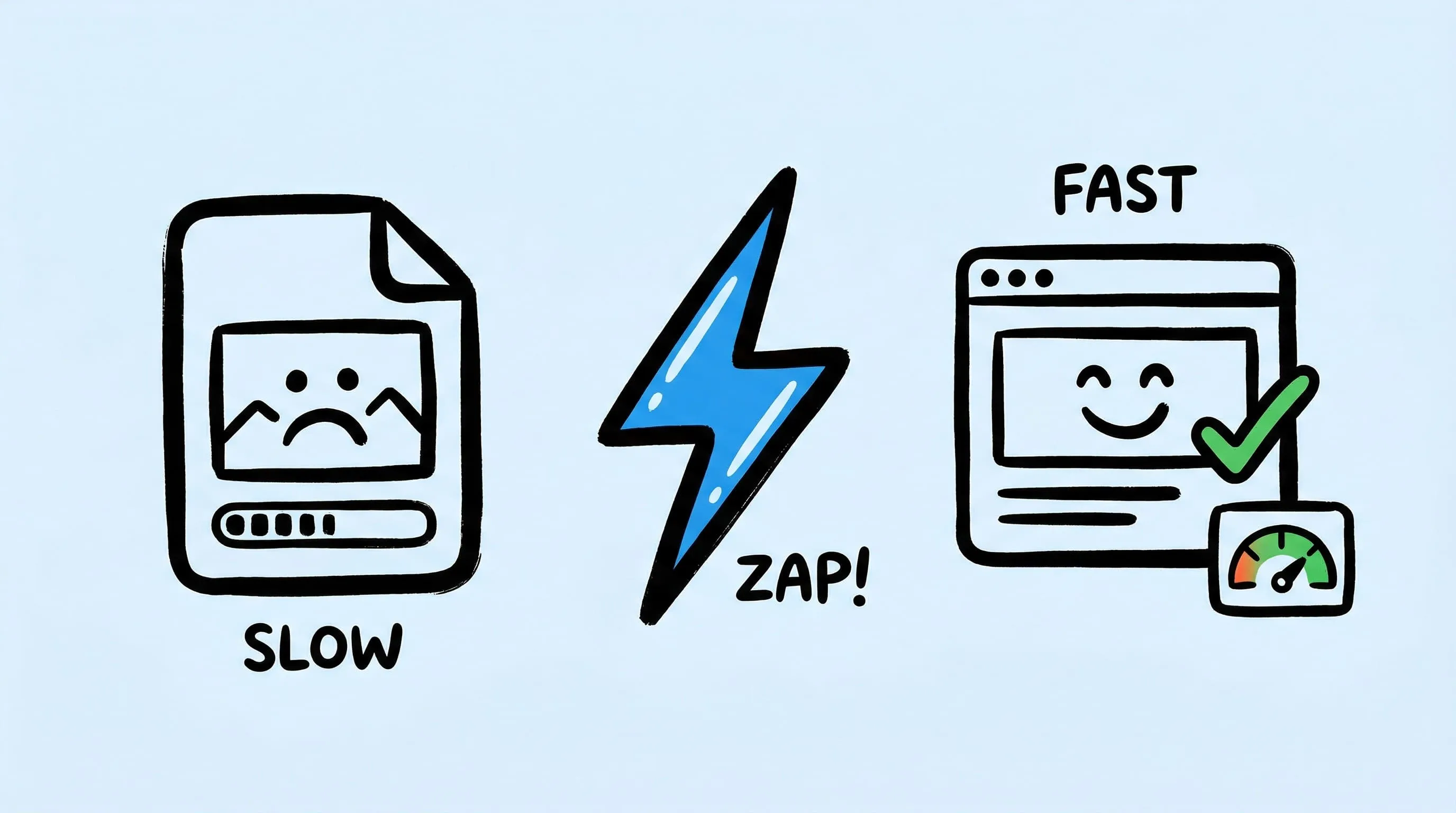
Optimize Images for Web Performance
Learn how to optimize images for faster websites. Covers format selection, compression settings, responsive images, and automation with Zipic on Mac.
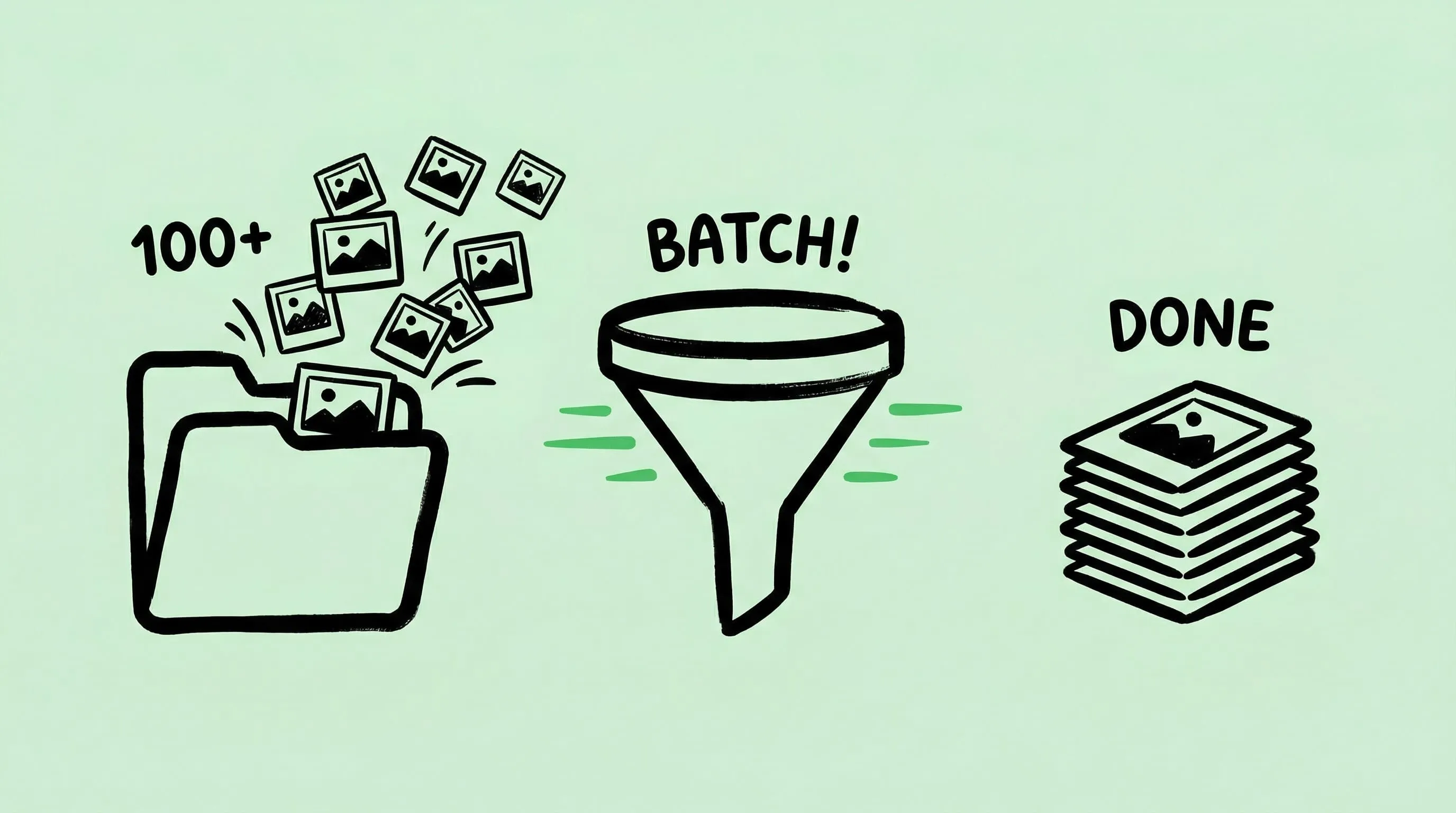
Batch Compress Images on Mac: Folders, Samples, and Automation
Batch compress images on Mac safely: sample first, protect originals, then scale with folders, Raycast, monitoring, or Shortcuts.
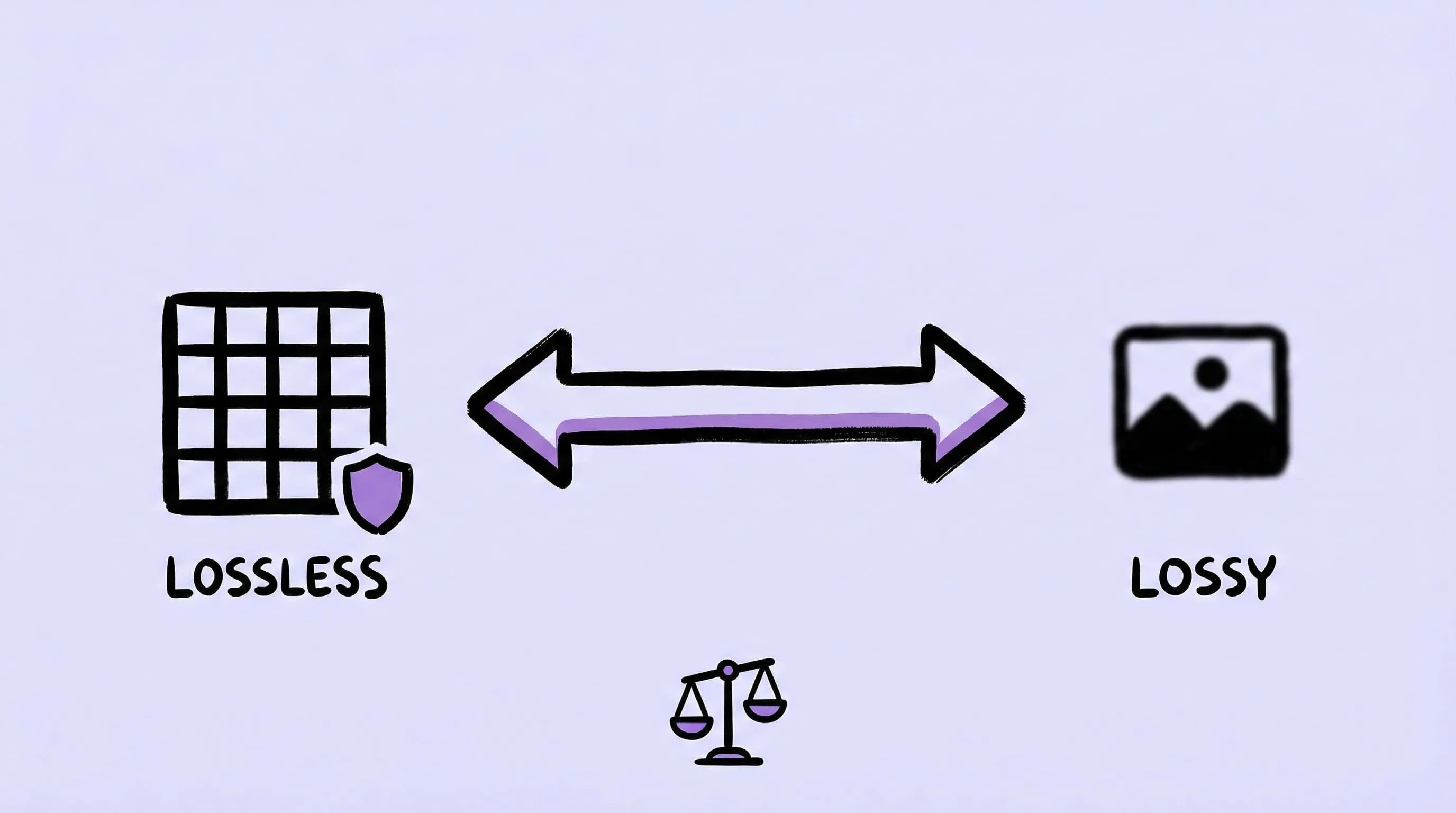
Lossy vs Lossless Compression: Which Should You Use?
Lossy discards data for smaller files; lossless keeps exact pixels. Use lossy for web photos, lossless for screenshots, logos, and masters.
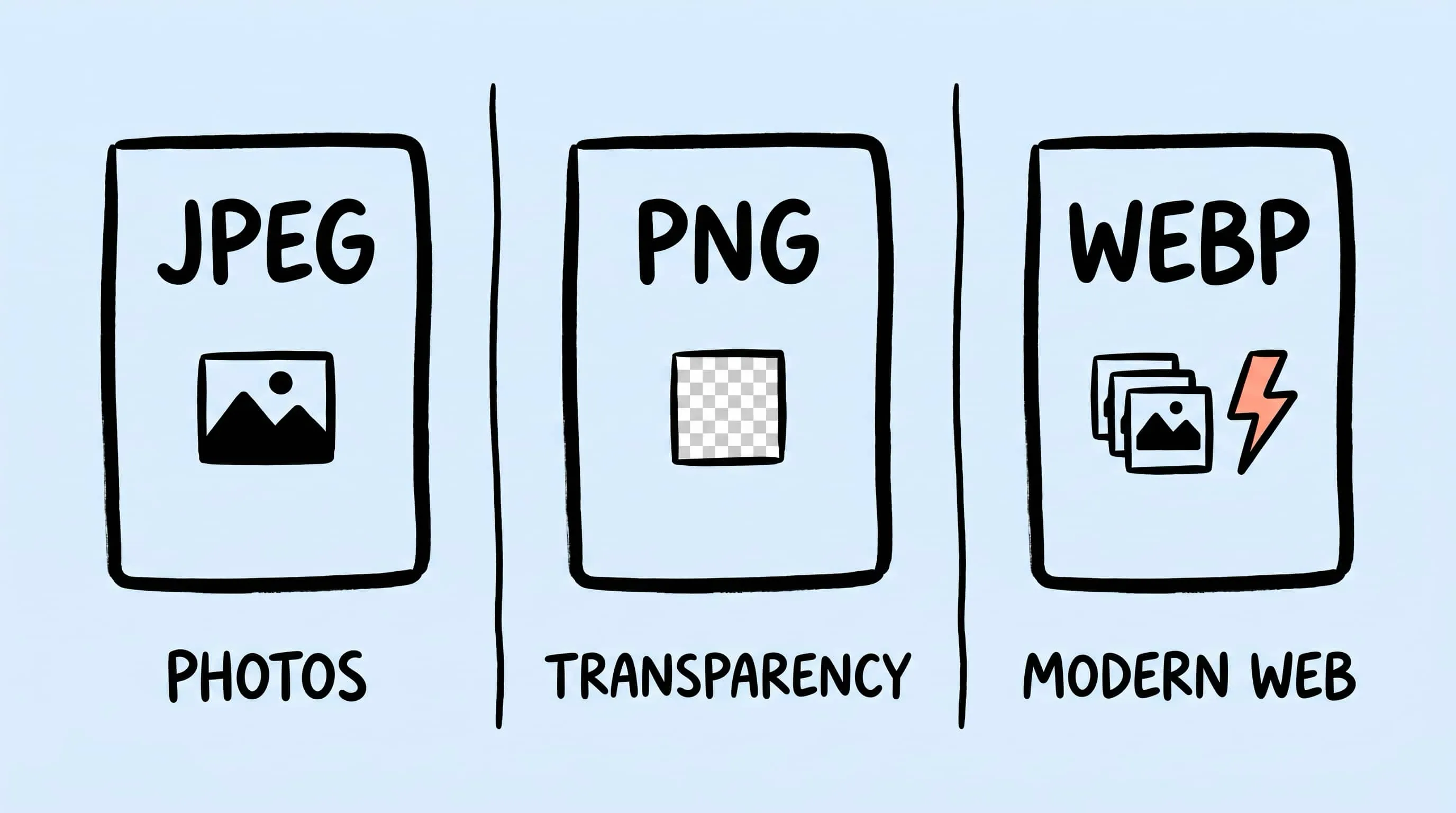
WebP vs PNG: Quality, File Size & Transparency Compared
WebP vs PNG: both support transparency. Compare file size, lossless quality and compatibility for photos, screenshots and logos, with JPEG as a fallback.
Zipic vs TinyPNG: Desktop App vs Online Tool Compared
Zipic vs TinyPNG — compare privacy, file limits, format support, and pricing. See why a native Mac app beats an online uploader for image compression.
Zipic vs ImageOptim: Which Mac Image Compressor Wins?
Compare Zipic and ImageOptim side by side. See how they differ on format support, compression control, automation, and pricing for Mac image compression.
How to Compress Images on Mac Fast (Without Ruining Quality)
Compress images on Mac with drag-and-drop, Finder, presets, and batch automation — protect originals, check quality at 100%, then scale the workflow.