Why Zipic Kept libwebp for WebP but Built Its Own AVIF Encoder
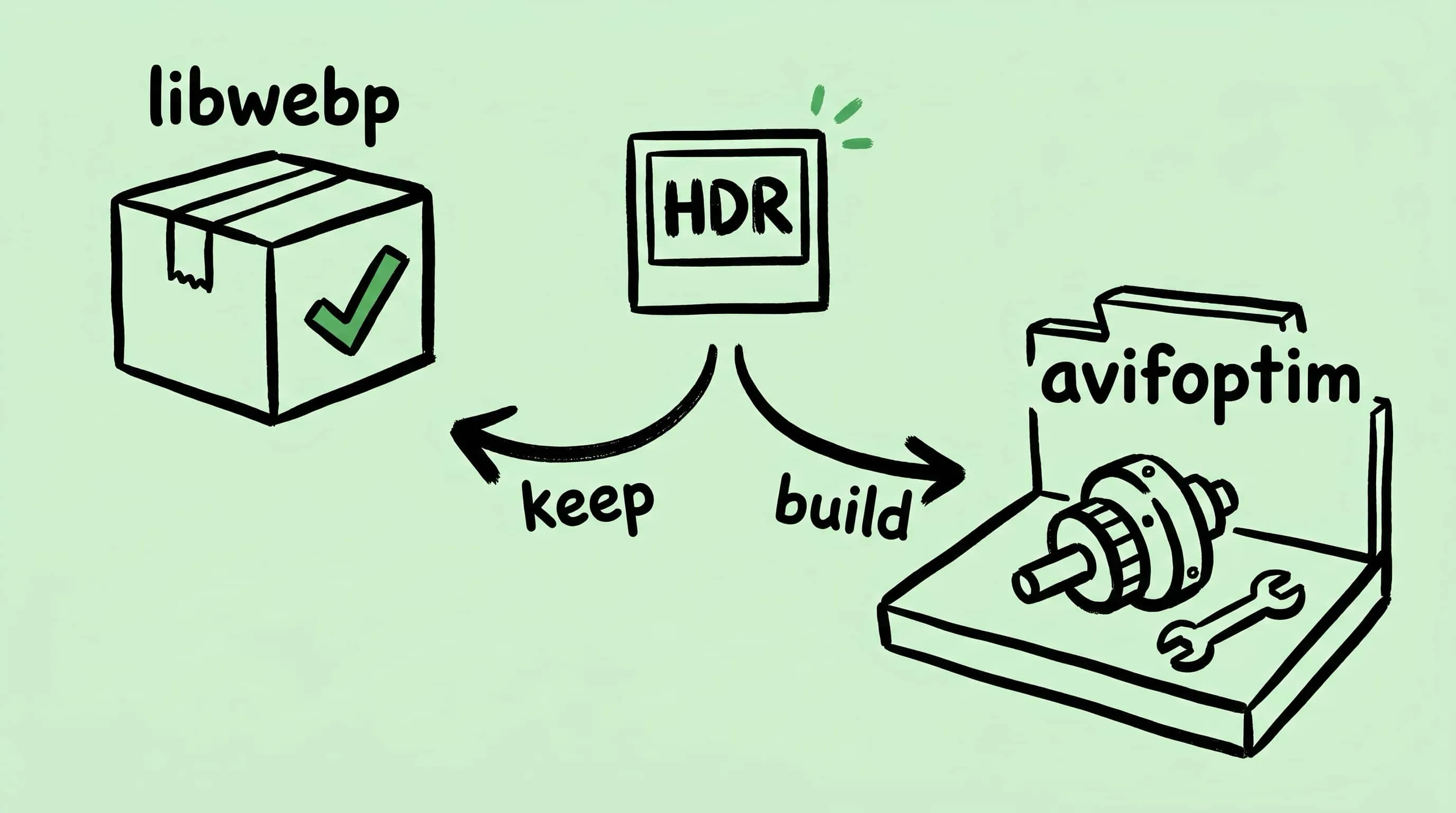
Zipic keeps Google's libwebp for WebP but built avifoptim after libavif failed to preserve iPhone HDR photos. The engineering trade-off explained.
Most image compression apps link to open-source libraries and ship. Zipic does the opposite for most formats — six of its compression pipelines run on engines built from scratch. But for WebP, Zipic kept Google’s libwebp. The interesting part: Zipic originally used the standard library for AVIF too, until real-world HDR photos from iPhones exposed a problem the library could not fix. This article explains both decisions and what they reveal about choosing a Mac WebP encoder and AVIF encoder for a desktop app.
The Score: Six Formats Built, One Borrowed
Zipic handles eleven image formats. For six of them — JPEG, PNG (including APNG), GIF, SVG, PDF, and AVIF — Zipic ships purpose-built compression engines. Each was created because the existing open-source options left gaps in output quality, format coverage, or compatibility that Mac users could feel.
For WebP, Zipic integrates one open-source library directly:
- libwebp — Google’s reference WebP encoder and decoder
The remaining formats (HEIC, TIFF, JPEG-XL) rely on Apple’s system frameworks or other established libraries.
The split is not random. One format kept its library. Another lost it. The reasons are specific.
libwebp: The Library That Earned Its Place
libwebp has been in development since 2010 when Google released the WebP format alongside VP8 video. Fifteen years later, it remains the only production-grade WebP encoder in existence. The current stable release is 1.6.0 (June 2025), and the project has been shipping new versions every 6–12 months in recent years.
Three facts keep libwebp in place:
It ships inside Chrome. Every Chrome release includes libwebp. Google’s browser team tests it continuously against real-world content. Bugs surface fast, edge cases get handled, and security patches ship within days. No independent team can match that feedback loop.
It defines the format. WebP is a Google format. libwebp is the reference encoder. Any alternative must produce bitstreams that decode identically — which means reverse-engineering and tracking every revision of Google’s implementation. The ROI of that exercise is close to zero.
The license is permissive. BSD 3-Clause. No restrictions on distribution or commercial use.
WebP currently has over 95% global browser support. When you convert an image to WebP in Zipic, the output comes from the same encoder that powers Chrome, Android, and virtually every CDN. Building a replacement would not produce smaller files, would not encode faster, and would add a maintenance burden that grows with every upstream release. For a deeper look at the format, see What Is WebP?.
libwebp works. There is nothing to fix.
AVIF: When “Technically Correct” Is Not Enough
Zipic originally used libavif — the reference AVIF library from AOMedia — for all AVIF encoding. libavif fully supports HDR and Gain Maps at the API level. For standard SDR images, and even many HDR workflows, it worked fine. The problem was subtler than a missing feature.
Modern iPhones capture photos with HDR Gain Maps — embedded tone-mapping data that lets the same image look correct on both HDR and SDR displays. Adobe Camera Raw and Lightroom produce similar files. These HDR photos follow the ISO 21496-1 standard for gain map encoding, and the apps that produce them write the AVIF file container in a specific way.
libavif’s encoder writes the container in a different way. Both formats are valid AVIF — the specification allows either layout. But Safari, Photos, and other HDR-aware apps use strict parsing that only recognizes the container format produced by Apple and Adobe tools. When libavif re-encoded these files, the pixel data was fine, but the container structure changed — and the output was no longer identified as HDR by the apps that matter most.
The result looked like a bug to users: compress an iPhone HDR photo with Zipic, open it in Photos or Safari, and the HDR rendering was gone. Months of detailed user reports confirmed the pattern. The encoding was technically valid, but practically broken for the HDR workflow.
This was not something Zipic could fix by adjusting settings or calling different API functions. The container format is determined by libavif’s encoder internals. The options were: wait for an upstream change (no timeline), ship output that lost HDR in key apps (unacceptable), or build an encoder that preserved the container structure these apps require.
avifoptim: Built to Preserve What Matters
Zipic 1.9.5 introduced avifoptim, a purpose-built AVIF encoder designed around one principle: what goes in must come out intact. HDR metadata, gain map parameters, color profiles — all preserved through compression.
The results are specific:
- iPhone HDR photos keep their gain maps. Open the compressed file in Photos or Safari and it still renders as HDR on capable displays.
- Adobe Camera Raw and Lightroom exports retain their tone-mapping data through the compression pipeline.
- Color accuracy improved across the board, not just for HDR content. SDR images also benefit from more stable quality-to-size tradeoffs.
“Zipic is the only tool I’ve found that can convert 10-bit HDR gain-map images to AVIF while preserving metadata.” — Adam Sébire, photographer, after four rounds of HDR testing from December 2025 to May 2026
AVIF encoding is built on AV1, a video codec designed by the Alliance for Open Media. Seven founding companies (Amazon, Cisco, Google, Intel, Microsoft, Mozilla, Netflix) built it, with Apple, AMD, NVIDIA, and others contributing later. The AV1 specification alone runs 681 pages. Building an AVIF encoder means engaging with that complexity directly. Zipic made that investment because the existing library produced technically valid but practically unusable HDR output for a growing category of photos. For the full format breakdown, see What Is AVIF?.
The Real Pattern: Adopt Until You Can’t
The rule behind these decisions is not “always build” or “always adopt.” It is:
Start with the best existing solution. Build when it fails your users.
libwebp has never failed Zipic’s users. Its output is correct, its performance is good, and Google maintains it at a scale no independent team can match. There is no reason to replace it.
libavif produced technically valid AVIF, but the container format it wrote was not recognized as HDR by Safari, Photos, or Adobe tools. Users saw their iPhone HDR photos lose HDR after compression. That gap justified a custom encoder.
The same logic applies to the other five engines:
- Existing JPEG encoders left room for better quality-to-size tradeoffs at common compression levels. Zipic’s progressive JPEG pipeline closes that gap.
- PNG compression — including APNG, an animated extension most tools ignore — had no single tool that handled both static and animated frames on macOS. The same engine powers ICNS optimization.
- GIF tools like gifski encode video to GIF but cannot compress existing GIF files.
- SVG optimization on macOS had no native solution — every option required Node.js. Zipic’s engine runs natively with zero dependencies.
- PDF compression relied on Ghostscript, a tool not built for macOS batch workflows. Zipic’s engine handles batch PDF compression without it.
Every custom engine exists because a specific user problem had no existing solution. Every adopted library stays because it works.
What This Means When You Use Zipic
When you set the output format to WebP, the encoding runs through libwebp — the same library behind Chrome and every major CDN. Proven, maintained, reliable.
When you set the output to AVIF, the encoding runs through avifoptim — built specifically to handle HDR content that the standard library could not. Your iPhone HDR photos stay HDR after compression.
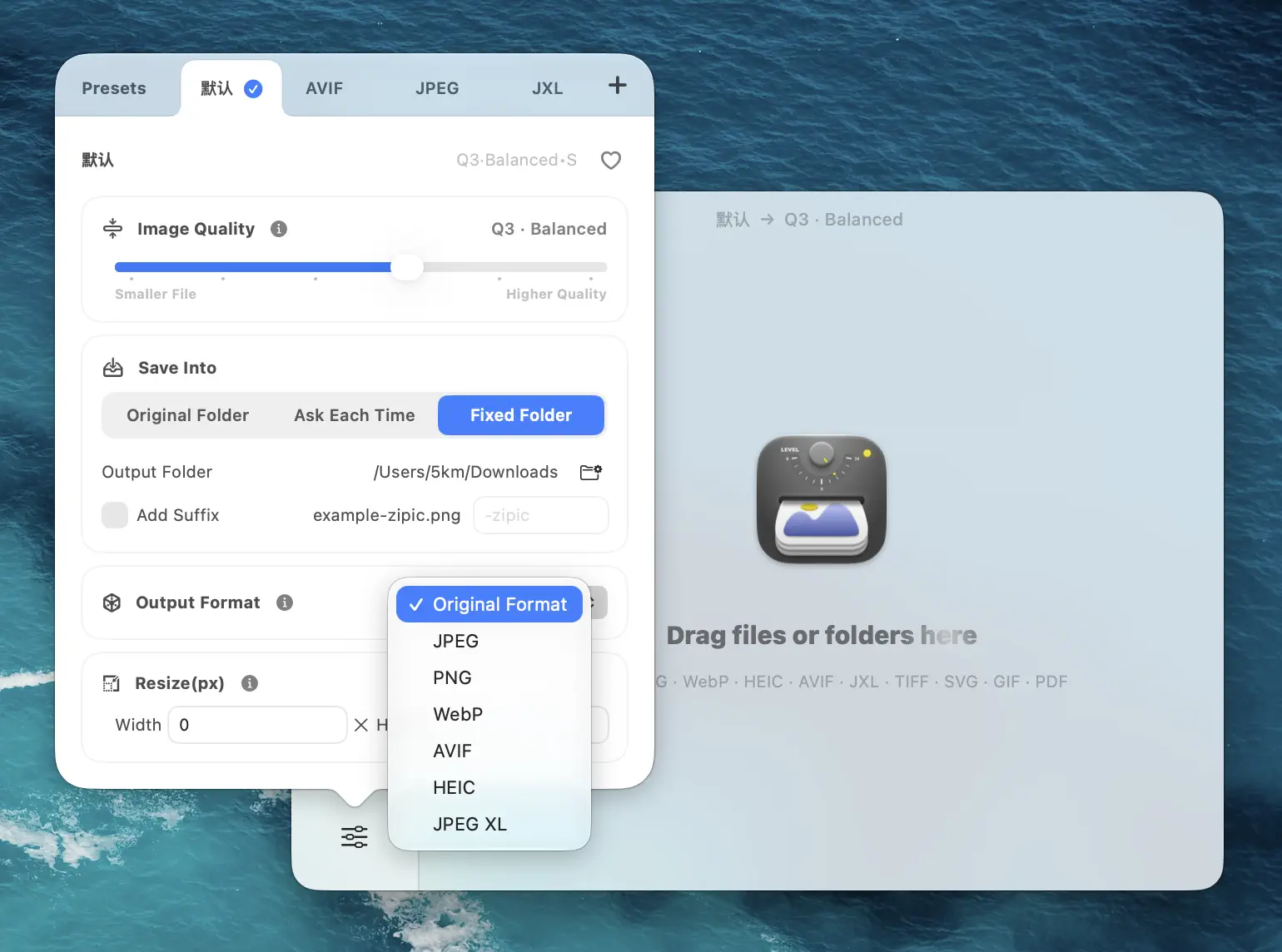
For JPEG, PNG, GIF, SVG, and PDF, compression runs through Zipic’s own engines — tuned for macOS, integrated with the preset system, and built for batch workflows without external dependencies.
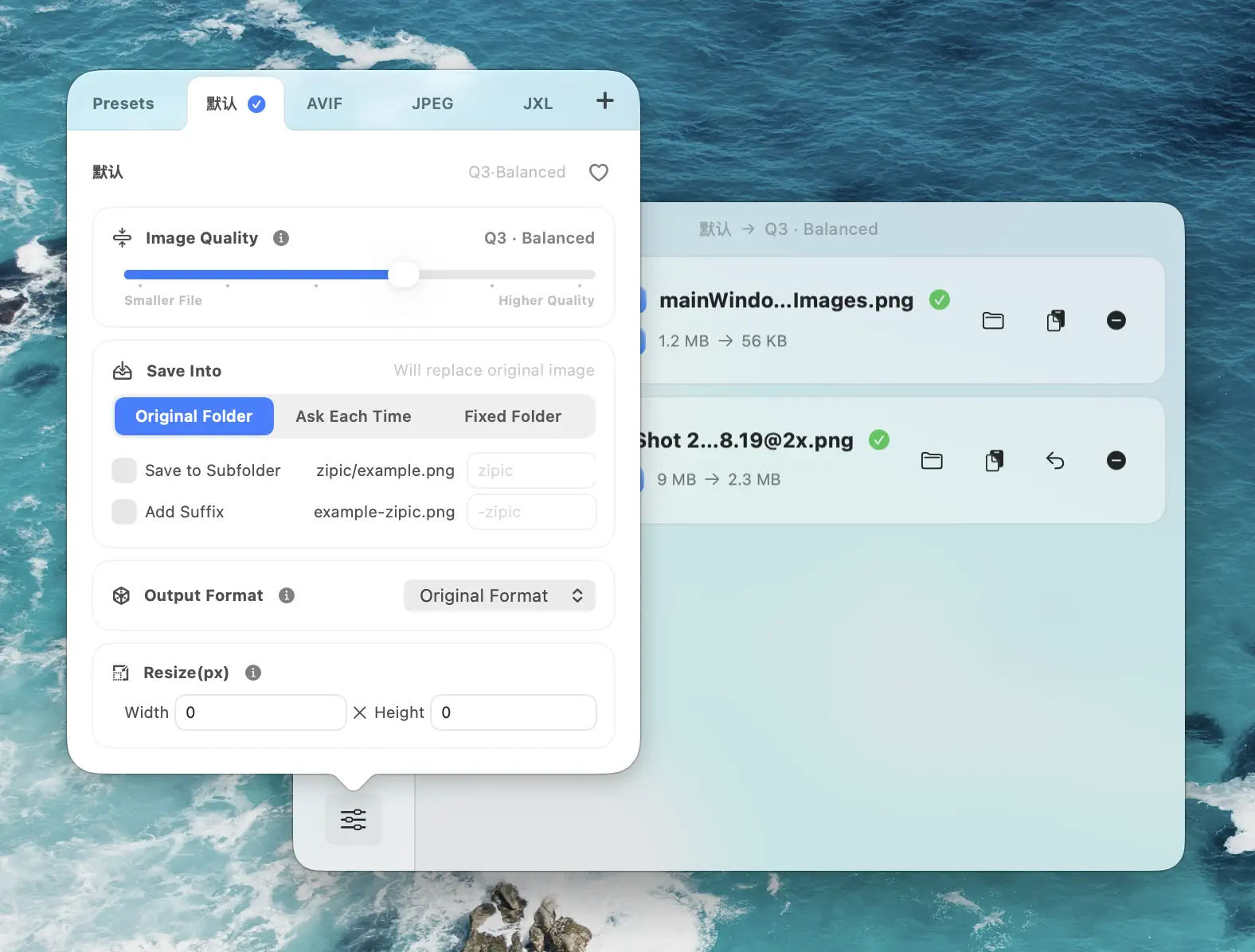
You configure a preset, drop your files, and the right engine handles each format automatically. For the full format guide, see Choosing Image Formats.
Download Zipic and try all seven pipelines — six custom engines plus libwebp for WebP. Every download includes a full 7-day Pro trial. See pricing for details.
Related Articles
- What Is WebP? Everything You Need to Know About Google’s Image Format
- What Is AVIF? Inside the AV1 Image Format Explained
- WebP Image Optimizer for Mac: Convert and Compress to WebP
- Best AVIF Compression Tool for Mac
- Progressive JPEG vs Baseline: Why Some Tools Make Smaller Files
- How to Compress and Optimize SVG Files on Mac
Related Reading
How to Compress Images on Mac Fast (Without Ruining Quality)
Compress images on Mac with drag-and-drop, Finder, presets, and batch automation — protect originals, check quality at 100%, then scale the workflow.
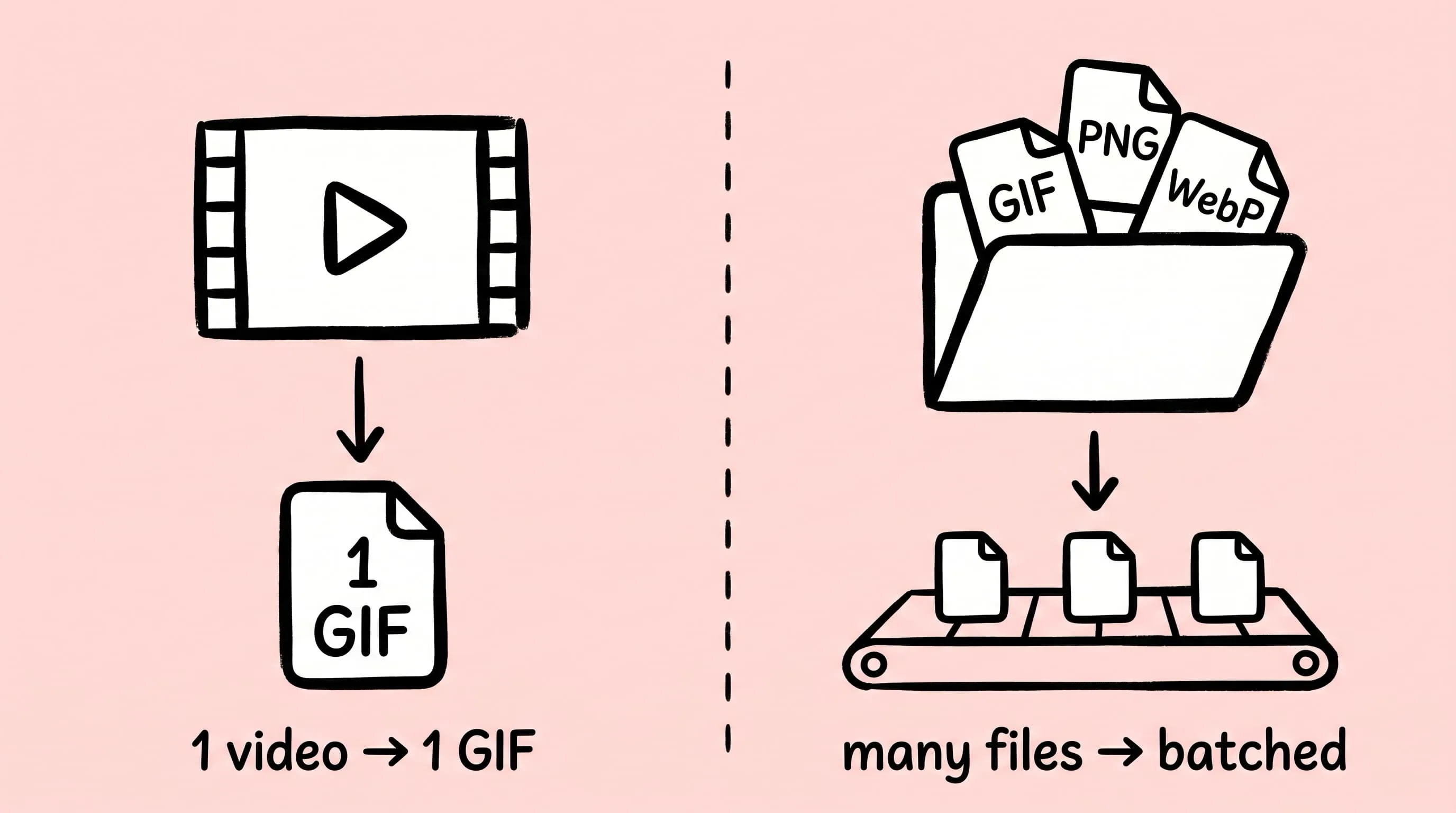
Best gifski Alternative on Mac: When One Video at a Time Isn't Enough
gifski is a great video-to-GIF encoder, but it cannot batch, monitor folders, or compress existing GIFs. Here is the Mac gifski alternative for those jobs.
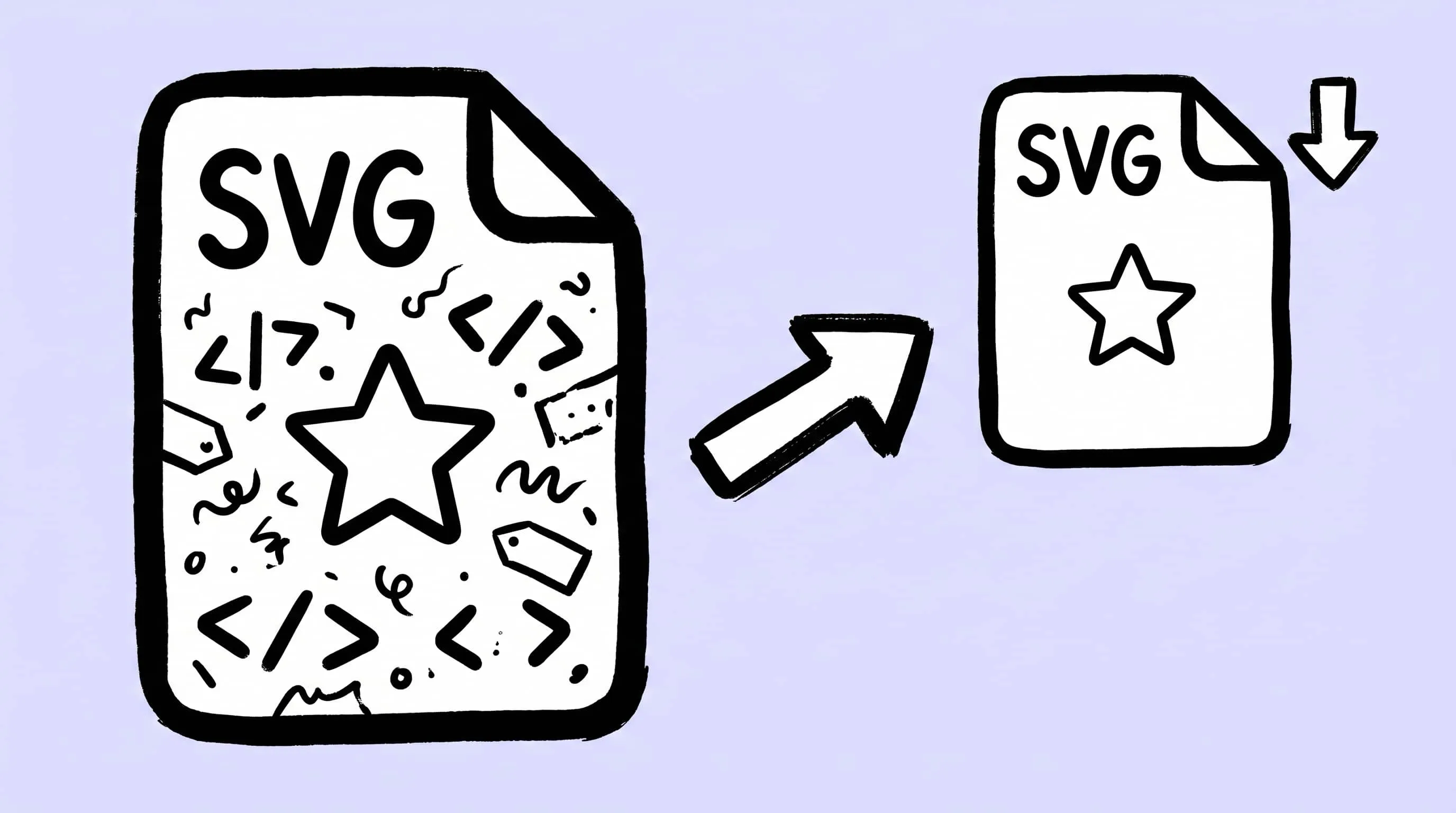
How to Compress and Optimize SVG Files on Mac with Zipic
Need an SVG optimizer on Mac? Compress and optimize SVG files with Zipic — strip editor bloat, pick from six quality steps (Q1–Q6), and batch entire icon sets.
Zipic Updates 2026: The Year of Self-Built Compression Engines
Zipic updates 2026, version by version: how five in-house compression engines — zipic-jpeg, pngoptim, SVGift, pdfoptim, gifoptim — replaced outside tools this year.