Best gifski Alternative on Mac: When One Video at a Time Isn't Enough
gifski is a great video-to-GIF encoder, but it cannot batch, monitor folders, or compress existing GIFs. Here is the Mac gifski alternative for those jobs.
If you have ever needed to make a GIF on a Mac, you have almost certainly run into gifski. It is the best video-to-GIF encoder in the Mac ecosystem — high-quality output, free, and quietly maintained by Sindre Sorhus. For converting one screen recording into one polished GIF, you don’t need anything else.
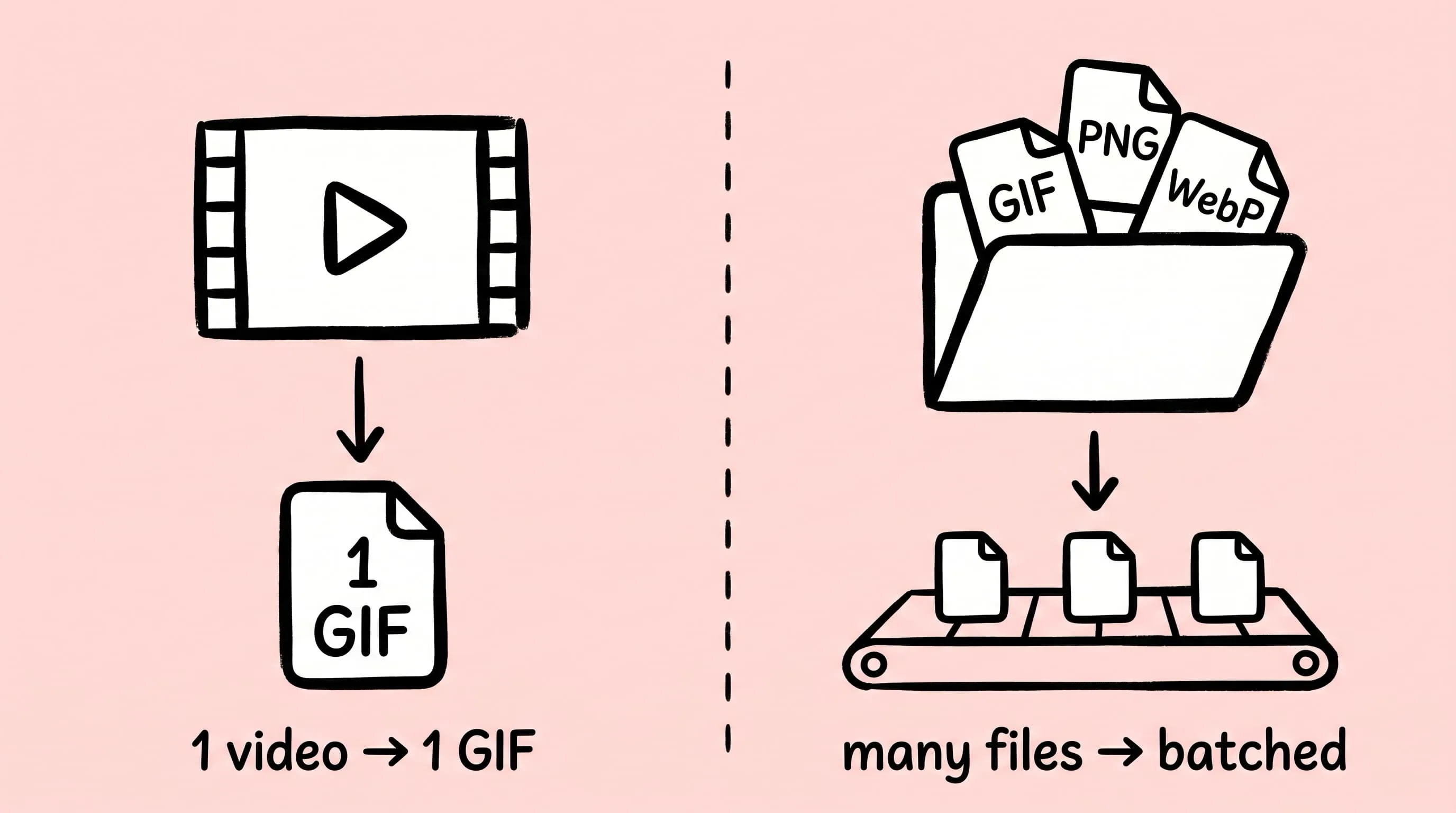
But that is also where gifski stops. It will not accept a GIF as input, it cannot batch a folder of files, it has no compression presets, and it doesn’t watch directories or expose a URL scheme for scripts. Once your workflow grows past “one video, one GIF,” you need a different kind of tool. This guide is about that tool — Zipic, a Mac image compressor that treats GIF as one format in a multi-format pipeline — and where it fits next to gifski rather than against it.
What gifski Does Well
Before talking about alternatives, give gifski credit for what it is built to do. The CLI (brew install gifski) and the free Mac App Store app are both designed around a single job: take a video file or a PNG sequence, and produce the highest-quality GIF possible at a target frame rate, size, and quality. The Sindre Sorhus app reached v3.0.0 in April 2024 and the GitHub repository still receives commits as of May 2026, so the project is actively maintained (Gifski releases).
When you have a .mov from QuickTime or an MP4 from ScreenStudio and you want one clean looping GIF, gifski is the right answer. The quality is hard to beat, the GUI is friendly, and the price is zero.
The Three Jobs gifski Doesn’t Do
Look at where users actually ask for help on the gifski tracker and the pattern is consistent. There are three workflows the project explicitly does not cover:
- Compressing GIFs you already have. Both the CLI and the GUI only encode to GIF — they cannot read a
.gifas input. If a vendor sent you a 6 MB animated GIF, gifski has no way to make it smaller. - Batch processing a folder. The GUI processes one file at a time and closing the output window exits the app entirely. The batch-mode feature request (Issue #291) has been open since 2023 with no commitment to ship.
- Hands-off pipelines. No folder watcher, no URL scheme, no preset manager. There is an Apple Shortcuts action, but it still runs one file at a time and doesn’t survive being chained into larger automations.
None of this is a flaw in gifski. It’s the deliberate scope of a tool focused on a single, hard problem. But it does mean that the moment your work involves multiple GIFs, already-encoded GIFs, or automated workflows, gifski isn’t the answer.
Where Zipic Fits Instead
Zipic is a native macOS image compressor built around presets, drag-and-drop, and batch processing. GIF is one of eleven formats it handles — alongside JPEG, PNG, WebP, AVIF, HEIC, TIFF, ICNS, SVG, PDF, and JPEG-XL — so it slots into a different shape of workflow than gifski.
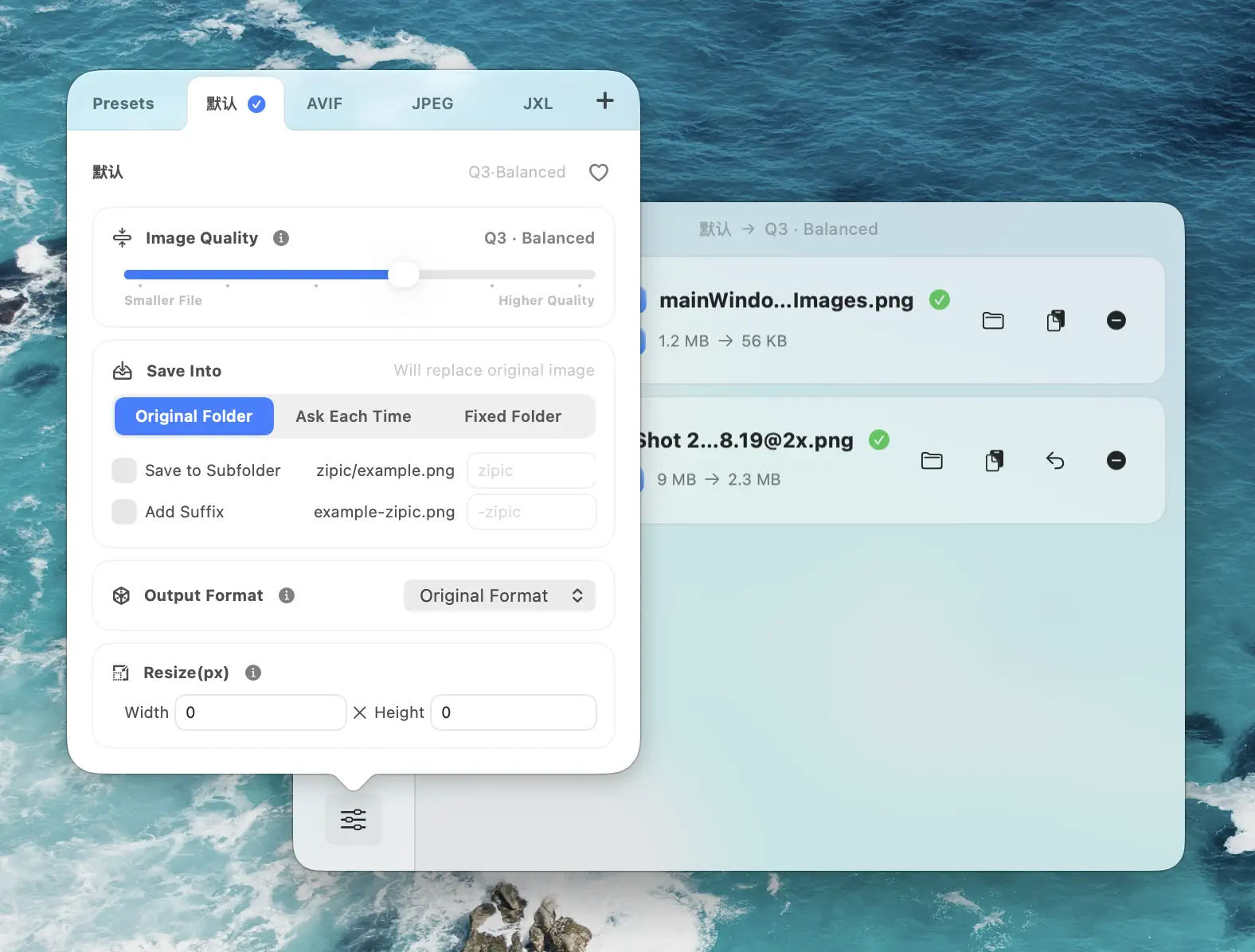
The model is preset-first: pick a compression preset, then drop files. Adding files triggers the job — there is no separate “Start” button. For GIFs, that means you can:
- Take existing GIFs as input and re-compress them in place — exactly what gifski refuses to do
- Drop a folder of GIFs and have Zipic process them in batch, preserving every animation
- Mix formats freely: a folder with GIFs, PNGs, and WebPs goes through one pipeline with one preset
- Resize while compressing to cut file size by the square of the scale factor — usually the single biggest win on a screen-recording GIF
For the underlying GIF compression details (palette, dithering, frame timing) see GIF Compression on Mac: Reduce Size and Keep Animation. This article is about the workflow difference.
Side-by-Side: Five Real Workflows
The shortest way to see the gap is to walk through the kinds of jobs that come up in actual content work.
1. One ScreenStudio recording → one polished GIF
gifski wins. Open the app, drop the .mov, pick a quality, export. Done. Zipic doesn’t compete on this — it can’t turn a video into a GIF.
2. Twenty product-demo GIFs from a designer, all too large
Zipic wins. Drop the folder into the main window. Zipic re-compresses every file with the active preset, preserves animation and timing, and writes the optimized output to your chosen location. gifski cannot read those files at all.
3. A vendor that drops new GIFs into a shared folder every week
Zipic wins. Enable Folder Monitoring on the shared folder; Zipic auto-compresses anything that lands there using your chosen preset, including GIFs.
gifski has no equivalent — there’s no daemon, no folder watcher, no auto-run mode.
4. A documentation site that needs every embedded GIF under 500 KB
Zipic wins. Build a “Docs GIF” preset (compression Q3–Q4, long-edge 800 px), drop the docs/ assets folder, and let Zipic batch it. Comparison preview lets you verify motion is intact before publishing. Use the Drag to Notch Pro shortcut for one-handed compression while you write.
5. A CI script that needs to compress GIFs as part of a build
Zipic wins. As of v1.9.5, Zipic ships a zipic CLI with --json output, exit codes, and structured errors, so a shell script or AI agent can compress a GIF and parse the result. See Image Compression CLI on Mac for the contract. gifski has a CLI too, but it still encodes only — there’s no parameter that takes a GIF in.
When You Want Both
Most real teams end up using both tools. The split that works:
- gifski for turning a video, screen recording, or PNG sequence into a GIF when you want maximum visual quality on a single artifact
- Zipic for everything that comes after that — compressing existing GIFs from external sources, batching a docs folder, watching a designer’s export directory, scripting compression into a build
If you’re already on gifski for video-to-GIF and want batch GIF compression, you don’t have to migrate anything. Keep gifski for the encode step; add Zipic on top of the resulting GIFs and any others you receive.
Setting Up Zipic for GIF Compression
Open Compression Settings at the bottom-left of the main window. Either edit the default preset or create a new one dedicated to GIF work:
- Image Quality: 3 for general docs use, 4–5 for aggressive shrinking
- Save Format: Leave as GIF — Zipic compresses GIFs in place and does not convert between animated formats
- Resize: Long edge 800 px for inline docs, 480 px for chat reactions, 1280 px only when you really need it
- Save To: A dedicated
~/Desktop/GIFs/folder so originals stay untouched
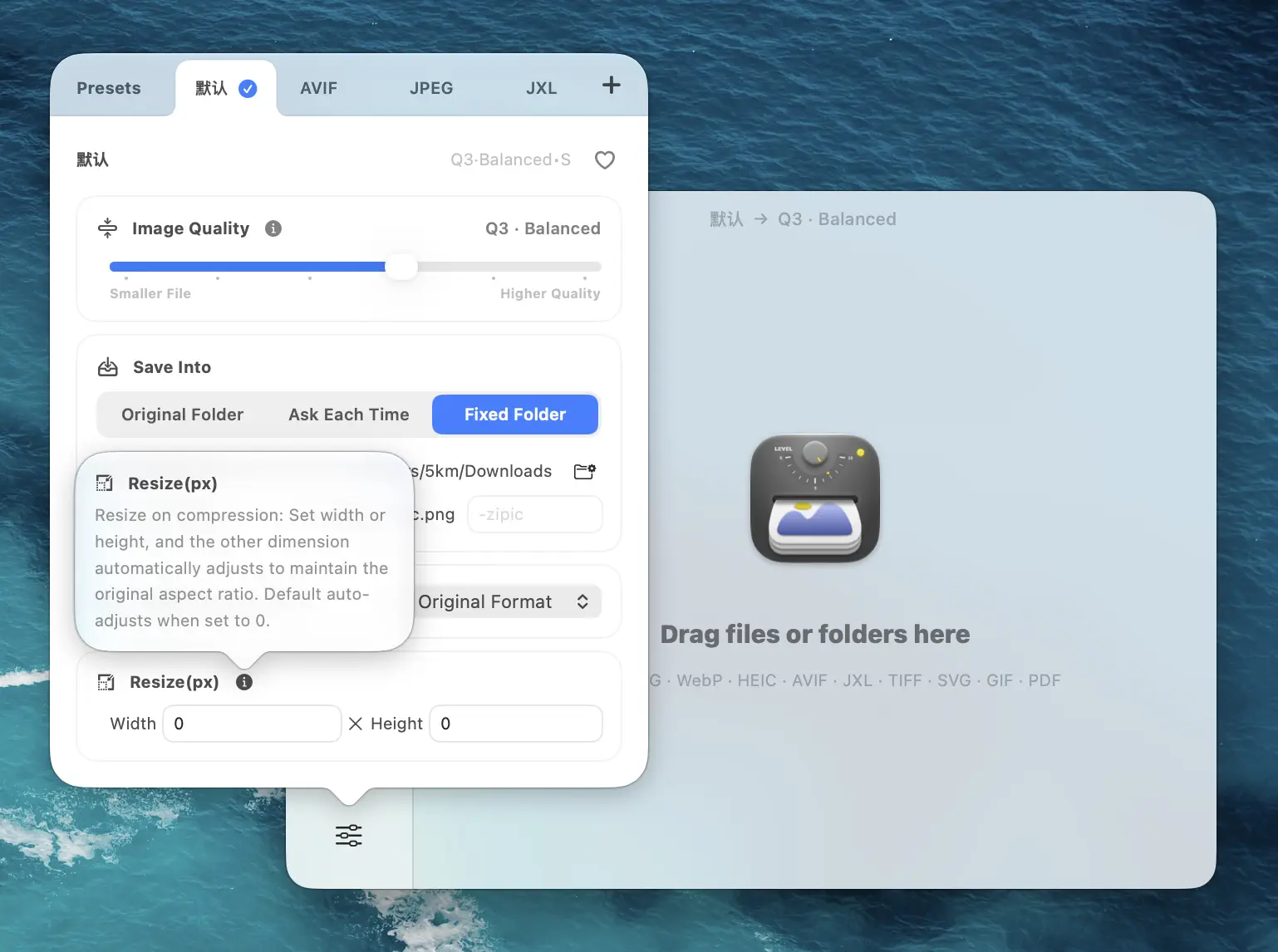
Drop your GIF folder in. Click any thumbnail to open the comparison preview and confirm motion is intact before shipping. See the Zipic image compression guide for the full preset reference.
What Each Tool Genuinely Costs
Both tools are free at entry. The cost difference is in capability:
- gifski: free CLI (MIT), free GUI on the Mac App Store as donationware. Single-file encoding, no Pro tier.
- Zipic: free for up to 25 compressions per day. A 7-day Pro trial unlocks Folder Monitoring, Drag to Notch, multiple presets, Configurable Deletion (EXIF stripping), and the full URL Scheme / AppIntents / CLI surface. See Zipic Free vs Pro for the line-by-line comparison or jump to pricing.
For an individual making the occasional GIF, gifski alone is plenty. For teams or recurring batch work, the Zipic trial pays for itself the first time a 200-file folder lands on your desk.
Decision Flow
When a GIF job crosses your desk, ask in this order:
- Do I have a video or PNG sequence and need a GIF? → Use gifski. Open the app, drop the file, export.
- Do I have one or more existing GIFs that need to be smaller? → Use Zipic. Drop the file (or the folder) into the main window with a level-3 preset.
- Do GIFs keep arriving in a shared folder? → Zipic Folder Monitoring on that folder.
- Do I need this in a script or CI job? →
zipicCLI with--jsonoutput. - Do I need to convert GIFs to animated WebP or MP4? →
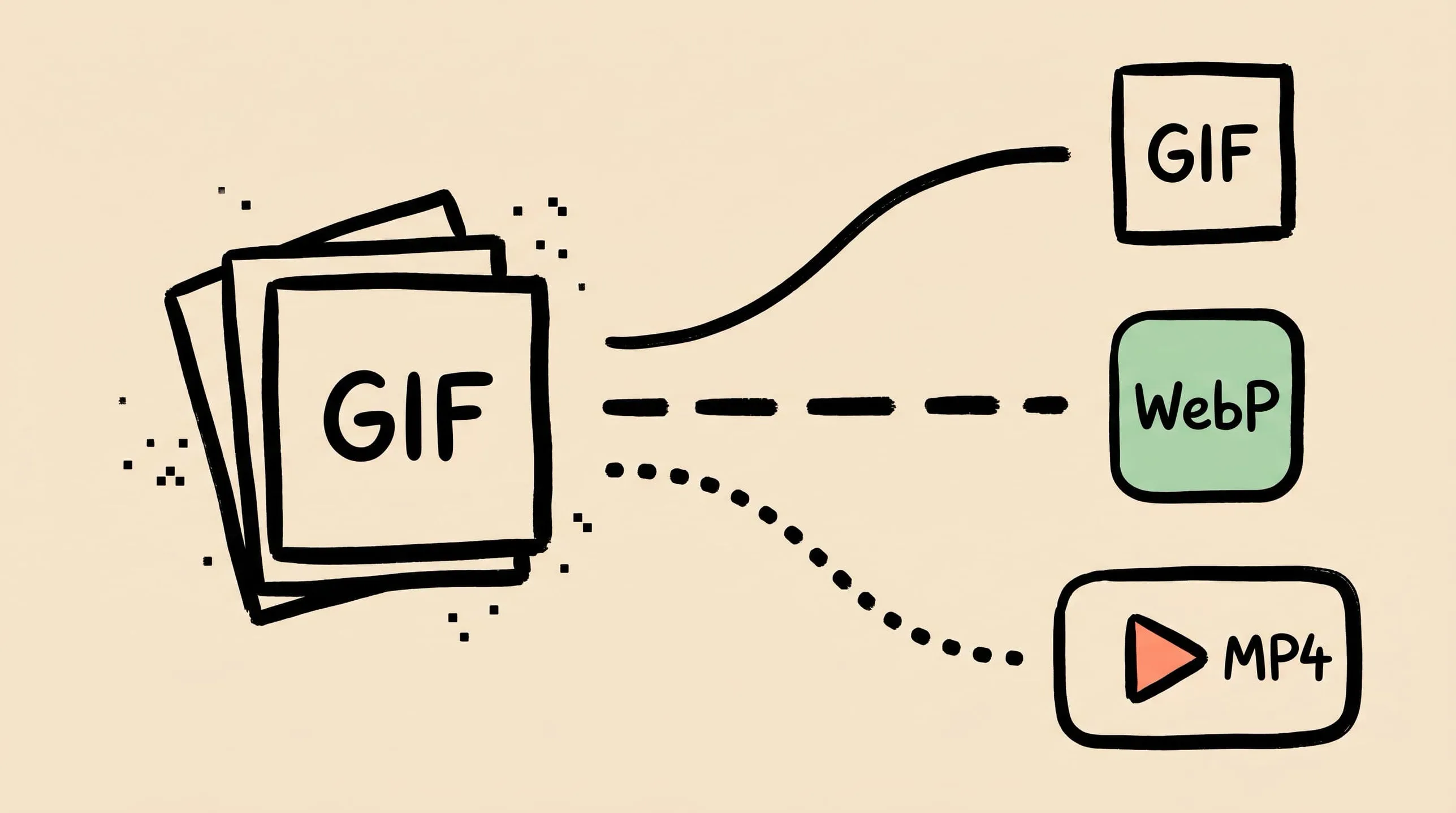
gif2webporffmpeg. Neither Zipic nor gifski does animated format conversion. See GIF Compression on Mac for the commands.
FAQ
Can Zipic actually replace gifski? Not for the encode step. gifski is a one-way video-to-GIF encoder and Zipic is a GIF-to-GIF compressor with a much broader format pipeline. They solve different problems — the right answer for most workflows is to use both.
Does Zipic handle existing animated GIFs without breaking the animation? Yes. GIF compression in Zipic preserves every frame, the original frame timing, and the loop count. Only the palette and per-frame encoding are re-optimized.
Can I batch-process a folder of mixed GIFs and PNGs in one go? Yes. Drop the folder; Zipic applies the active preset to every file it recognizes, including all eleven supported formats. GIFs come out as compressed GIFs, PNGs as compressed PNGs.
Does Zipic have a Mac App Store version too? Zipic is distributed directly from zipic.app. Every download includes a full 7-day Pro trial.
What if I want to convert my GIF to animated WebP, like gif2webp does?
Use gif2webp directly — brew install webp then gif2webp -q 75 input.gif -o output.webp. Zipic does not convert between animated formats. See the conversion section in GIF Compression on Mac.
Sources
- Gifski on GitHub — release history
- gifski CLI on GitHub
- Gifski batch mode feature request (Issue #291)
- gifski project page — gif.ski
- Zipic image compression basics
- Zipic folder monitoring guide
Related Articles
- GIF Compression on Mac: Reduce Size and Keep Animation
- APNG and Animated WebP on Mac: Compress Modern Animated Formats
- Lossy vs Lossless Compression Explained
- Image Compression CLI on Mac: Zipic for AI Agents and Scripts
- Zipic Free vs Pro: Which Version Do You Need?
Try Zipic
If gifski has been your one-video-at-a-time tool and a folder of existing GIFs has started piling up, give Zipic a turn. Download Zipic, build a GIF preset at Q3 with an 800 px long edge, drop the folder, and keep working while it batches. Every download includes a full 7-day Pro trial. See pricing.
Related Reading
GIF Compression on Mac: Reduce Size and Keep Animation
Animated GIFs are often 10x larger than they need to be. Learn why, when to keep GIF vs convert to WebP/MP4, and how to compress GIFs on Mac in 2026.
How to Compress and Optimize SVG Files on Mac with Zipic
Need an SVG optimizer on Mac? Compress and optimize SVG files with Zipic — strip editor bloat, pick from six quality steps (Q1–Q6), and batch entire icon sets.
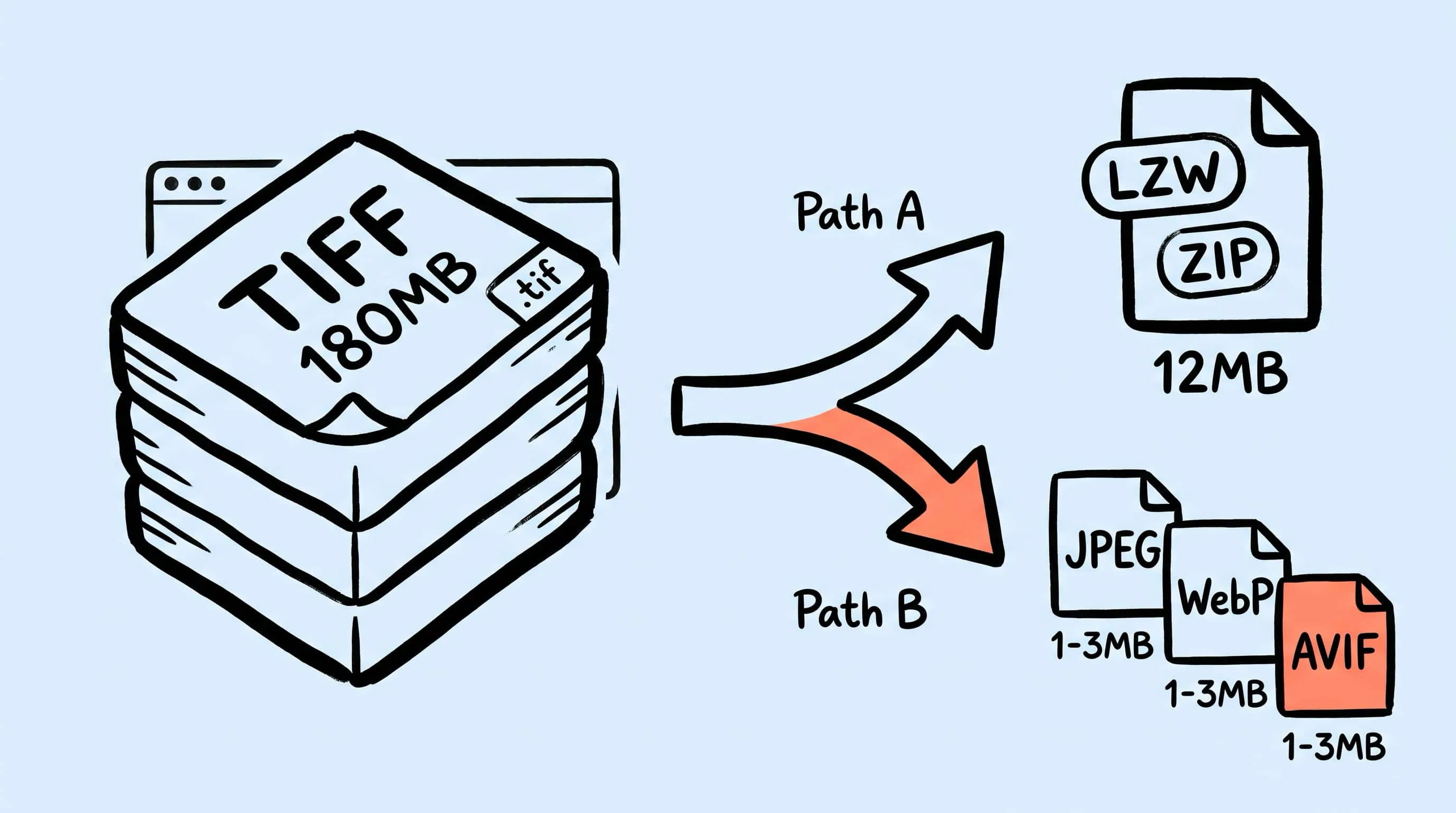
TIFF Compression: How to Reduce Large TIFF Files on Mac
Compress TIFF files on Mac without losing quality. Compare LZW vs ZIP, shrink 100 MB scans, and batch convert TIFF to JPEG, WebP, AVIF, HEIC, or JXL with Zipic.
WebP Image Optimizer for Mac: Convert and Compress to WebP
Looking for a WebP image optimizer on Mac? Zipic is a native WebP compression tool that converts JPEG, PNG, and HEIC to WebP with batch processing and quality control.