Zipic Updates 2026: The Year of Self-Built Compression Engines
Zipic updates 2026, version by version: how five in-house compression engines — zipic-jpeg, pngoptim, SVGift, pdfoptim, gifoptim — replaced outside tools this year.
Tracked one release at a time, the Zipic updates from 2026 look unremarkable — a new feature, a few bug fixes, the usual. Read them together and the year has a clear shape. In 2026, Zipic replaced the outside tools it relied on for compression with engines it builds itself.
By May, five of Zipic’s core format engines run on in-house code. Here is how that happened, version by version.
A Quick Map of Zipic Updates in 2026
Between February and May, the releases fall into two arcs — the early ones cleaned up color handling and stability, the later ones rebuilt the compression engines.
- v1.8.5 (February) — better color accuracy for WebP and AVIF, plus a round of NotchDrop and clipboard fixes.
- v1.9.0 (March) — new JPEG, PNG, and SVG engines, Smart Skip, quick preset switching, and wide-gamut color handling.
- v1.9.1 / v1.9.2 (March) — follow-up fixes for clipboard monitoring, folder monitoring, and an iPhone portrait-photo bug.
- v1.9.3 (April) — pdfoptim and gifoptim replaced the last two external dependencies.
- v1.9.4 (April) — stronger default GIF compression and steadier license validation.
- v1.9.5 (May) — a one-click 7-day Pro trial and the new
zipiccommand-line tool. - v1.9.6 (May) — more consistent metadata handling, with privacy metadata reliably stripped when you ask for it.
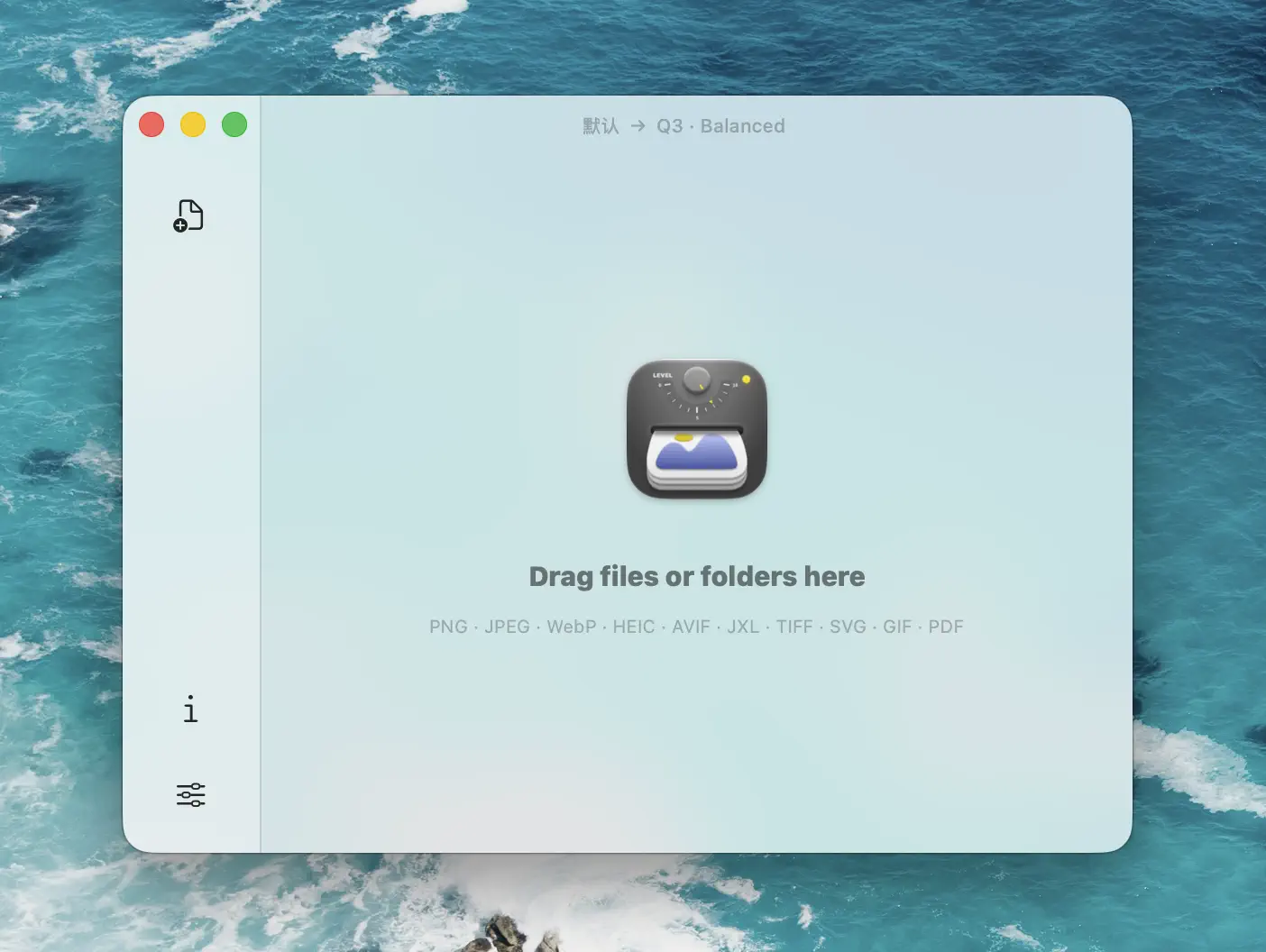
Zipic’s main window. Much of the 2026 work is in the engines behind it — but the way you reach those engines changed too.
v1.9.0: Three In-House Engines Go Live
v1.9.0 moved three formats to engines Zipic owns:
- zipic-jpeg — a heavily customized MozJPEG build with a rebuilt pipeline, tuned for cleaner edges and faster runs. The upstream MozJPEG project has slowed noticeably in recent years, which makes a maintained build worth the effort.
- pngoptim — a from-scratch Rust engine for PNG that compresses faster at comparable quality, and adds APNG support for animated PNGs (Pro).
- SVGift — a new Swift engine for SVG with six quality steps (Q1–Q6). Its comparison view renders SVGs as live vectors instead of rasterized previews (Pro).
v1.9.0 also reworked color handling (covered below) and added Smart Skip, which recognizes files Zipic has already compressed and leaves them alone.
The interface change in v1.9.0 is quick preset switching, and it shifted how the app feels day to day. Picking a preset used to mean opening the main window, selecting one, then compressing. Now you hold ⌥ (Option) while dragging files — onto the main window or onto the notch at the top of the screen — and Zipic lays out every preset right there; drop the files onto the one you want and it compresses with that preset. The trip through the settings is gone.
PDF was the holdout. In March it still ran on a rebuilt Ghostscript engine — capable, but a separate download of roughly 30 MB. Replacing it was the next job.
v1.9.3: pdfoptim and gifoptim Retire the Last Dependencies
April finished the set. The two formats still tied to outside tools — PDF and GIF — moved to in-house Rust engines:
- pdfoptim took over from Ghostscript. Ghostscript is a solid, well-tested project, but it shipped as an optional ~30 MB download under an AGPL license. pdfoptim is bundled with the app and handles image downsampling, font subsetting, and object deduplication on its own. Drop in a PDF and it works — no separate install.
- gifoptim took over from gifski, keeping each frame’s delay and the original loop count so animations play at their intended speed. v1.9.4 then pushed the default GIF level harder, with the top levels cutting file size by 30% or more.
The v1.9.3 notes thanked the people behind those tools — Artifex for Ghostscript, Kornel Lesiński for gifski. Both shipped working PDF and GIF support to Zipic users long before an in-house engine could have, and using them first made clear what the replacements had to get right. Bundling its own engines is about dropping the extra installs and license terms, not a verdict on the originals.
The reasoning behind each engine — how the PDF quality levels are graded, how pngoptim handles APNG frames — sits in deep dives like the pdfoptim engine, not here.
Why WebP and AVIF Still Use libwebp and libavif
That leaves WebP and AVIF, which still run on libwebp and libavif. Keeping them is a decision, not a gap.
libwebp comes from Google, which created the WebP format. libavif comes from the Alliance for Open Media, the group behind the AV1 codec that AVIF is built on. Both are the reference implementations for their formats — as close to an official encoder as either one has. Rewriting them would mean chasing two moving specifications for no gain in quality.
Zipic builds its own engine when it can beat the alternative, or when the alternative costs users something real — a bulky download, a license constraint, a stalled project. For WebP and AVIF, neither applies.
Color Accuracy: The Other 2026 Project
The engine work drew the attention, but color accuracy ran alongside it all year.
v1.8.5 started it, with better color when converting to WebP and AVIF. v1.9.0 went further: wide-gamut Display P3 images keep their gamut instead of dropping to sRGB, HDR photos hold their dynamic range through compression, and WebP, AVIF, and TIFF output keeps the original ICC profile. v1.9.5 fixed a specific case where iPhone HDR photos shifted color on the way to AVIF.
This is the kind of work you only notice when it fails. v1.9.6 carries it on, tightening how metadata is handled: the “Preserve Image Metadata” setting behaves more consistently when converting to WebP, AVIF, JXL, and HEIC, and privacy metadata is actually stripped when you turn that setting off.
What Else Shipped: Trial, CLI, and Automation
Not all of 2026 was engine work. A few changes are worth noting on their own:
- The 7-day Pro trial (v1.9.5) unlocks every Pro feature for a week — from onboarding, the menu bar, Settings, or the upgrade prompt. No card required, once per device.
- The
zipiccommand-line tool (v1.9.5) installs one command to/usr/local/binand compresses images from the terminal, a script, or an AI assistant, with the same output as the app.
All of this builds on automation Zipic already had — URL Scheme, AppIntents, Apple Shortcuts, and folder monitoring that auto-compresses new files the moment they land. Point folder monitoring at your screenshots folder and every screenshot shrinks the instant it is saved. The workflow integration guide covers them; for a step-by-step walkthrough, see automating compression with Apple Shortcuts.
Where Zipic Goes From Here
Owning the JPEG, PNG, SVG, PDF, and GIF engines changes the pace of the product. Format-specific work — APNG frame optimization, PDF font subsetting, SVG plugin handling — no longer waits on someone else’s release schedule.
For day-to-day use, nothing changes: drag files in, get smaller files out. What changes is how quickly problems get fixed and formats improve. New to image compression on Mac? Start with the best image compression software for Mac. Already on Zipic and wondering where the free tier ends? See Zipic Free vs Pro.
Related Articles
- Progressive JPEG vs Baseline: Why Some Tools Make Smaller Files
- Best Image Compression Software for Mac in 2026
- Zipic Free vs Pro: Which Version Do You Actually Need?
- Automate Image Compression with Apple Shortcuts and Zipic
- Batch Compress PDF on Mac with pdfoptim Rust Engine
For more on integrating Zipic into your toolchain, see the Workflow Integration documentation.
Ready to try it? Download Zipic and start compressing. Every download includes a full 7-day Pro trial — see Pro pricing when you’re ready to unlock everything.
Related Reading
How to Compress Images on Mac Fast (Without Ruining Quality)
Compress images on Mac with drag-and-drop, Finder, presets, and batch automation — protect originals, check quality at 100%, then scale the workflow.
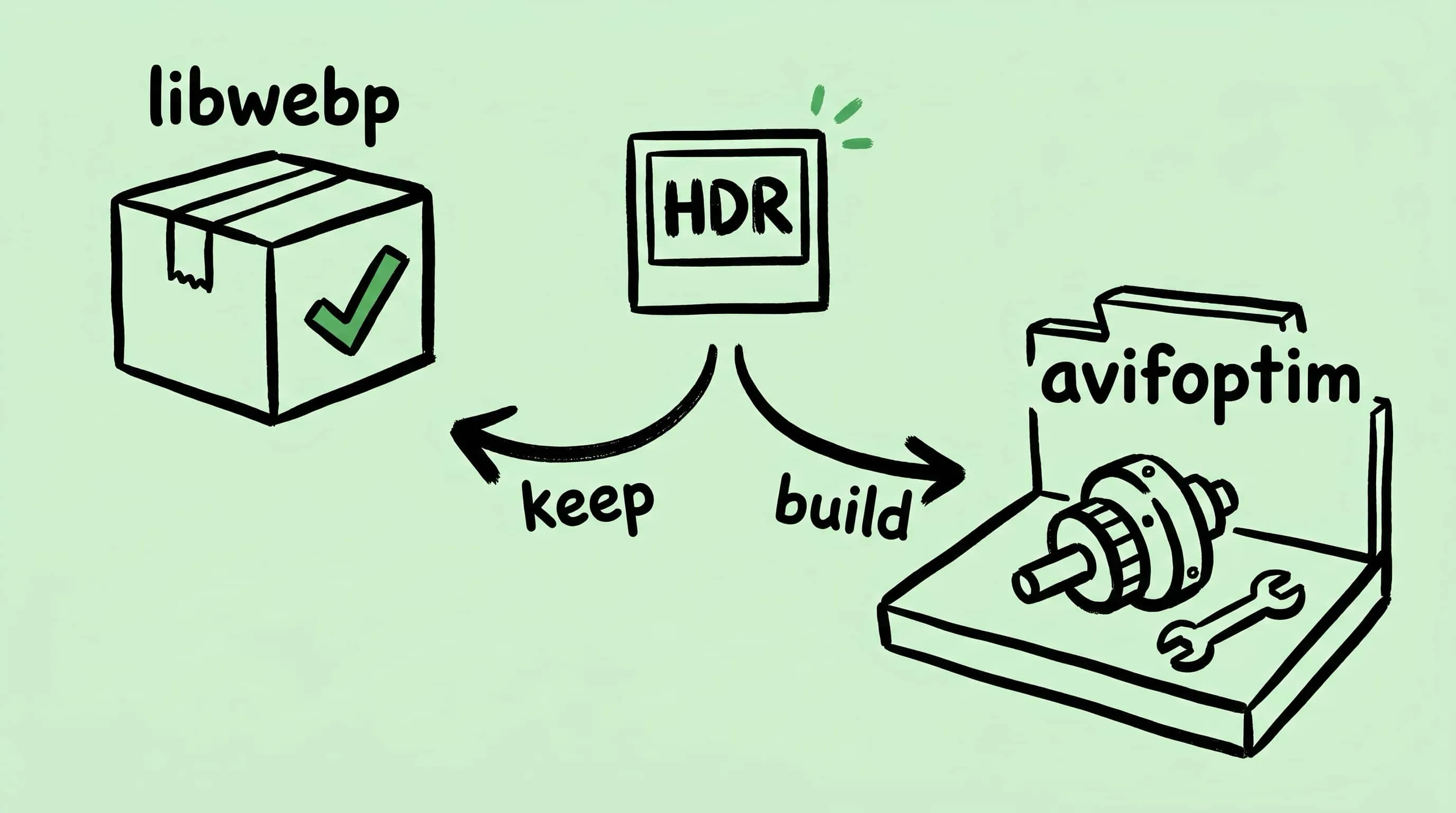
Why Zipic Kept libwebp for WebP but Built Its Own AVIF Encoder
Zipic keeps Google's libwebp for WebP but built avifoptim after libavif failed to preserve iPhone HDR photos. The engineering trade-off explained.
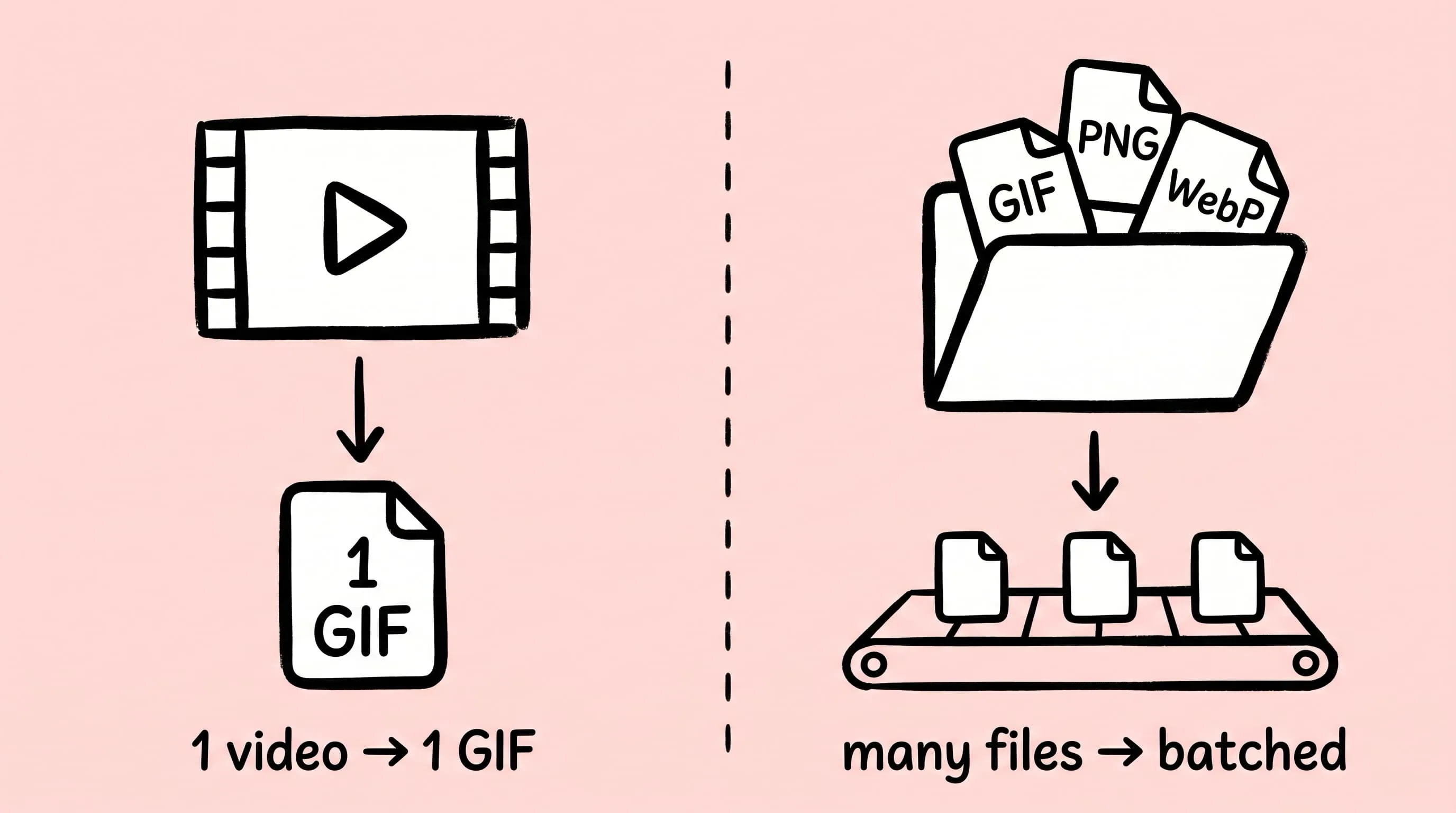
Best gifski Alternative on Mac: When One Video at a Time Isn't Enough
gifski is a great video-to-GIF encoder, but it cannot batch, monitor folders, or compress existing GIFs. Here is the Mac gifski alternative for those jobs.
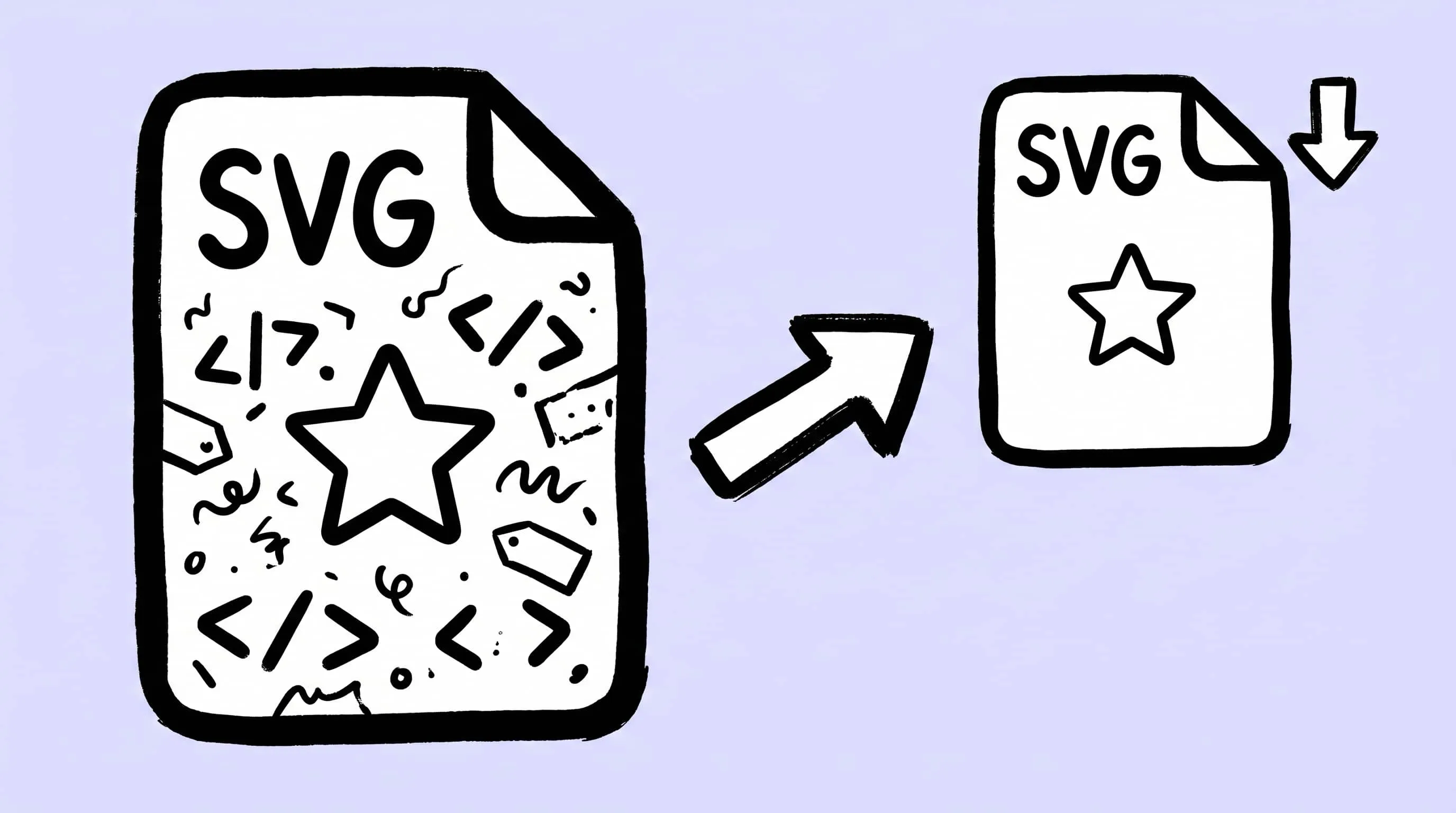
How to Compress and Optimize SVG Files on Mac with Zipic
Need an SVG optimizer on Mac? Compress and optimize SVG files with Zipic — strip editor bloat, pick from six quality steps (Q1–Q6), and batch entire icon sets.